

Convert to FigJam diagram
Turn any Slack thread or Notion doc section into a clean diagram, automatically generating a FigJam board. Get a shareable FigJam link plus the Mermaid source and node list, with an option to write the result back into your Notion page when you @mention it.- Tạo kết quả đầu ra có cấu trúc (danh sách, bảng biểu, v.v.)
- Tạo hình ảnh trực quan hoặc biểu đồ
- Phản hồi các lượt đề cập hoặc điều kiện kích hoạt
Giới thiệu về trợ lý này
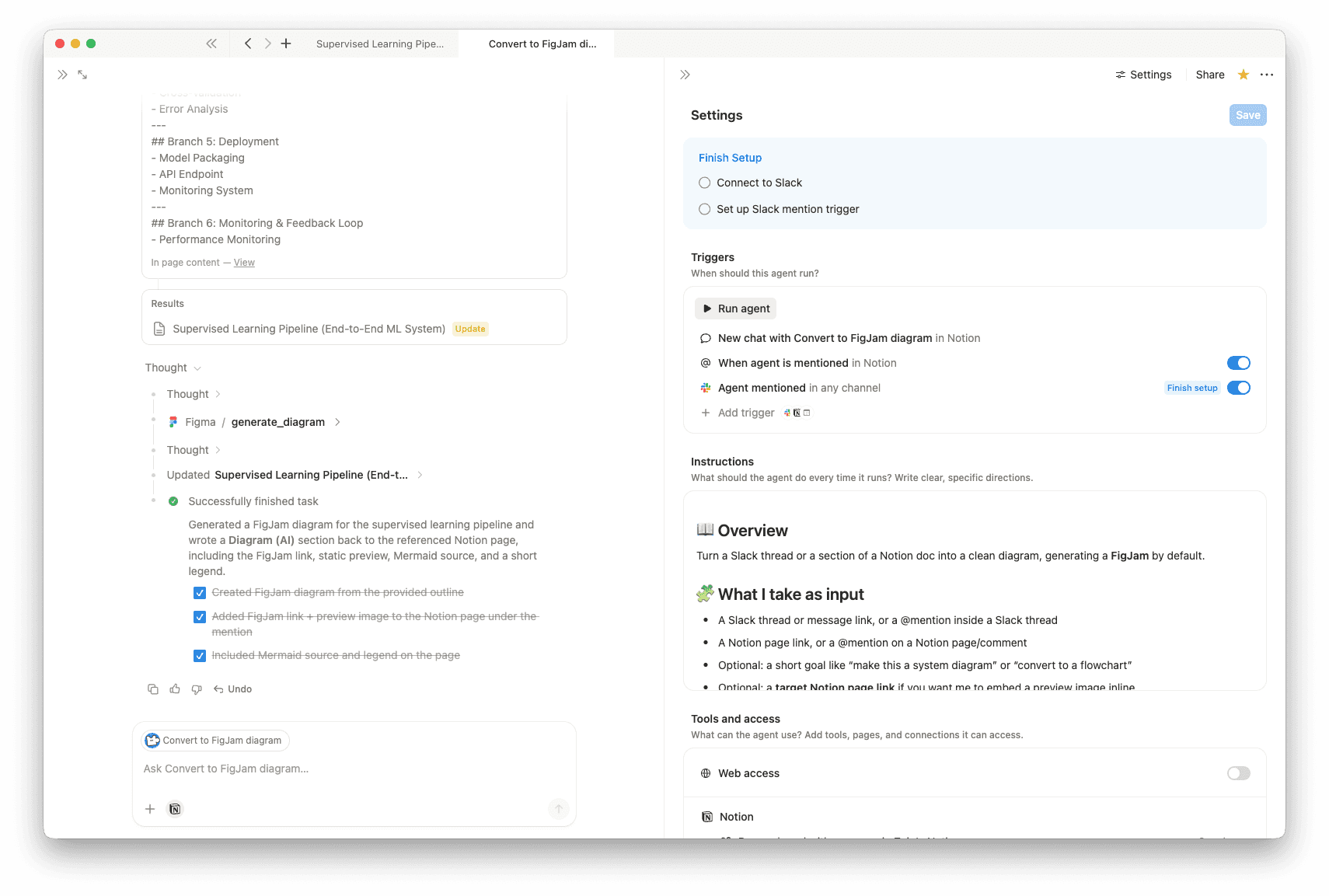
Convert to FigJam diagram turns Slack threads or Notion pages into clear diagrams, automatically generating a FigJam board when available. It pulls out the key actors, steps, decisions, inputs, outputs, and constraints, then returns a shareable diagram you can quickly refine.
What it works with
- Slack message or thread links
- Notion page links or @mentions
- An optional goal (for example, “make this a flowchart”)
- An optional target Notion page (to embed a preview)
What you get
- FigJam link
- Static preview image (when available)
- Mermaid source (easy to edit)
- FigJam-ready node and arrow list
- Short legend
- Minimal follow-up questions, only if needed
Write-back to Notion
- If you @mention the agent on a page and it has edit access, it can add a “Diagram (AI)” section near your mention with the link, preview, and source.
Thư viện
Chi tiết
Danh mục
Giới thiệu về tác giả
Trợ lý liên quan

ELI5: help me understand anythingThis agent turns messy info from Slack, PRs, docs, and emails into a very simple explanation. It also rewrites it as a clear professional summary with risks, decisions, and next steps, plus a short TL;DR you can paste.
Miễn phí

Clear my mailDelivers a Slack daily email digest with smart categorization, urgency flags, and action suggestions.
Miễn phí