
VaultRelay
About
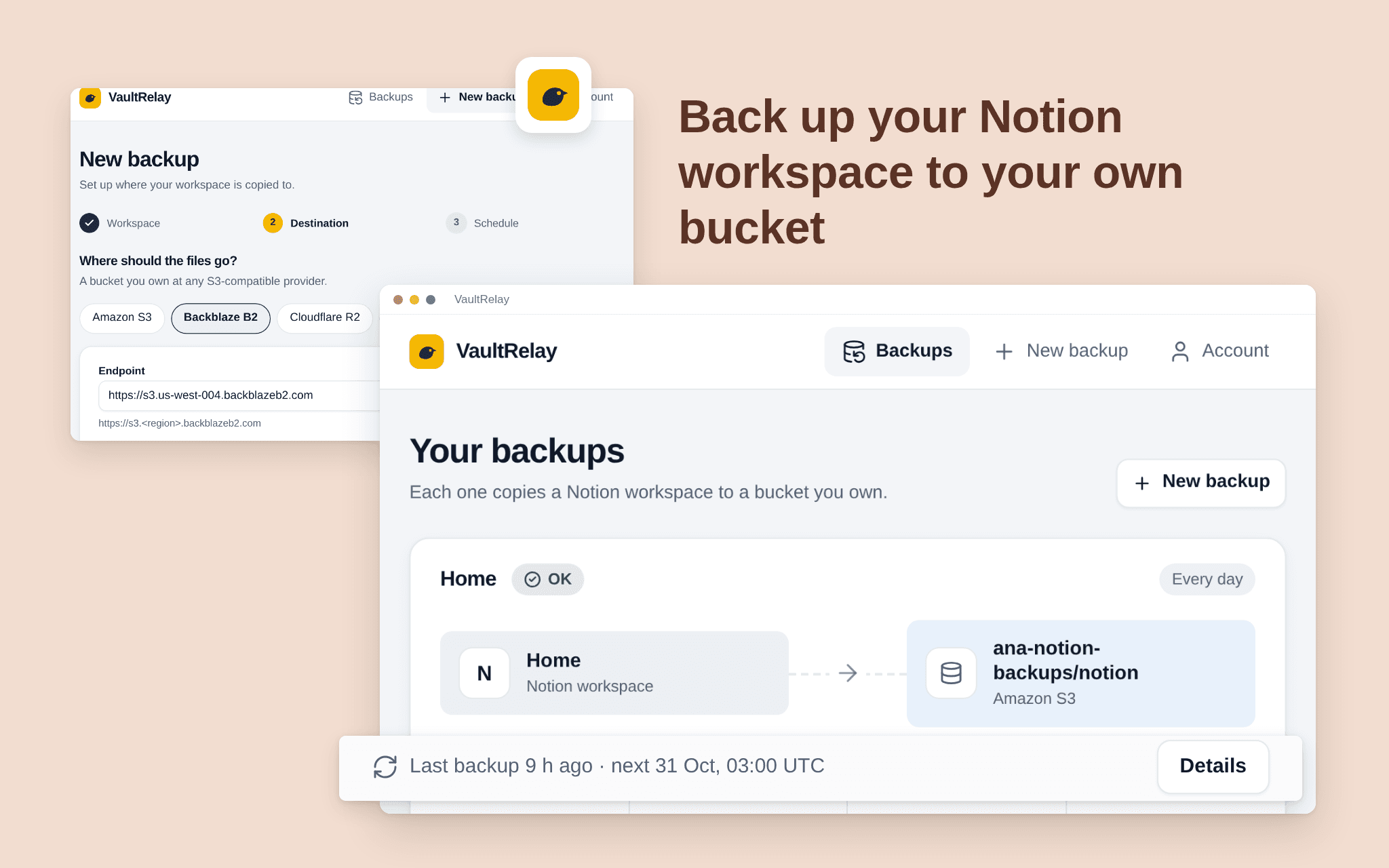
VaultRelay copies your Notion pages and databases to a bucket you own (Amazon S3, Backblaze B2, Cloudflare R2, Wasabi) every day or every week. Files are plain Markdown, CSV and JSON, with the files you uploaded saved next to them, so you can read them without any special tool. Pick the pages to share, add your bucket, choose the schedule. VaultRelay never keeps your content: it goes straight from Notion to your bucket, and nothing in the bucket is ever overwritten or deleted. Free while in beta.
Tính năng
- Đọc nội dungCó thể đọc các trang, cơ sở dữ liệu và thành phần nội dung được chia sẻ với kết nối này.
- Xem người dùng trong không gian làm việcĐọc thông tin hồ sơ cơ bản của thành viên và khách trong không gian làm việc, bao gồm cả địa chỉ email của họ.
How to use
1. Open the install link and sign in with Notion.
2. Select the pages and databases VaultRelay may copy (it only sees what you share).
3. Add your bucket: provider, bucket name and an access key that can write to it. Test the connection.
4. Choose every day or every week. The first backup starts right away.