
Token Security Secret Scanning
About
Token Security Secret Scanning continuously scans your Notion pages and databases for exposed secrets - API keys, access tokens, cloud credentials, and other sensitive material - so your security team can find and remediate leaks before they're abused.
Read-only and scoped: Token only reads the content of the pages and databases you explicitly select when connecting. It never modifies, creates, or deletes anything in your workspace.
Tính năng
- Đọc nội dungCó thể đọc các trang, cơ sở dữ liệu và thành phần nội dung được chia sẻ với kết nối này.
How to use
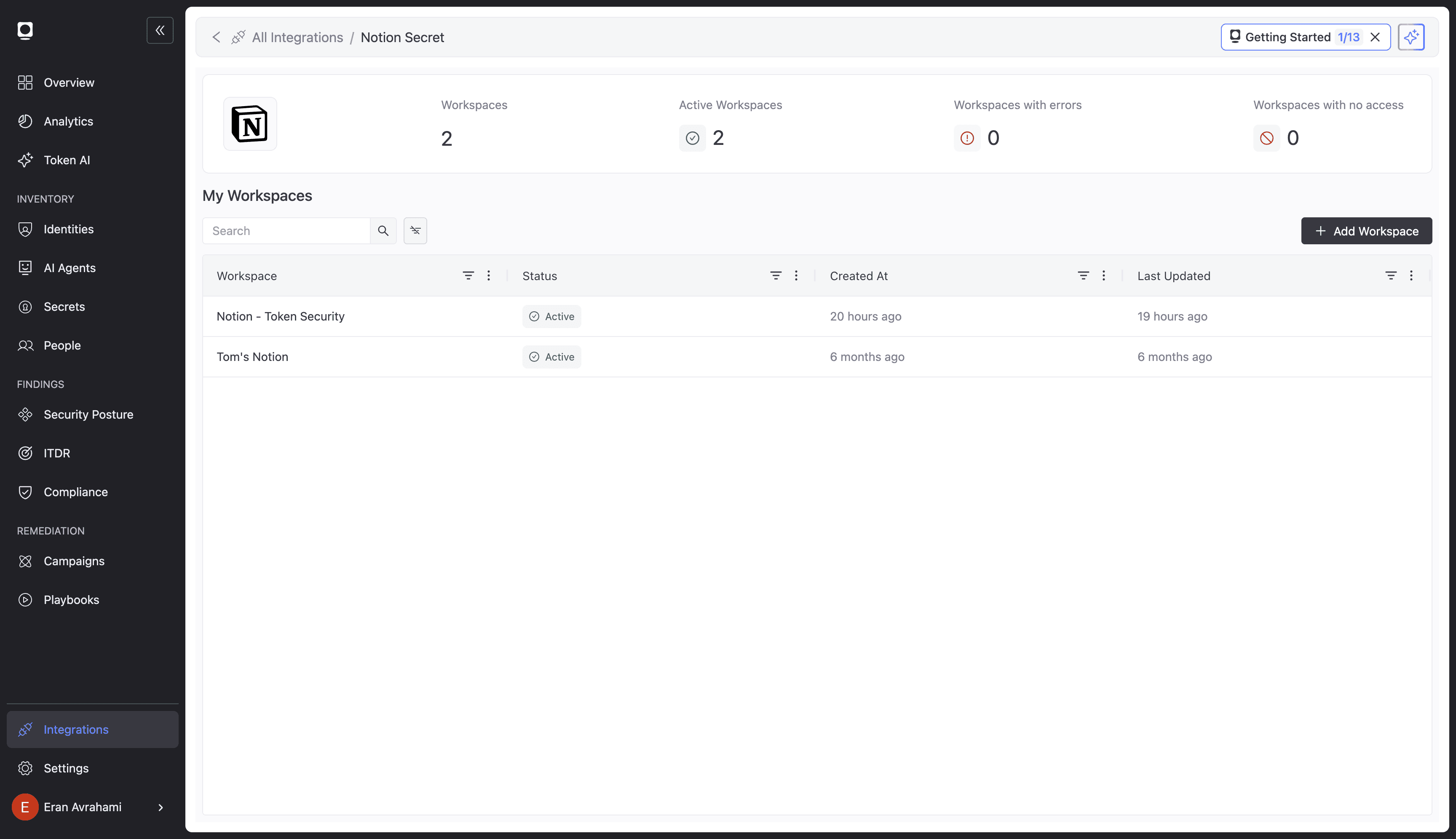
1. In the Token Security dashboard, open Integrations → Notion Secret.
2. Click Add Workspace, choose OAuth, then Connect to Notion.
3. Approve the connection and select the pages and databases to scan.
4. Token starts scanning automatically; findings appear under Findings.
Full guide: https://docs.token.security/docs/notion-secret-scanning