
About
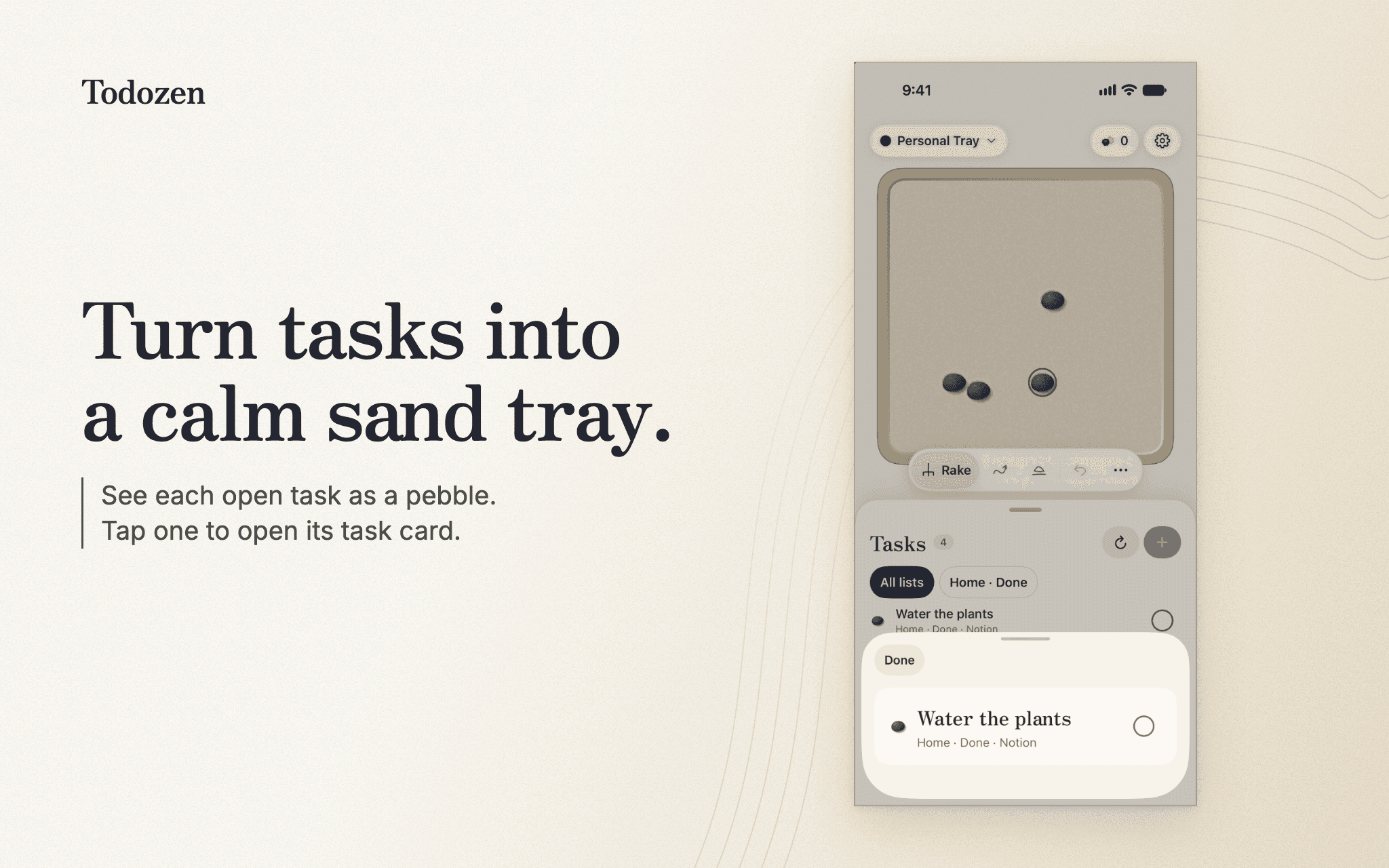
Todozen turns your tasks into a calm, raked sand tray. Connect a Notion database with a checkbox property, and Todozen shows its open pages as pebbles. Complete a pebble and Todozen updates the matching checkbox in Notion. Todozen also connects Apple Reminders, Todoist, Google Tasks, Microsoft To Do, and TickTick, with Home Screen widgets and shared trays.
Tính năng
- Đọc và cập nhật nội dungCó thể đọc và cập nhật các trang, cơ sở dữ liệu và thành phần nội dung được chia sẻ với kết nối này.
- Xem người dùng trong không gian làm việcĐọc thông tin hồ sơ cơ bản của thành viên và khách trong không gian làm việc, bao gồm cả địa chỉ email của họ.
How to use
Add a checkbox property to your Notion task database. In Todozen, open Settings, Connected apps, Notion and connect your workspace. Give Todozen access to the database, then select the database and checkbox property in Todozen. Your unchecked pages appear as pebbles. Complete a pebble to check off its page in Notion.