
About
The Tines integration for Notion allows you to seamlessly automate your security and IT operations, using and updating Notion as the source of truth. Collaborate, track cases, and involve humans-in-the-loop in Notion, while your workflows run automatically in the background in Tines.
Tính năng
- Đọc, chèn và cập nhật nội dungCó thể đọc, chèn và cập nhật các trang, cơ sở dữ liệu và thành phần nội dung được chia sẻ với kết nối này.
- Đọc và thêm bình luậnCó thể đọc và thêm bình luận trên các trang và thành phần nội dung mà nó có thể truy cập.
- Xem người dùng trong không gian làm việcĐọc thông tin hồ sơ cơ bản của thành viên và khách trong không gian làm việc, bao gồm cả địa chỉ email của họ.
How to use
Set up a Tines connect flow for Notion:
Credentials home: select
+ New credentialand choose the product you'd like to connect to Tines.Storyboard:
Story overview pane:
Select
+in the credentials section and chooseNotionSelect
Connectby the product name and chooseCreate credentialorNew connection.Select
Replaceafter hovering over the product name and chooseCreate credential.
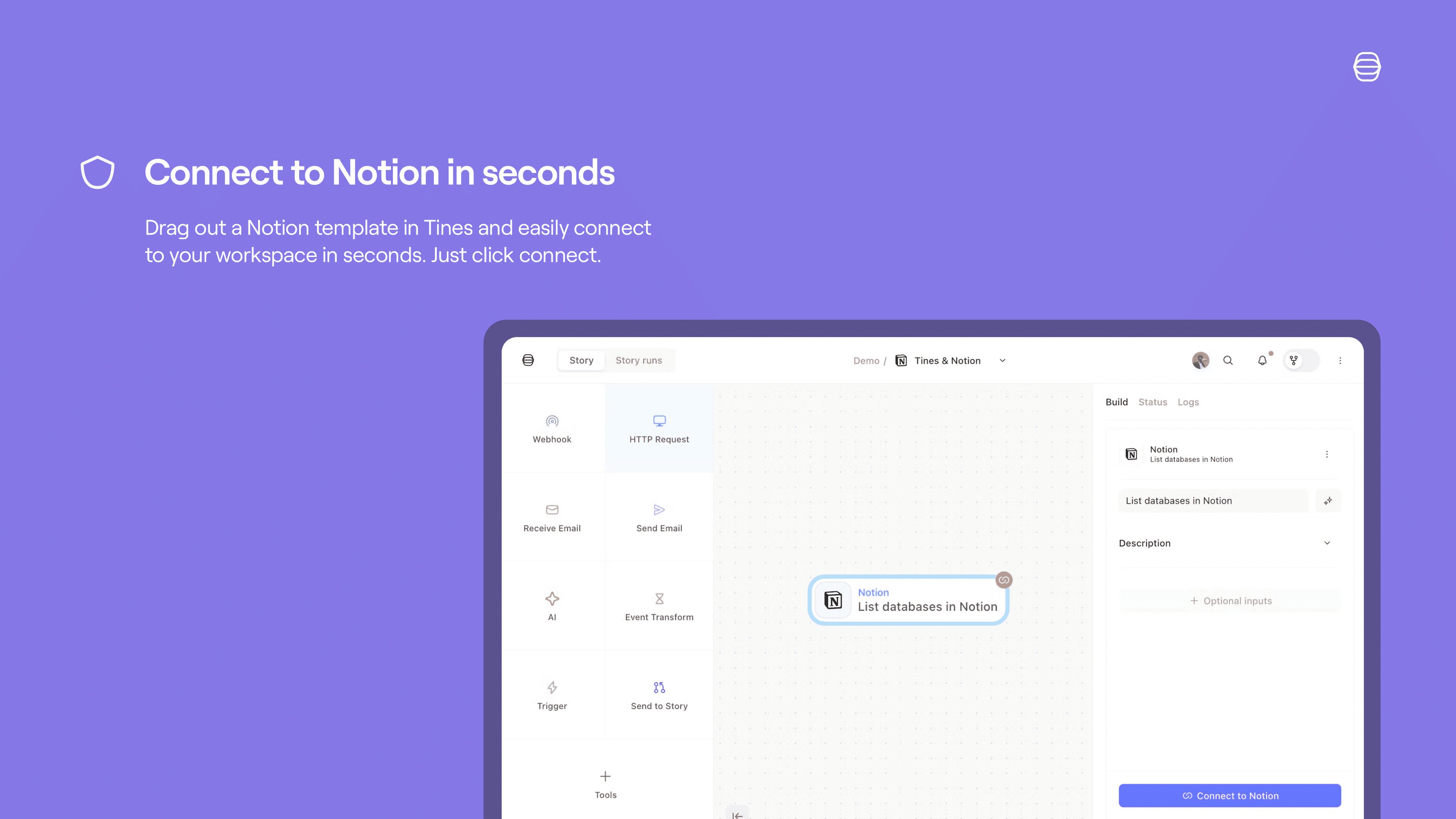
Product template: if you select a template for a product that has a connect flow, a connect button will appear. Select
Connectand thenNew connectionto start the connect flow for that product.
See more info here.