 SEO&OH
SEO&OH AI
About
SEO&OH AI turns recordings from the SEO&OH capsule recorder into transcripts with speaker labels, summaries, key points, decisions, and action items.
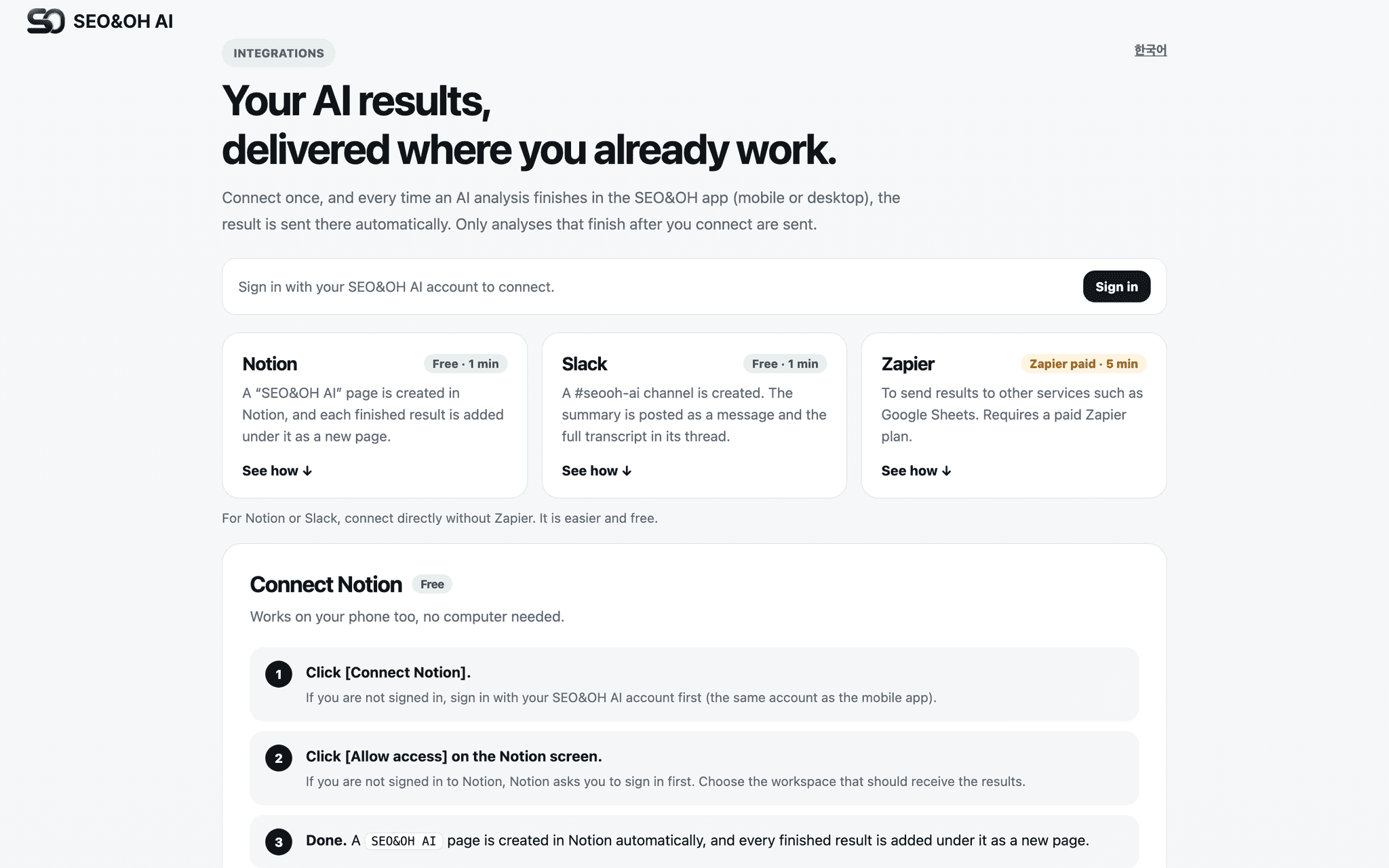
Connect Notion once, pick a page or database, and every finished AI result is added there automatically. No downloading, no copy-paste.
What gets created in Notion:
• A new page (or database row) per recording, titled with the AI summary title
• Overview, key points, decisions, action items
• Full transcript with speaker names and timestamps
• Multi-recording AI Notes (weekly or monthly digests) as separate pages
Notes:
• Writes only to the page or database you select. Never reads or modifies other content.
• Disconnect at any time from the same settings page.
• Requires a SEO&OH AI account (mobile app on iOS/Android, desktop app on macOS/Windows).
Tính năng
- Đọc, chèn và cập nhật nội dungCó thể đọc, chèn và cập nhật các trang, cơ sở dữ liệu và thành phần nội dung được chia sẻ với kết nối này.
- Xem người dùng trong không gian làm việcĐọc thông tin hồ sơ cơ bản của thành viên và khách trong không gian làm việc, bao gồm cả địa chỉ email của họ.
How to use
Step 1) Sign in at https://seoandoh.kr/integrations/?lang=en with your SEO&OH AI account (Google, Apple, or email).
Step 2) Click "Connect Notion" and approve access to the page or database you want to use.
Step 3) A "SEO&OH AI" page is created in your workspace automatically. Each new result is added under it.
Step 4) Finish an AI analysis in the SEO&OH AI app. The result appears in Notion within seconds.
You can send a test delivery from the same page, and disconnect at any time.
