NEXUPIRA
NEXUPIRA
About
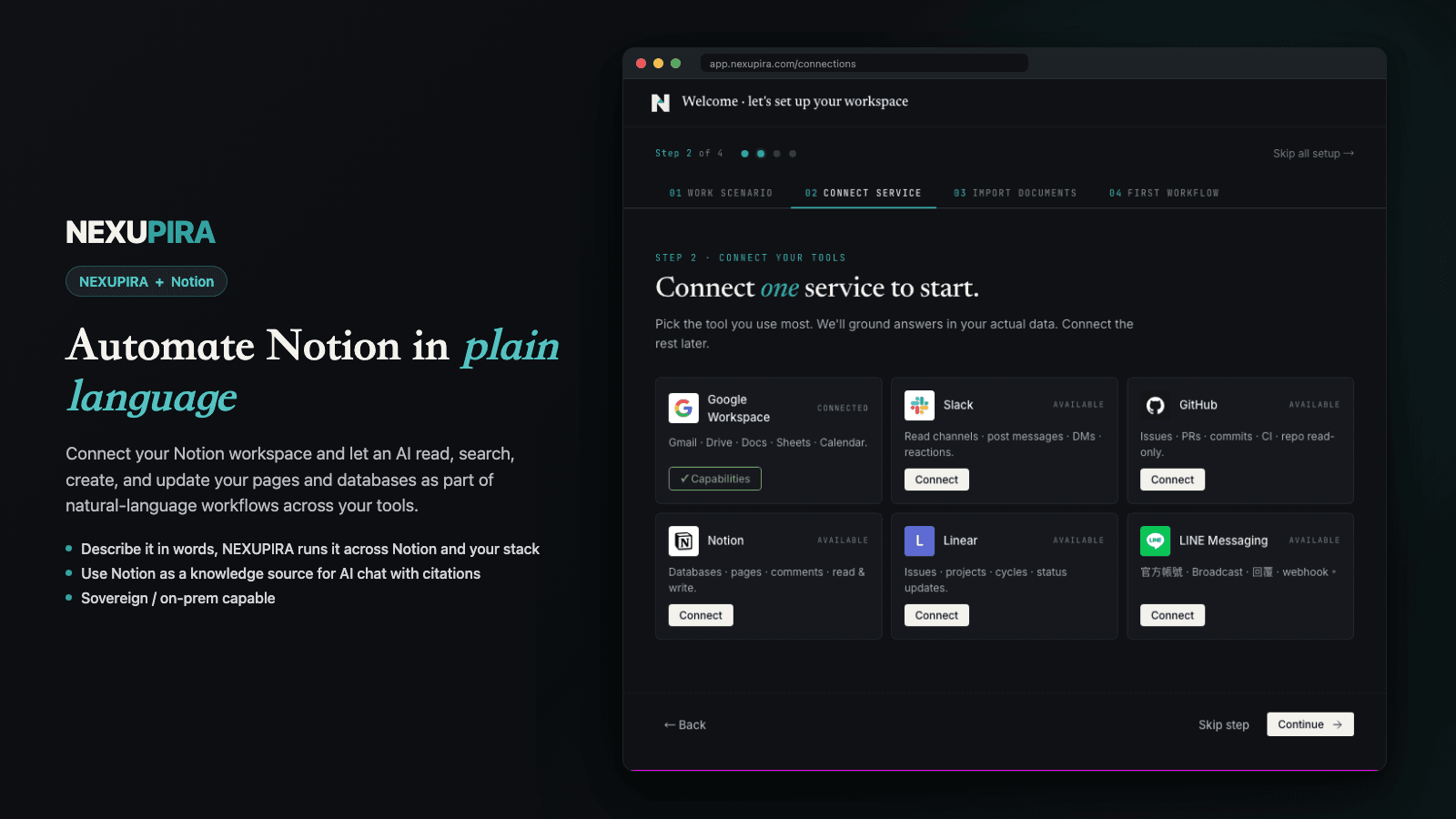
NEXUPIRA is an AI-powered automation platform that connects Notion with your other tools and workflows. Using natural language, your AI assistant can read pages and databases, create new content, and manage your Notion workspace as part of larger cross-service automations.
Core Notion capabilities:
- Read pages and databases to use as context for AI workflows
- Create new pages and documents with AI-generated content
- Append text and structured content to existing pages
- Search your Notion workspace for relevant information
- Connect Notion with Slack, Gmail, Google Calendar, GitHub, and other tools in a single automated workflow
NEXUPIRA acts as a neural spine for your operations — letting the AI assistant work across Notion and your entire tool stack. Connect your Notion workspace once and let NEXUPIRA handle the rest.
Data handling: Notion content is accessed in real-time to fulfill the user's specific request and is not stored beyond the duration of the workflow.
Tính năng
- Đọc, chèn và cập nhật nội dungCó thể đọc, chèn và cập nhật các trang, cơ sở dữ liệu và thành phần nội dung được chia sẻ với kết nối này.
- Đọc và thêm bình luậnCó thể đọc và thêm bình luận trên các trang và thành phần nội dung mà nó có thể truy cập.
- Xem người dùng trong không gian làm việcĐọc thông tin hồ sơ cơ bản của thành viên và khách trong không gian làm việc, bao gồm cả địa chỉ email của họ.
How to use
1. Sign up for a NEXUPIRA account at https://nexupira.com
2. Go to the Connections page and click "Connect Notion"
3. Authorize NEXUPIRA to access your Notion workspace via OAuth
4. In the NEXUPIRA chat interface, you can now use natural language to interact with your Notion workspace — read pages, create documents, and automate workflows
5. To get started, try: "Show me my recent Notion pages" or "Create a new page titled Meeting Notes"