
About
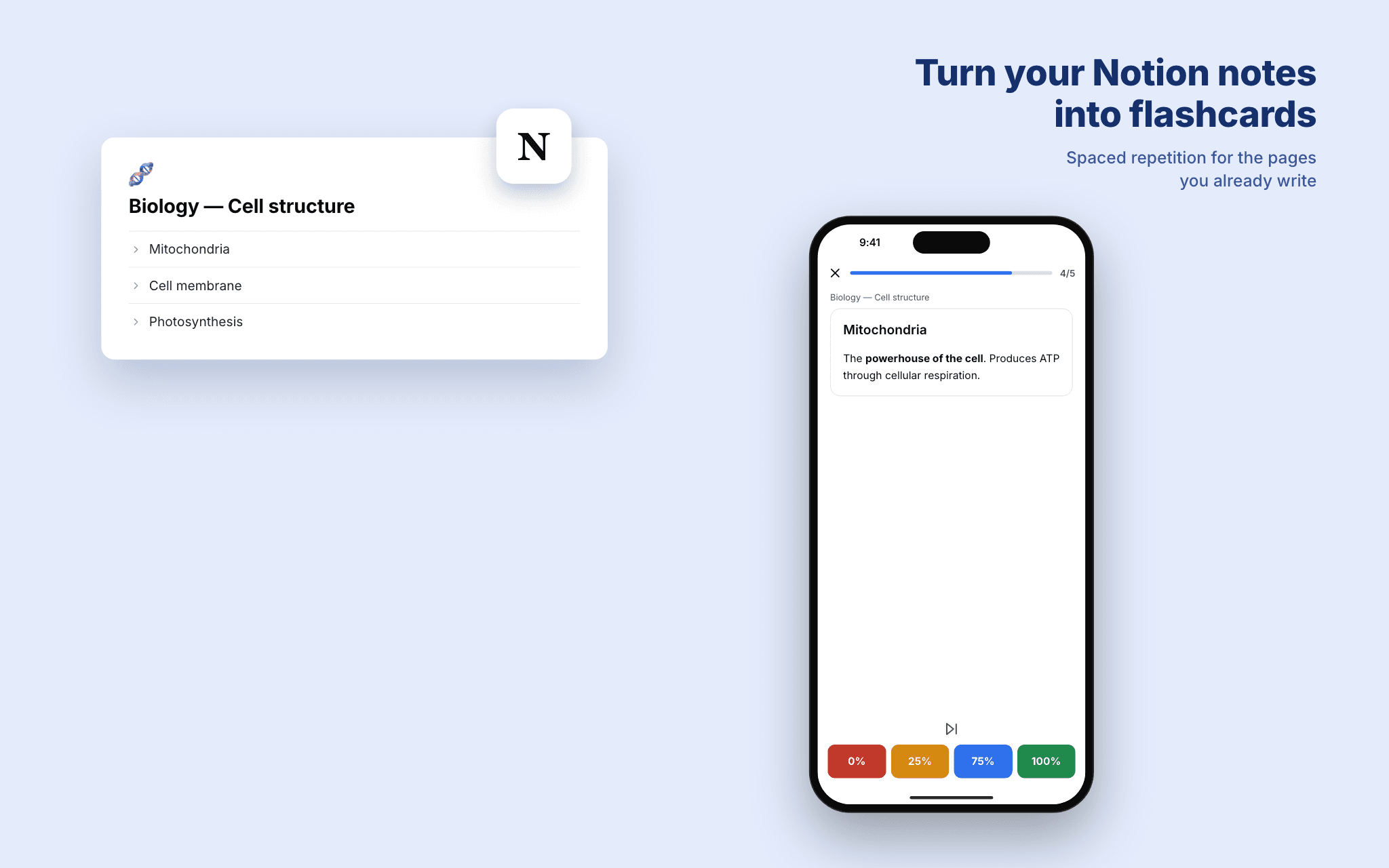
Memocache turns the Notion pages you already write into spaced-repetition flashcards, then shows each card right before you'd forget it.
HOW IT WORKS Connect your Notion workspace — with OAuth or an integration token — and pick the pages you want to study. Every toggle block becomes a card: the toggle title is the question, its content is the answer. Each page becomes a deck. Sync after editing your notes and new or changed cards update automatically.
REVIEW THAT FITS HOW YOU LEARN Reveal the answer, then grade your recall. Choose SM-2 (SuperMemo) or Leitner scheduling. Answers render like your Notion notes: bold and italic text, lists, tables, images, and syntax-highlighted code.
PRIVATE BY DESIGN No account or sign-up. Cards and progress stay on your device. Your Notion token is stored in the system Keychain/Keystore and is only ever sent to Notion.
Notion is a trademark of Notion Labs, Inc. Memocache is an independent app and is not affiliated with, or endorsed by, Notion Labs, Inc.
Tính năng
- Đọc nội dungCó thể đọc các trang, cơ sở dữ liệu và thành phần nội dung được chia sẻ với kết nối này.
How to use
- Open Memocache and go to the
Sources
tab. - Tap
Connect with Notion
and approve access on Notion's authorization page — pick the pages or workspaces you want to share. - You're returned to the app; select which shared pages to sync.
- Tap
Sync now
. Every toggle block on those pages becomes a flashcard, grouped into a deck per page. - Go to
Home
and start reviewing — cards are scheduled with spaced repetition so you see each one right before you'd forget it.
Details
- Tự động hóa
- Năng suất
- Kỹ thuật