
Marcomm AI
About
Marcomm AI is where corporate communications teams write, review and publish press releases, blog posts and newsroom content.
This connection lets you send a press release or blog draft to your own Notion workspace as a new page with one click. Each person connects with their own Notion login (OAuth).
What the connection does:
- Creates a new page for the press release or draft you choose, with headings, paragraphs, lists, quotes and links preserved.
- Needs only permission to insert content and to read basic user information to show which account is connected.
- Never edits or deletes existing pages, and never reads your other Notion content.
You can disconnect at any time from Settings > Integrations > Notion in Marcomm AI.
Tính năng
- Đọc và chèn nội dungCó thể đọc và chèn các trang, cơ sở dữ liệu và thành phần nội dung được chia sẻ với kết nối này.
- Xem người dùng trong không gian làm việcĐọc thông tin hồ sơ cơ bản của thành viên và khách trong không gian làm việc, bao gồm cả địa chỉ email của họ.
How to use
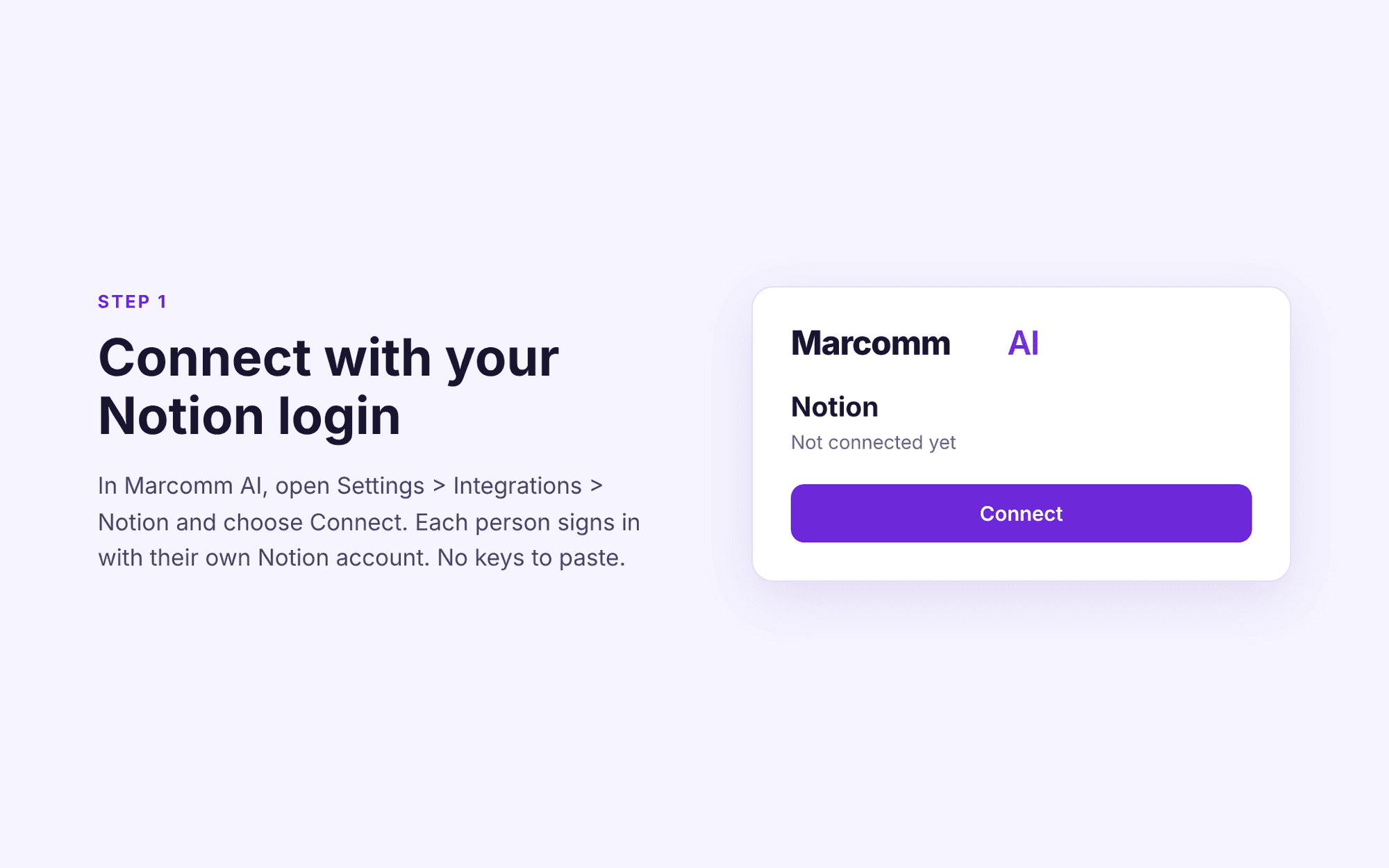
1. Sign in to Marcomm AI (https://marcomm.works) and open Settings > Integrations > Notion.
2. Click Connect, sign in to Notion and choose the pages you want to share with the connection.
3. Open any press release or blog post and choose "Send to Notion". A new Notion page is created in the location you selected.
To stop sharing, disconnect the connection in Marcomm AI or remove it in Notion under Settings > Connections.