Agents AI ltd.

MagicInterview
About
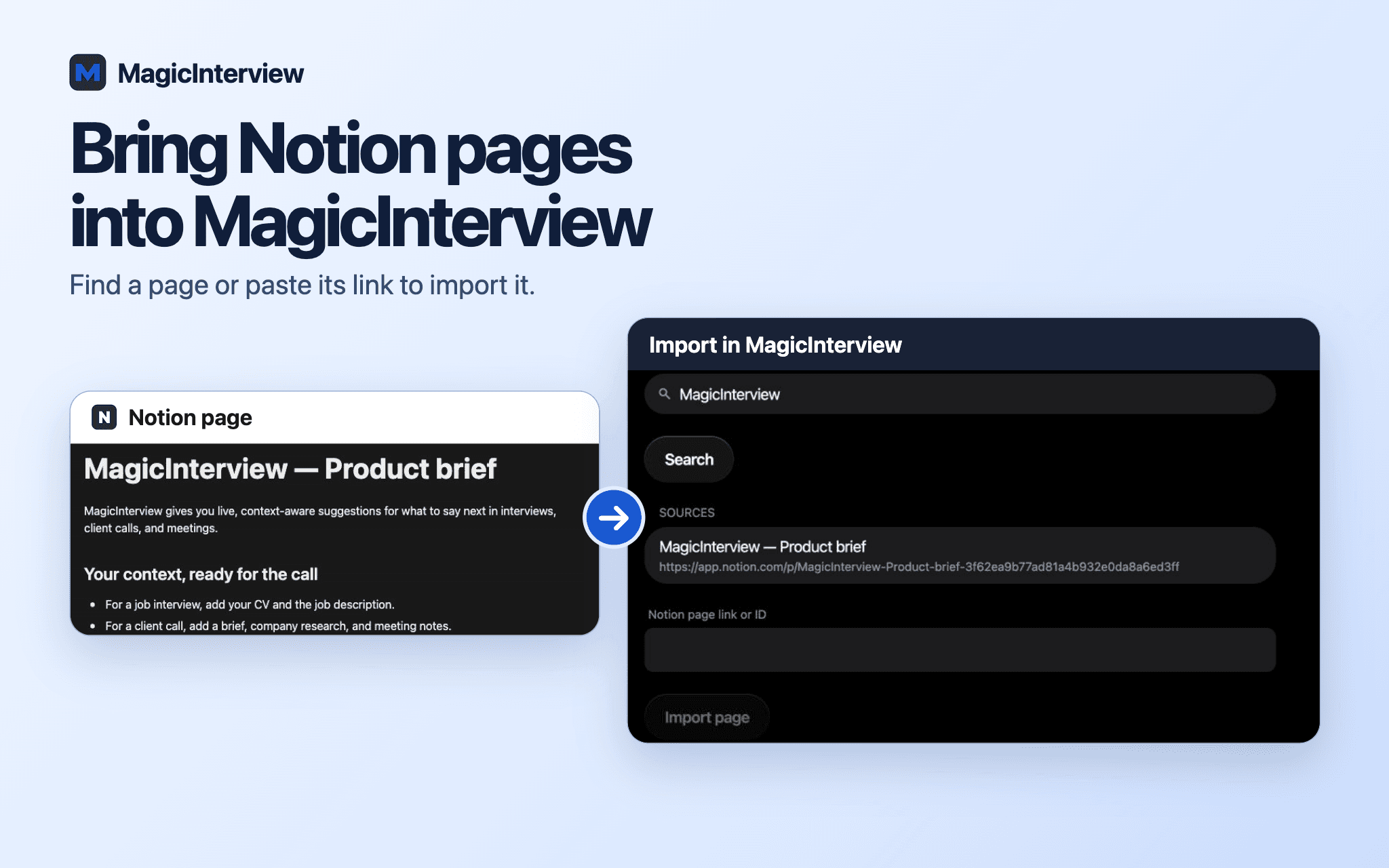
Get live, context-aware suggestions for what to say next in interviews, client calls, and meetings. Connect Notion and import a job description, client brief, company research, or meeting notes into your MagicInterview source library. Attach those sources to a project or conversation so the coach can use your own context as the call unfolds. Import a page again to update the same source. MagicInterview reads the Notion pages you authorize; it does not edit them or sync changes automatically. Connect and import on the web, then use your saved sources across your MagicInterview devices.
Tính năng
- Đọc, chèn và cập nhật nội dungCó thể đọc, chèn và cập nhật các trang, cơ sở dữ liệu và thành phần nội dung được chia sẻ với kết nối này.
How to use
1. Open MagicInterview and sign in.
2. In Workspace → Notion, choose Connect Notion and authorize access in Notion.
3. Search for a page or paste its Notion link, then import it.
4. Attach the saved source to your project or conversation.
5. Start your call and listening in MagicInterview to see suggestions for what to say next.
To refresh the notes, import the page again. To disconnect, open Workspace → Notion and choose Disconnect Notion.