HyNote_bao

HyNote
About
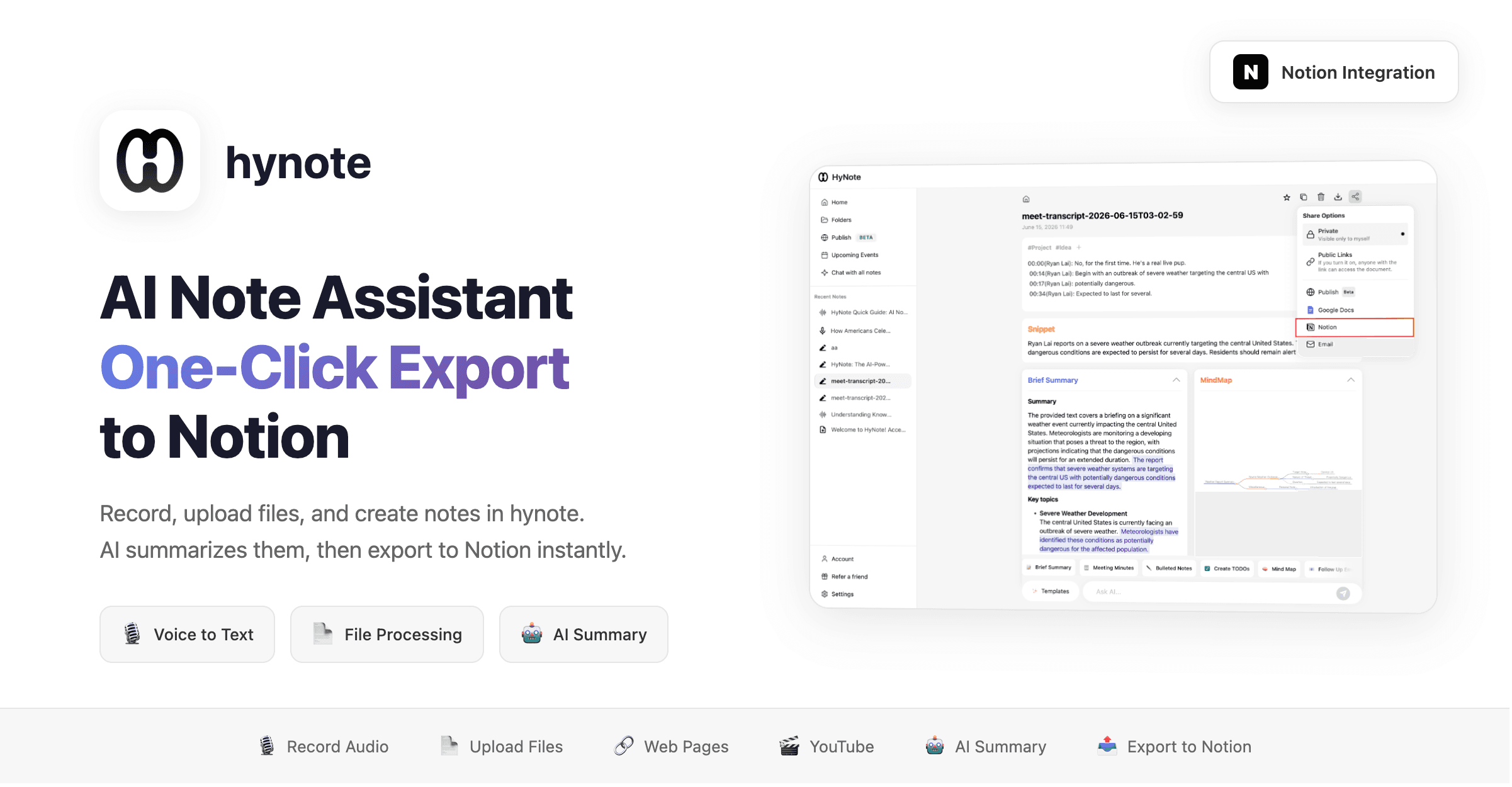
hynote is an AI-powered note assistant that helps you summarize recordings, uploaded files, and handwritten notes, then export them to Notion with one click.
What it does:
- 🎙️ Record audio → AI transcribes and summarizes
- 📄 Upload files (PDF, images, docs) → Extract content and summarize
- ✍️ Handwritten notes → AI organizes into structured content
- 📤 One-click export to Notion pages
Use cases:
- Meeting recording → Auto-generate meeting notes → Export to Notion
- Read a paper → AI summarizes key points → Save to Notion knowledge base
- Class notes → Organize into structured notes → Sync to Notion
Tính năng
- Đọc, chèn và cập nhật nội dungCó thể đọc, chèn và cập nhật các trang, cơ sở dữ liệu và thành phần nội dung được chia sẻ với kết nối này.
- Xem người dùng trong không gian làm việcĐọc thông tin hồ sơ cơ bản của thành viên và khách trong không gian làm việc, bao gồm cả địa chỉ email của họ.
How to use
hynote - AI Note Assistant | Notion Integration Guide
Step 1: Create a Note
- Log in to hynote
- Click
New Note - Choose your input method:
- 🎙️
Record Audio
— Record meetings, classes, or voice notes - 📷
Upload Image
— Upload images, screenshots, or handwritten notes - 📄
Import PDF
— Import PDF documents, papers, or reports - 📝
Import Text
— Import text files - 🔗
Import Web Page
— Paste a URL to auto-fetch content - 🎬
YouTube Video
— Paste a YouTube link to extract subtitles - 📸
Take Screenshot
— Capture screenshots as notes - 🎵
Import Audio
— Import audio files
- 🎙️
Step 2: AI Processing
- hynote auto-generates note content
- Use
AI Summary
— One-click intelligent summary - Use
AI Chat
— Chat with your note content for deeper understanding
Step 3: Export to Notion
- Click the
Share to Notion
button in the top right corner - Select the Notion page or database to export to
- Done! Your note is automatically written to Notion