
feedback.tools
About
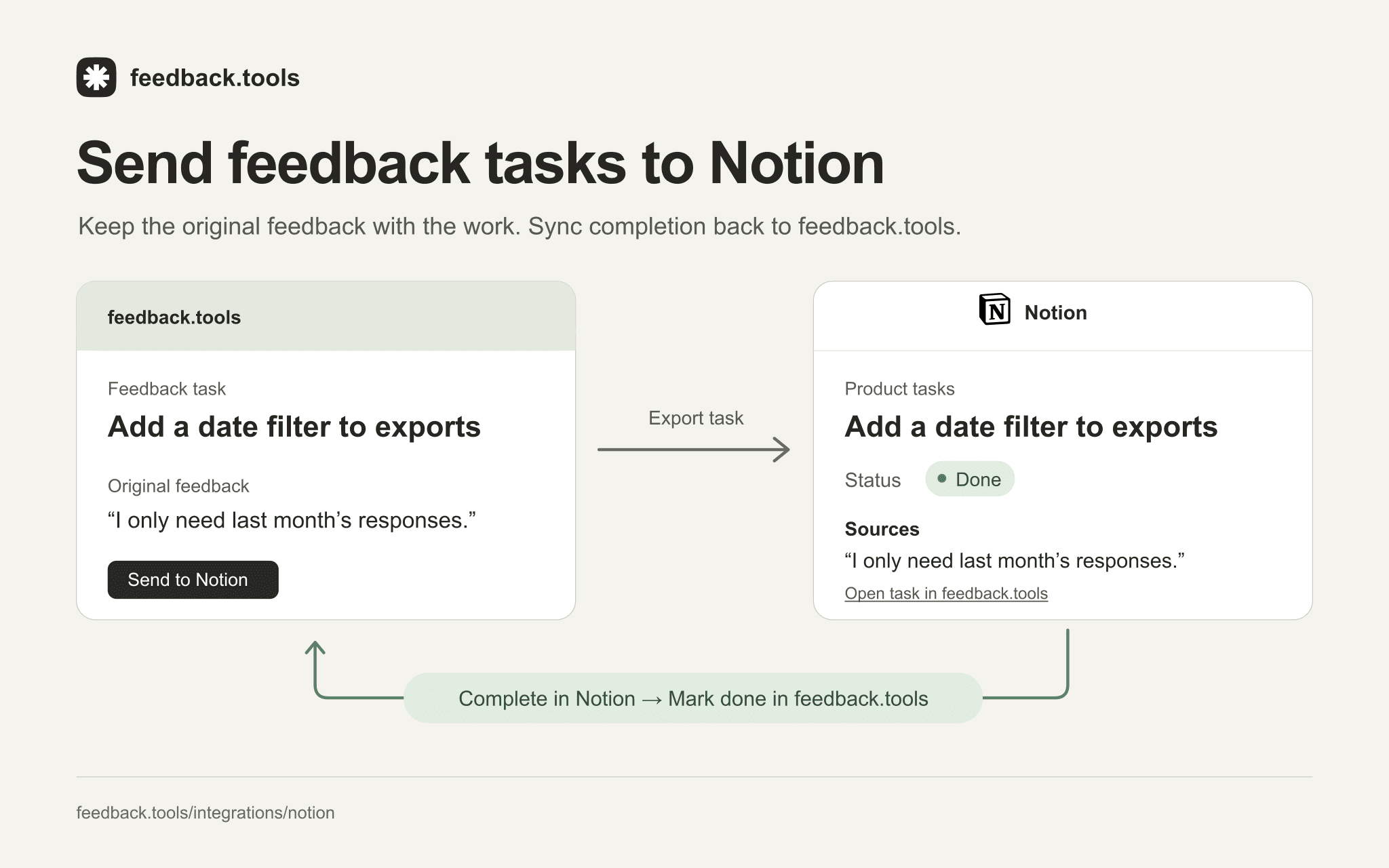
Send a task from feedback.tools to your team's Notion database. Each page includes the task description, the original customer feedback, and a link back to the task. Open the Notion page directly from feedback.tools. When your team marks the page complete in Notion, feedback.tools marks the linked task as done.
Tính năng
- Đọc, chèn và cập nhật nội dungCó thể đọc, chèn và cập nhật các trang, cơ sở dữ liệu và thành phần nội dung được chia sẻ với kết nối này.
- Xem người dùng trong không gian làm việcĐọc thông tin hồ sơ cơ bản của thành viên và khách trong không gian làm việc, bao gồm cả địa chỉ email của họ.
How to use
1. In feedback.tools, open a survey. Go to Settings → Integrations → Add integration and choose Notion.
2. In Notion, grant access to your task database or its parent page. The database needs a Status property.
3. Back in feedback.tools, choose the database, check which statuses count as complete, and select Save database.
4. Open a feedback task and select Send to Notion. Mark the resulting page complete in Notion to update the linked task.
Details
- Trải nghiệm khách hàng