
About
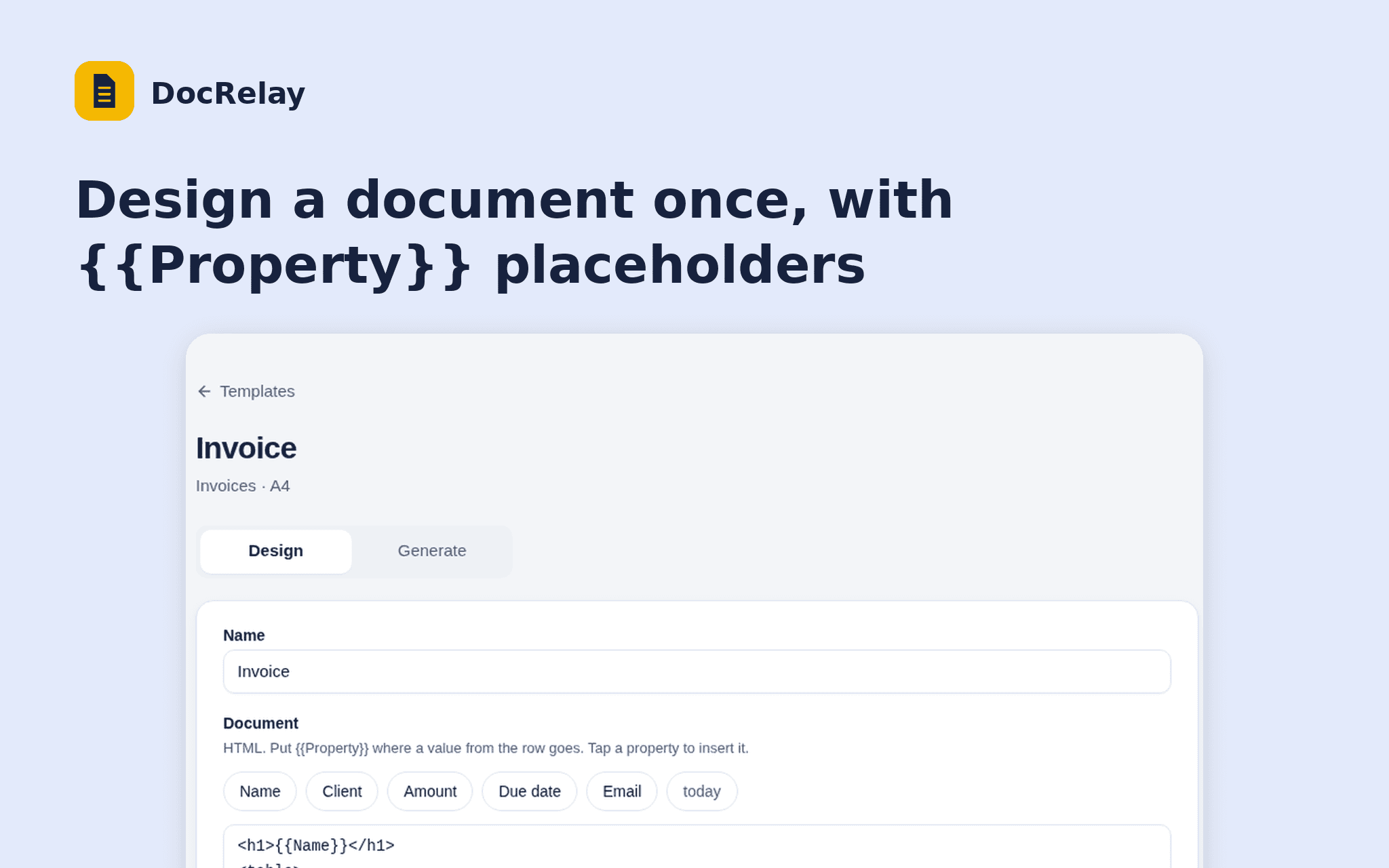
DocRelay turns the rows of a Notion database into PDFs. Design a document once with {{Property}} placeholders, pick the rows and download a PDF for each.
Start from an invoice or certificate layout, see a live preview of any row, and choose the page size and file name.
DocRelay only reads the databases you share and never writes to your workspace. Free while in beta.
Tính năng
- Đọc nội dungCó thể đọc các trang, cơ sở dữ liệu và thành phần nội dung được chia sẻ với kết nối này.
- Xem người dùng trong không gian làm việcĐọc thông tin hồ sơ cơ bản của thành viên và khách trong không gian làm việc, bao gồm cả địa chỉ email của họ.
How to use
1. Open the install link and sign in with Notion.
2. Select the database DocRelay may read.
3. Create a template and choose the database.
4. Design the document and check the preview.
5. Open Generate, tick the rows and download the PDFs.