Firnity
NotiCord for Discord
About
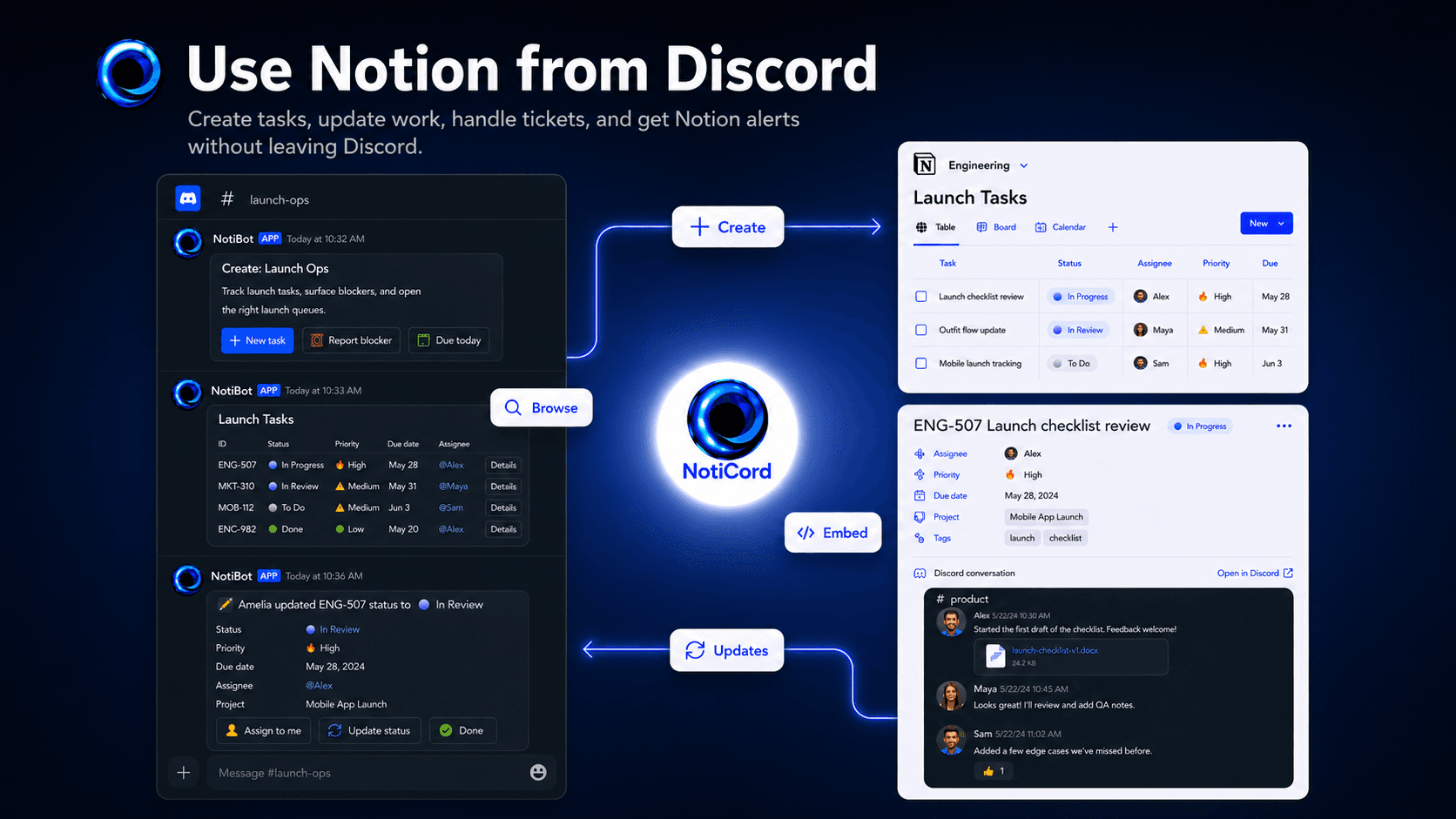
Bring Notion into your Discord server. Send page and database updates to the right channels, create tasks, tickets, docs, and requests from slash commands or panels, search Notion pages with /find, and update records with quick-action buttons. Embed read-only Discord channels in Notion pages and link accounts for synced @mentions.
Tính năng
- Đọc, chèn và cập nhật nội dungCó thể đọc, chèn và cập nhật các trang, cơ sở dữ liệu và thành phần nội dung được chia sẻ với kết nối này.
- Đọc và thêm bình luậnCó thể đọc và thêm bình luận trên các trang và thành phần nội dung mà nó có thể truy cập.
- Xem người dùng trong không gian làm việcĐọc thông tin hồ sơ cơ bản của thành viên và khách trong không gian làm việc, bao gồm cả địa chỉ email của họ.
How to use
1. Click "Login with Discord" at https://app.noticord.com
2. Authorize Discord and add the bot to your server
3. Connect your Notion workspace and select databases to share
4. Create a notification rule:
- Choose a Notion database and Discord channel
- Select events to track (Page Created, Page Updated)
5. Test it! Create a page in Notion and see it appear in Discord.
Full documentation: https://noticord.com/docs