
About
Crustdata (YC F24) is a real-time data platform for companies and people: 800M+ professional profiles and 200M+ companies.
Connect Crustdata to your Notion Agent and ask it things like:
• "Who did Stripe hire from Google in the last 6 months?"
• "Find Series A fintech companies in Berlin growing headcount fastest"
• "Pull the leadership team of acme.com with their past companies"
• "Which companies in my pipeline database just raised or are hiring sales?"
The agent can then write the answers straight into your pages and databases, enriching a CRM, an investor pipeline or a recruiting tracker with live data instead of copy-pasting from LinkedIn.
What's available:
• Company data: headcount over time, growth, funding, investors, tech stack, web traffic, job postings
• People data: current role, work history, education, skills, location
• Changes: who joined or left a company, job changes, new funding rounds
• Search: filter and rank companies and people across any of the above
Tính năng
- Đọc, chèn và cập nhật nội dungCó thể đọc, chèn và cập nhật các trang, cơ sở dữ liệu và thành phần nội dung được chia sẻ với kết nối này.
- Xem người dùng trong không gian làm việcĐọc thông tin hồ sơ cơ bản của thành viên và khách trong không gian làm việc, bao gồm cả địa chỉ email của họ.
How to use
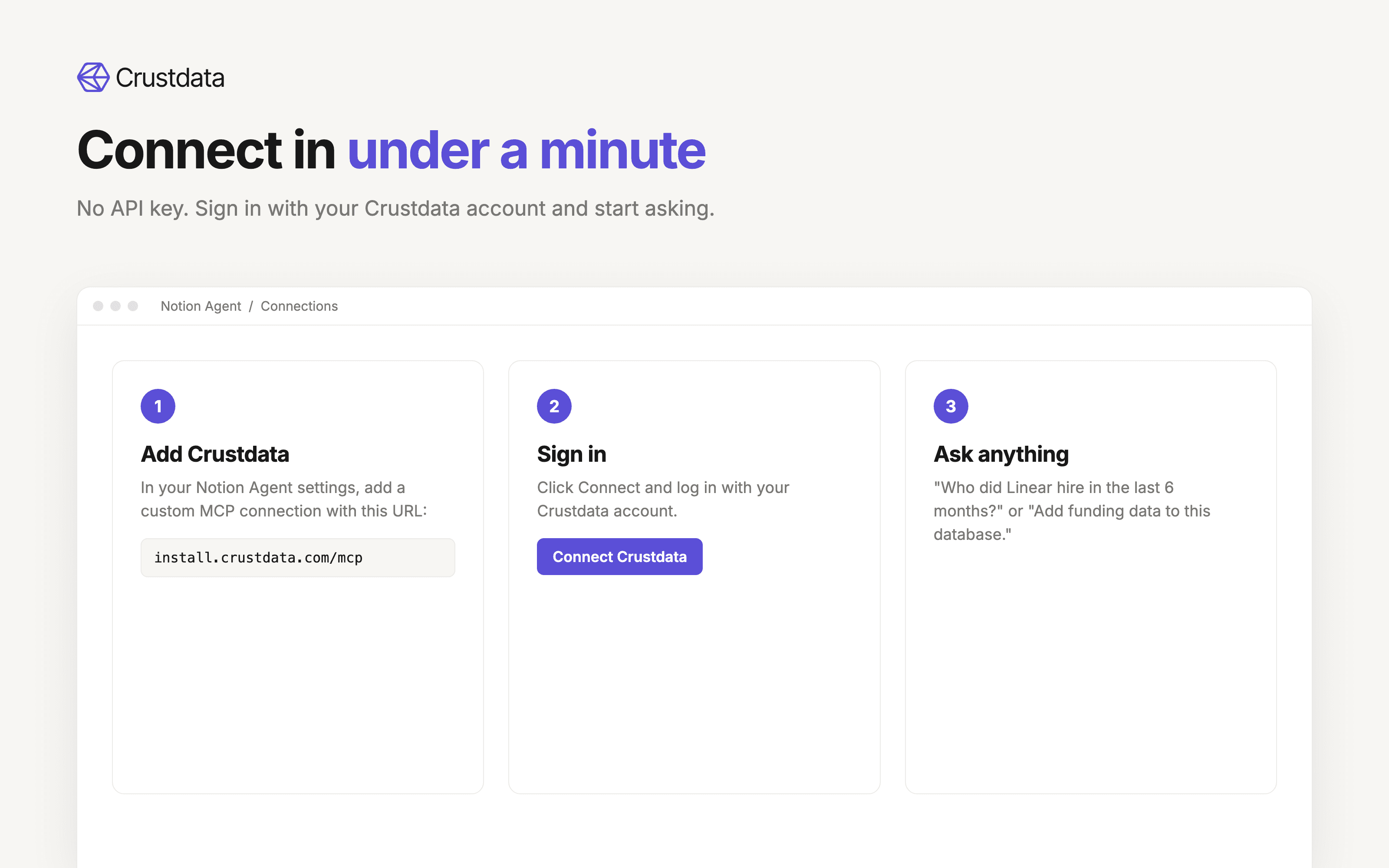
1. Sign up for a Crustdata account at crustdata.com (or use your existing one).
2. In Notion, open your Notion Agent settings and add a custom MCP connection.
3. Name it "Crustdata" and paste this URL: https://install.crustdata.com/mcp
4. Click Connect and sign in with your Crustdata account. No API key needed.
5. Ask your Notion Agent a question like "Find the 10 fastest-growing AI startups in New York and add them to this database."
Full setup guide: https://docs.crustdata.com/for-agents/mcp