

About
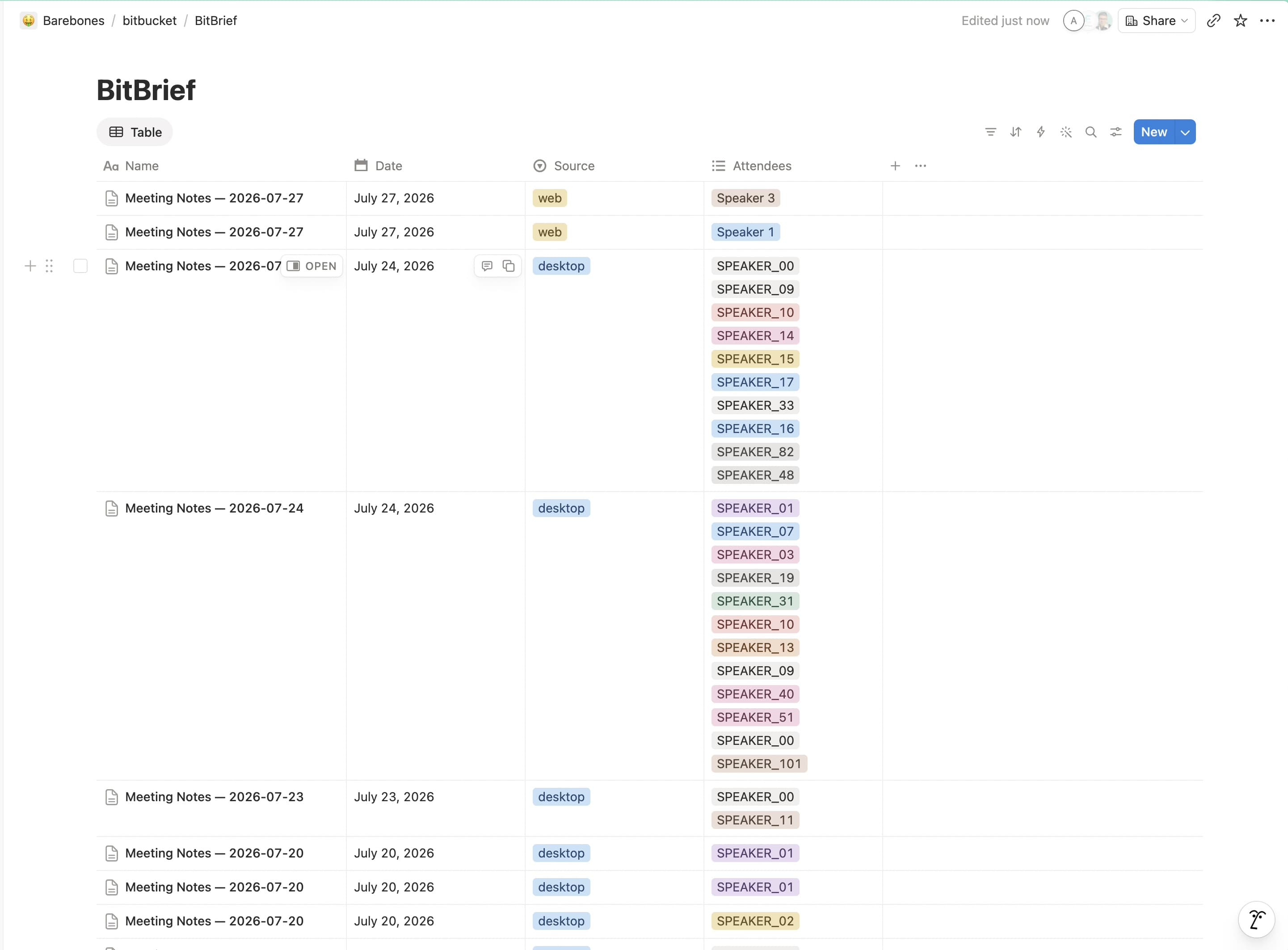
BitBrief turns your meeting recordings into structured notes: summary, decisions, action items, and a full transcript. It then publishes each meeting as a page in a "BitBrief Meetings" database in your workspace. Use the provided template during connection and BitBrief sets the database up for you; it only creates and updates the meeting pages you've shared with it.
Tính năng
- Đọc, chèn và cập nhật nội dungCó thể đọc, chèn và cập nhật các trang, cơ sở dữ liệu và thành phần nội dung được chia sẻ với kết nối này.
- Xem người dùng trong không gian làm việcĐọc thông tin hồ sơ cơ bản của thành viên và khách trong không gian làm việc, bao gồm cả địa chỉ email của họ.
How to use
1. Install BitBrief on your Mac and open it.
2. In the setup wizard or Settings → Notion export, click Connect to Notion.
3. Approve access in your browser and choose Use a template — BitBrief adds a "BitBrief Meetings" database to your workspace automatically.
4. Record or upload a meeting. Your notes, action items, and transcript appear in that database when processing finishes — no other setup needed.
