
About
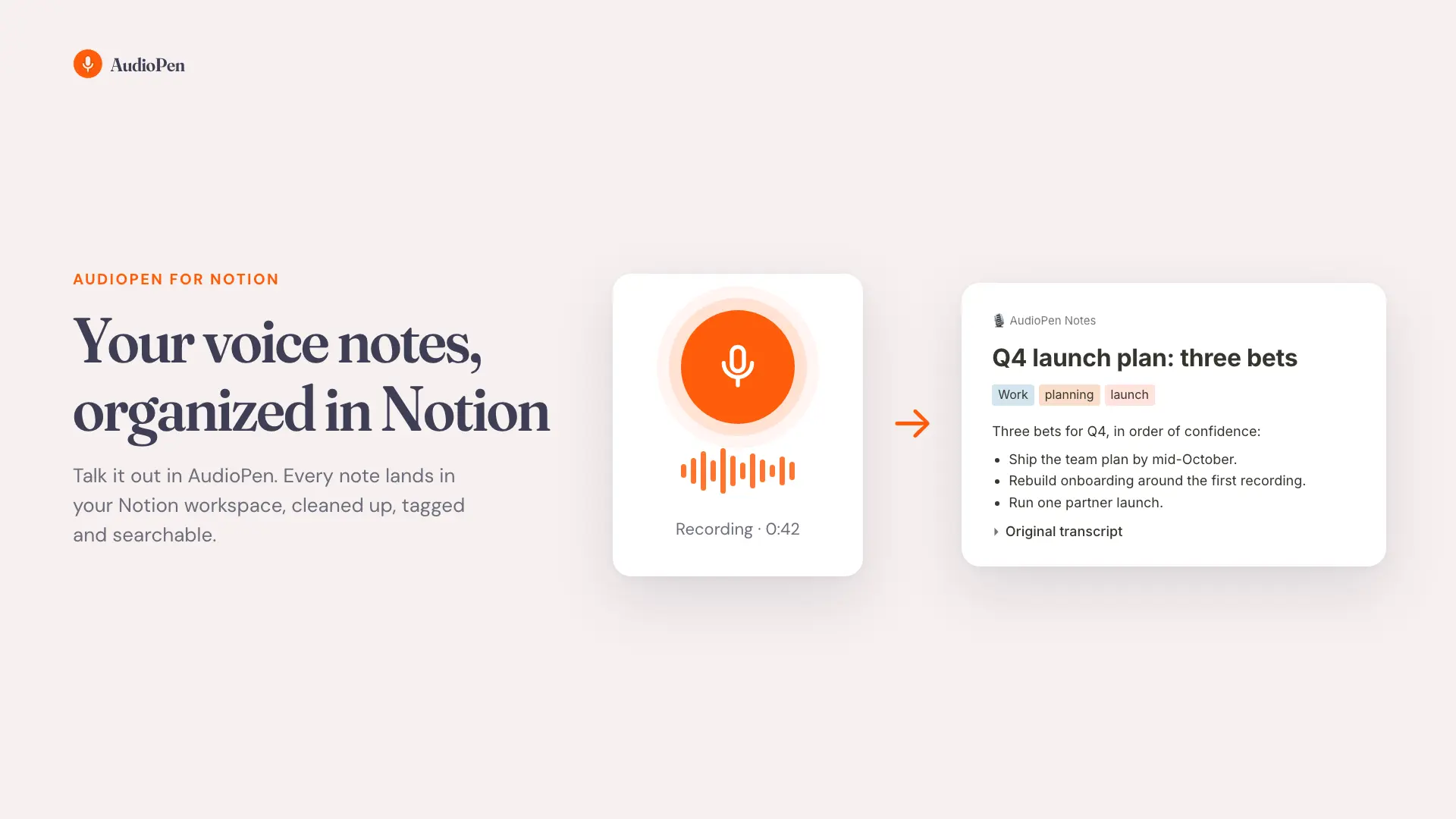
The AudioPen connection brings every note into Notion, so your spoken ideas live next to the rest of your work.
What you get
- An AudioPen Notes database in the Notion page you choose
- Every note as its own page: the cleaned-up text, with your original transcript in a toggle underneath
- Folder, tags, created and updated dates as columns, ready for boards, filters and views
- New and edited notes arrive about a minute after you finish them, from any device
Your edits stay yours
Change a page in Notion and AudioPen never overwrites it. The connection only reads from AudioPen: nothing in your AudioPen account is ever changed.
Requires an AudioPen Prime subscription.
Tính năng
- Đọc, chèn và cập nhật nội dungCó thể đọc, chèn và cập nhật các trang, cơ sở dữ liệu và thành phần nội dung được chia sẻ với kết nối này.
How to use
1. Go to https://notion.audiopen.ai
2. Sign in with your AudioPen email
3. Choose the Notion page for your notes