Adam

Jasper
About
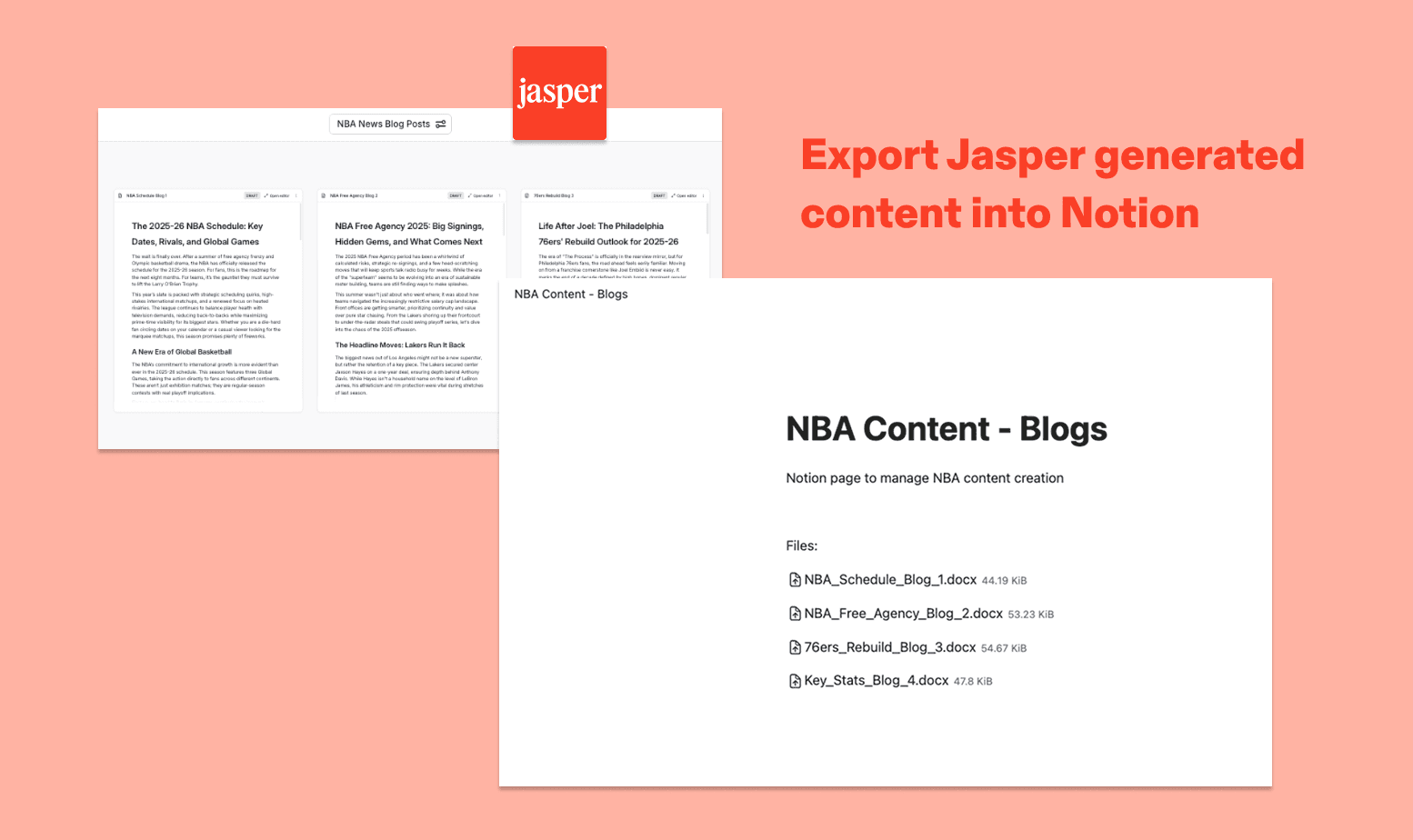
With Jasper's Notion integration, you can export documents, images, and other assets directly into your Notion workspace. Once connected, simply browse your existing Notion pages or create a new one, and your content will be uploaded as a DOCX or PNG — ready to share, review, or publish.
Tính năng
- Đọc, chèn và cập nhật nội dungCó thể đọc, chèn và cập nhật các trang, cơ sở dữ liệu và thành phần nội dung được chia sẻ với kết nối này.
- Xem người dùng trong không gian làm việcĐọc thông tin hồ sơ cơ bản của thành viên và khách trong không gian làm việc, bao gồm cả địa chỉ email của họ.
How to use
- A Jasper Workspace admin enables the Notion integration in Jasper. This makes Notion available as a connection option for all users in the Workspace.
- Each Jasper user connects their Notion account, either from the Integrations settings page or when they first try to export content to Notion.
- Notion will prompt the user to review the permissions Jasper is requesting: viewing and editing pages, creating new content within selected pages, and viewing workspace users and their emails.
- The user then selects which Notion pages Jasper should have access to. Only the pages selected here will be accessible to Jasper.
- Once authorized, Jasper is connected to the user's Notion account and ready to use.