 2anki
2anki
2anki
About
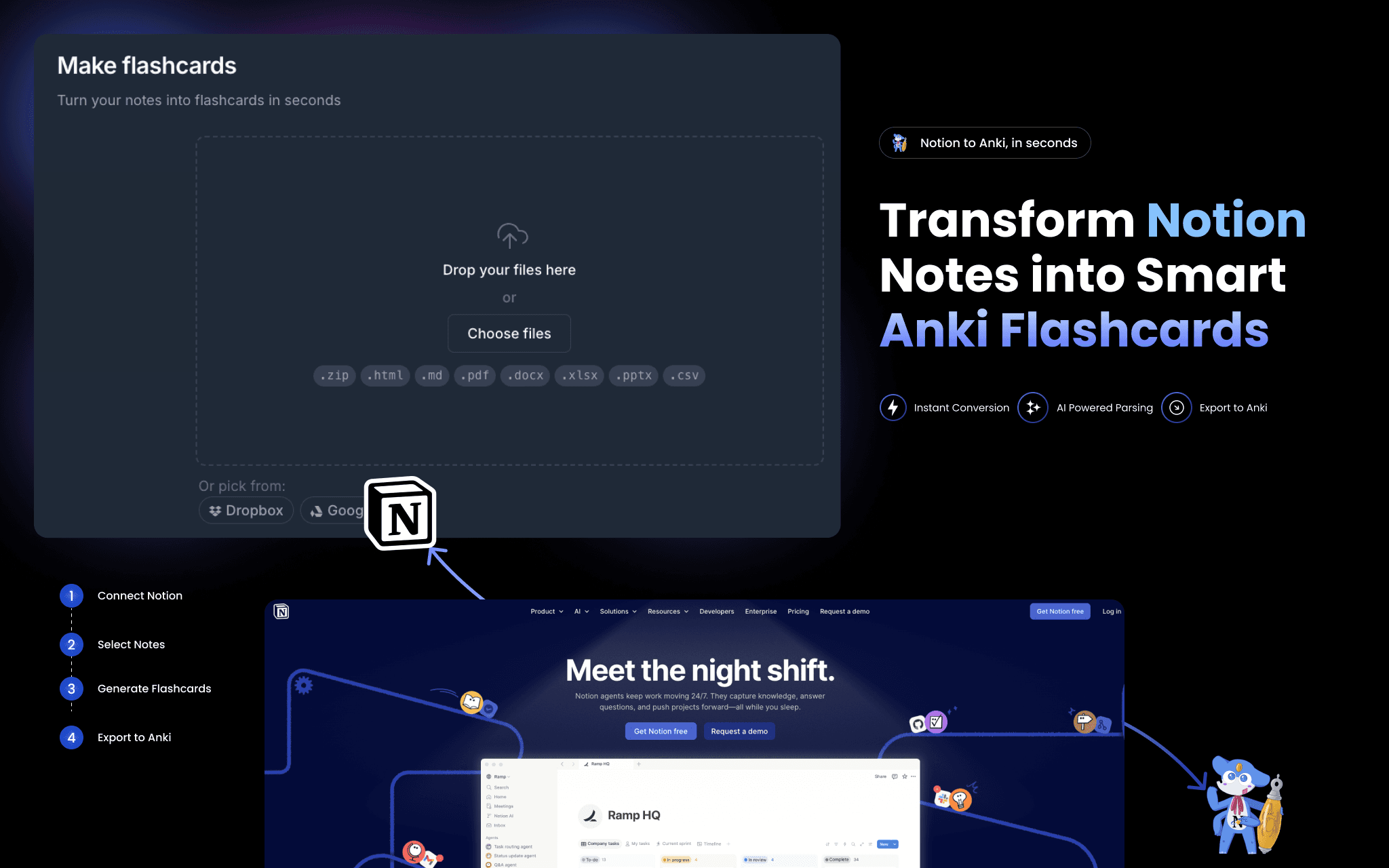
2anki reads your Notion pages and converts them into ready-to-import Anki flashcard decks (.apkg files).
Connect your Notion workspace once — no API token to copy-paste — then paste any page URL to convert. What gets converted:
• Toggle blocks → question/answer flashcards
• Tables and databases → structured card decks
• Images and code blocks → embedded in cards, formatting preserved
• Strikethrough text → card tags
A one-time conversion is a snapshot. For continuous sync, Hosted Anki polls your Notion pages every few minutes and keeps your decks current automatically.
Tính năng
- Đọc, chèn và cập nhật nội dungCó thể đọc, chèn và cập nhật các trang, cơ sở dữ liệu và thành phần nội dung được chia sẻ với kết nối này.
- Xem người dùng trong không gian làm việcĐọc thông tin hồ sơ cơ bản của thành viên và khách trong không gian làm việc, bao gồm cả địa chỉ email của họ.
How to use
- Go to 2anki.net and sign in or create a free account.
- Click "Connect Notion" and authorize 2anki to read your workspace.
- Open the Notion to Anki page and paste a Notion page URL.
- Click Convert — your .apkg deck downloads immediately.
- Open Anki on any device and import the file. Start studying.
