Ícone de conexão

Notion AI Connector for Notion Calendar

Overview

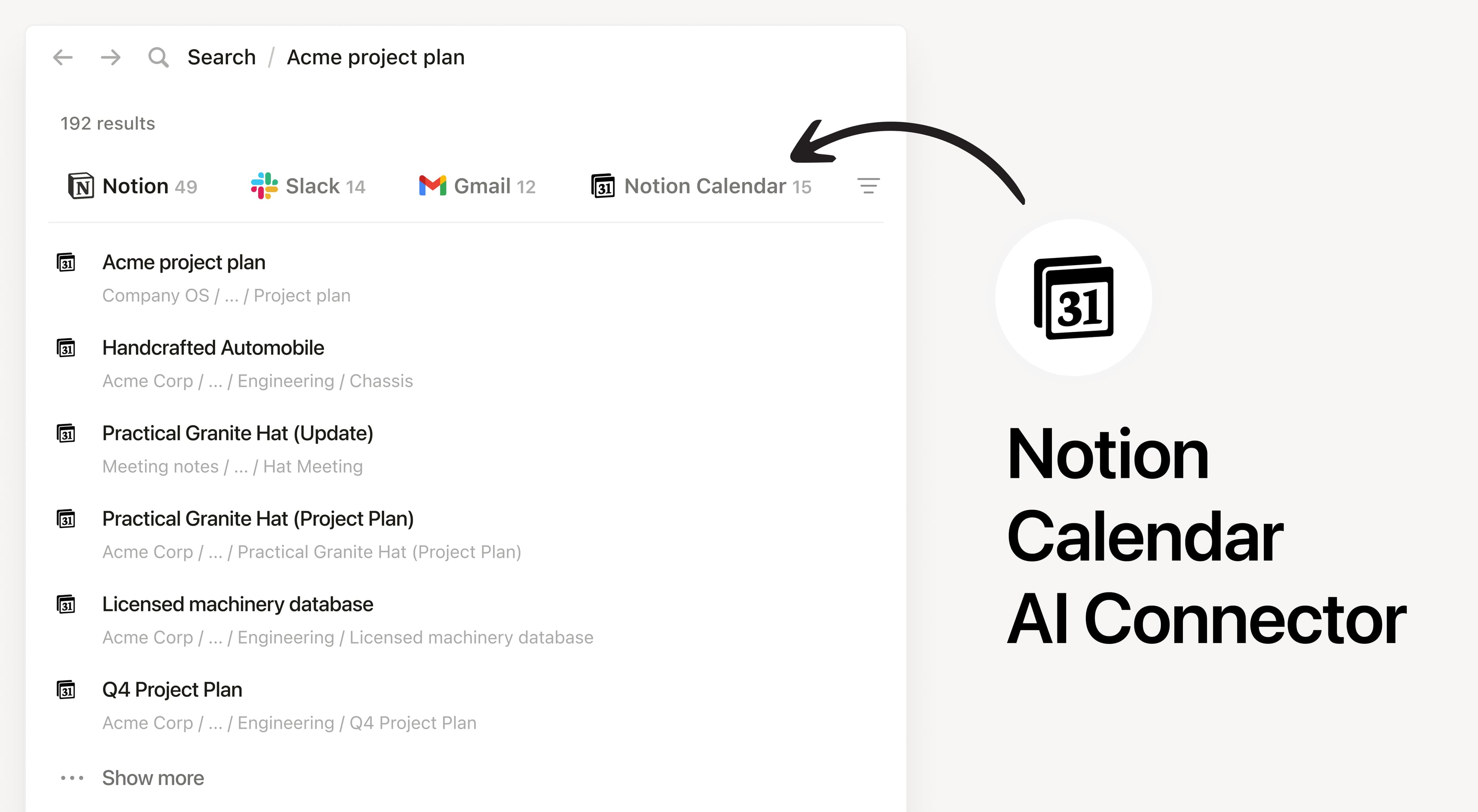
Install Notion’s AI Connector to your Notion Calendar to search and reference your calendar events directly in Notion. Notion AI only searches your own calendar events and won’t show other users’ events.

How to use

Anyone on any Notion plan can connect Notion Calendar to Notion AI, Users must create a Notion Calendar account. At this time, your Notion Calendar account must match the email you use to log into your Notion workspace.

In Notion, navigate to the Notion Calendar AI Connector by going to SettingsNotion AI AI Connectors Notion Calendar and follow the setup steps.

For detailed instructions, check out our Help Center.

After installation is complete, ask Notion AI to brief you on your schedule for the upcoming week or summarize action items from meetings you’ve attended.

Todas as marcas registradas de terceiros (incluindo logotipos e ícones) aqui mencionadas são propriedade de seus respectivos titulares. Exceto se especificamente designadas como "Criada pelo Notion", as integrações não têm suporte e nem são mantidas pelo Notion. Os produtos ou serviços de terceiros aos quais as Integrações se conectam são Aplicativos de Terceiros (conforme definido no Contrato de Assinatura Mestre ou Termos de Uso Pessoal, conforme aplicável). Ao habilitar qualquer integração ou usar a Galeria de Integrações do Notion, você concorda com os Termos da Galeria de Integrações.