
Zendesk Connector
정보
The Zendesk + Notion connector helps teams automate work between support and knowledge management by triggering Notion actions directly from Zendesk workflows.
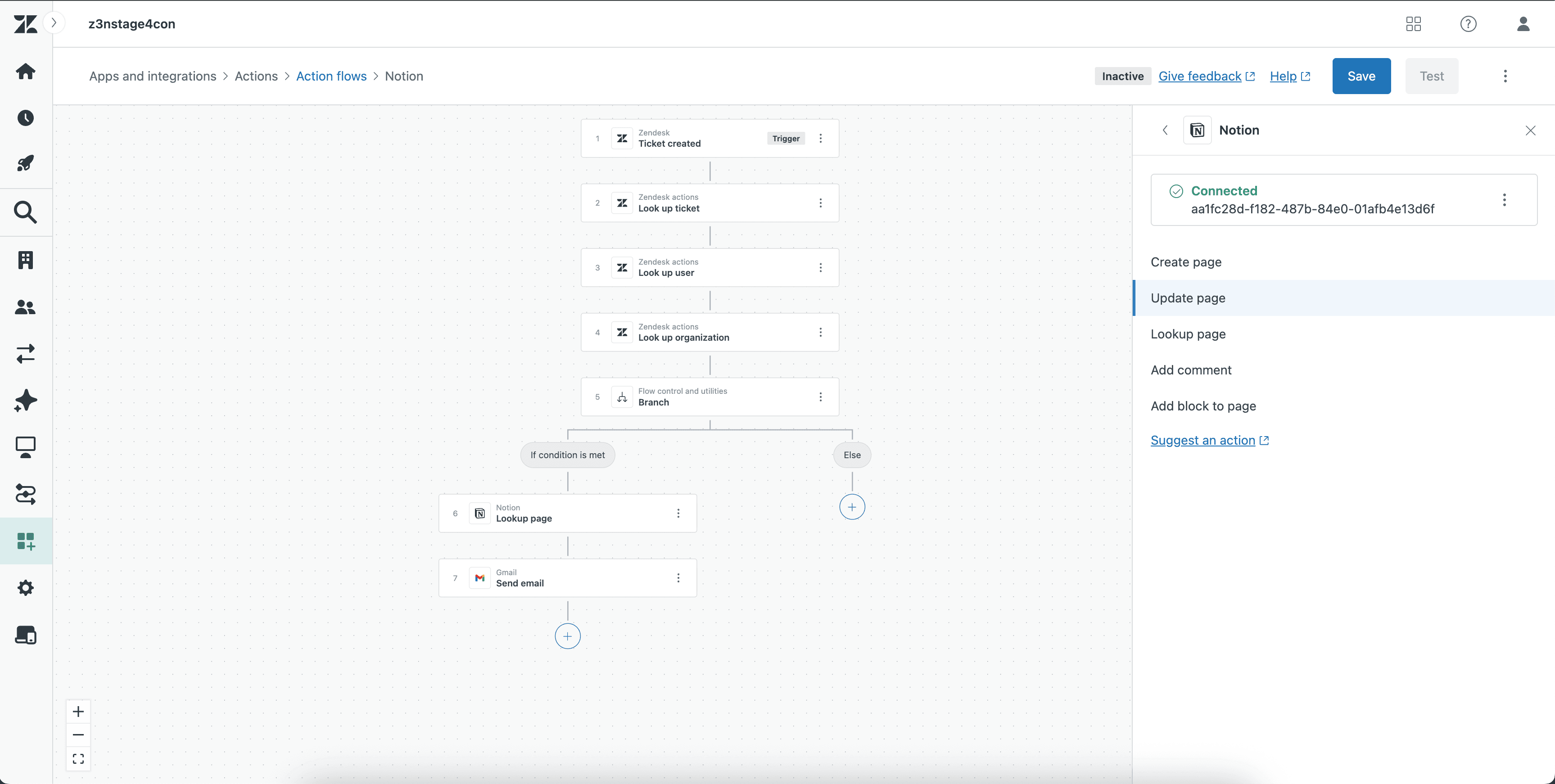
Use the integration to create new pages, update existing pages, look up pages, add comments, and append blocks to pages based on ticket activity, escalation conditions, or internal workflow logic.
Common use cases include:
Creating a Notion page when a Zendesk ticket requires follow-up or documentation
Updating a Notion page with the latest ticket or case details
Looking up a page to route workflow actions to the right record
Adding comments to keep collaborators informed
Appending blocks to pages to capture notes, updates, or investigation context
This low-code/no-code integration helps teams keep support insights and project documentation in sync without manual copy-paste work.
기능
- 콘텐츠 읽기, 삽입 및 업데이트이 연결과 공유된 페이지, 데이터베이스, 블록을 읽기, 삽입 및 업데이트 수 있습니다.
- 댓글 읽기 및 추가접근할 수 있는 페이지와 블록에 댓글을 읽기 및 추가 수 있습니다.
- 워크스페이스 사용자 보기이메일 주소를 포함한 워크스페이스 멤버와 게스트에 대한 기본 프로필 상세정보를 읽습니다.
사용 방법
Open Zendesk Action Builder.
Create a new workflow or open an existing one.
Add a Notion action.
Select the action you want to perform
Map the required Zendesk fields to the appropriate Notion fields.
Save the action.
Test the workflow to confirm the Notion action runs correctly