Whalesync

오픈 API
Whalesync
정보
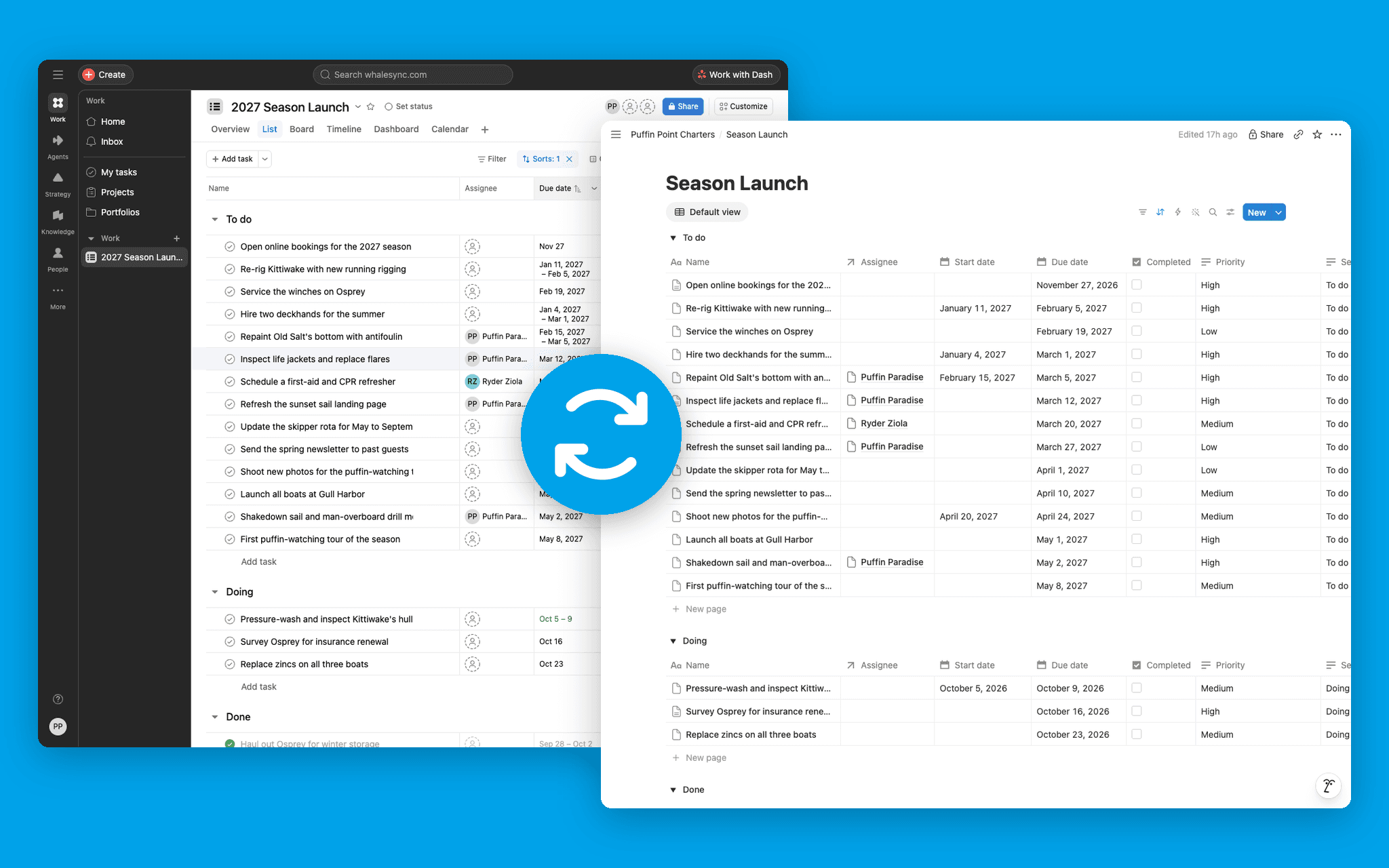
Whalesync lets you two-way sync data between Notion databases and 20+ other apps, including Google Sheets, Asana, HubSpot, and Airtable. Simply map your Notion database columns to the fields in your other apps and Whalesync handles the rest. Rows created or updated in Notion sync to your other apps, and changes made there sync back. Use Whalesync to make Notion your company's source of truth.
Popular uses:
- Report on Notion data in Google Sheets: keep a Notion database in two-way sync with a sheet, so you can chart, filter, and share it in Sheets. Edits made in the sheet sync back to Notion.
- Run Asana projects from Notion: each Asana project becomes a Notion database, with a row for every task. Update a task in either app and the other follows.
- Bring CRM data into Notion: sync HubSpot or Salesforce companies, contacts, and deals into Notion databases the whole team can see. Edits made in Notion sync back to the CRM. CRM syncs start on the Plus plan; Salesforce is on Pro.
- Publish a blog or directory from Notion: write in a Notion database and Whalesync keeps your Webflow CMS or WordPress posts up to date, page content and images included.
Key features:
- Sync Notion pages: write a post in the body of a Notion page and it syncs to a rich text field in Webflow or another app, images included. Edits made there sync back to the page.
- Relations: Notion relations sync as real references, not text. Point a sync at a Notion page and Whalesync creates the databases and their properties for you.
- Safe and secure: deletes wait for your approval by default, filters let you sync only the rows you need, and changes made while a sync is paused sync when you resume it. SOC 2 Type II and GDPR compliant:
Whalesync trust center
. - MCP and API: connect Whalesync to Claude, ChatGPT, Cursor, or VS Code and have an agent set up, map, and monitor your Notion syncs. From your own code, create and map syncs, pause and resume them, and retry failed records. Whalesync can also send a webhook to your endpoint each time it creates, updates, or deletes a row in Notion.
Learn more
.
기능
- 콘텐츠 읽기, 삽입 및 업데이트이 연결과 공유된 페이지, 데이터베이스, 블록을 읽기, 삽입 및 업데이트 수 있습니다.
- 워크스페이스 사용자 보기이메일 주소를 포함한 워크스페이스 멤버와 게스트에 대한 기본 프로필 상세정보를 읽습니다.
사용 방법
- Open
Whalesync
and sign in, or create an account to start your free trial. - Connect Notion and choose the pages and databases to share with Whalesync.
- Connect the app you want to sync with, pick the tables to pair, and map your fields.
- Activate the sync. From then on, changes on either side sync to the other.
Read the full setup guide.