 Vindaris - Strategy Execution Software
Vindaris
정보
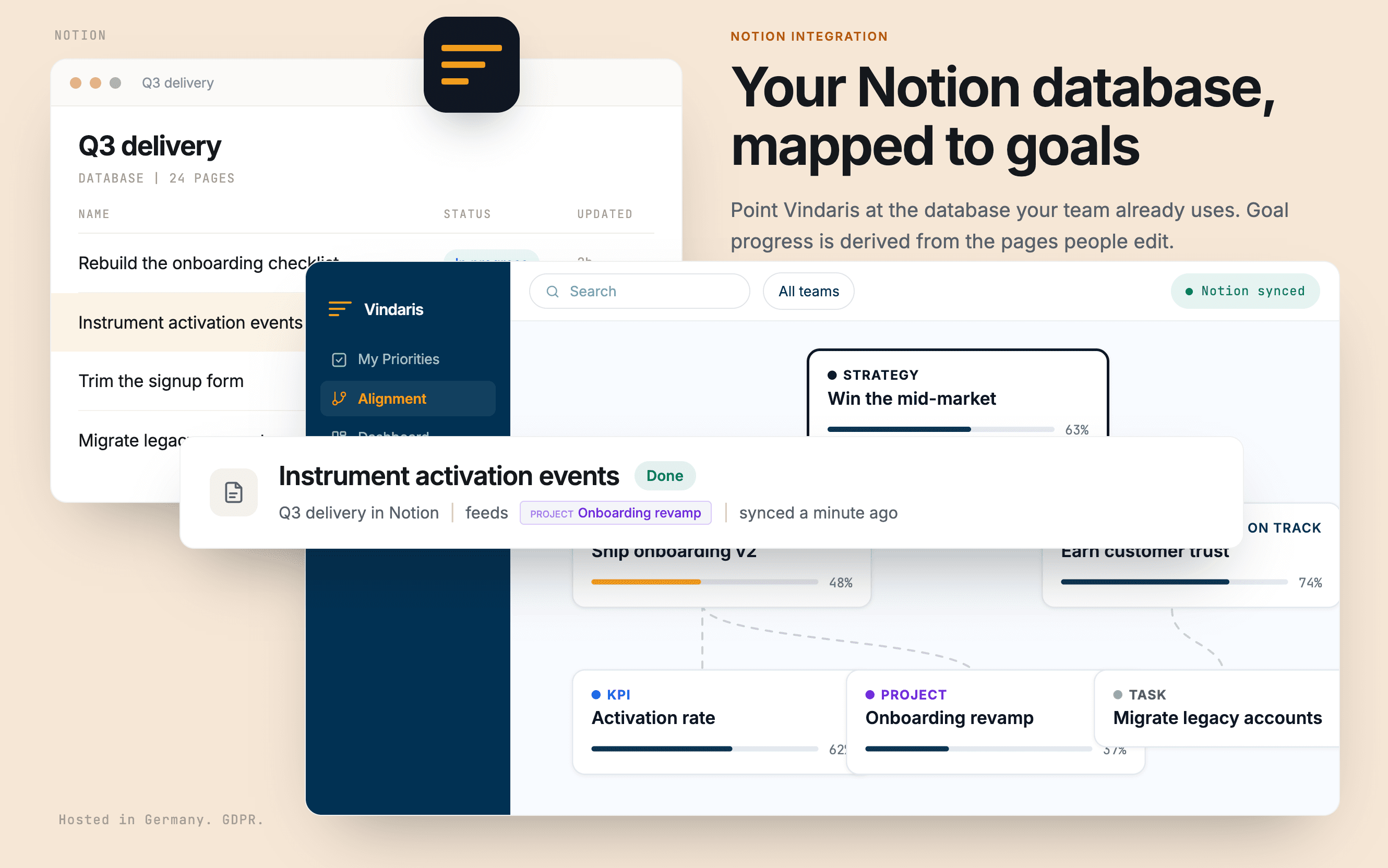
Vindaris turns a Notion database into tracked progress on your goals.
Point it at the database your team already uses and map your own property names for status, priority, due date, and description. Nothing has to be restructured to fit a template. Pages and goals then stay in step in both directions, comments sync as context, and a number property on a single page can feed a KPI directly.
Because progress is derived from the pages people edit as part of doing the work, a goal turns amber when the work behind it stops moving, rather than when someone remembers to update a rollup. Vindaris only ever sees the pages you share with it during authorization.
기능
- 콘텐츠 읽기, 삽입 및 업데이트이 연결과 공유된 페이지, 데이터베이스, 블록을 읽기, 삽입 및 업데이트 수 있습니다.
- 댓글 읽기 및 추가접근할 수 있는 페이지와 블록에 댓글을 읽기 및 추가 수 있습니다.
- 워크스페이스 사용자 보기이메일 주소를 포함한 워크스페이스 멤버와 게스트에 대한 기본 프로필 상세정보를 읽습니다.
사용 방법
1. Create a free Vindaris account at app.vindaris.com and map your strategy, goals, and KPIs.
2. Open Settings, then Integrations, and connect Notion.
3. In Notion's consent step, share the database that holds your team's work. Vindaris sees nothing else.
4. Map your own property names for status, priority, due date, and description. Your database stays as it is.
5. Confirm which pages belong to which goal. Progress and risk then update themselves as the pages move.
