
정보
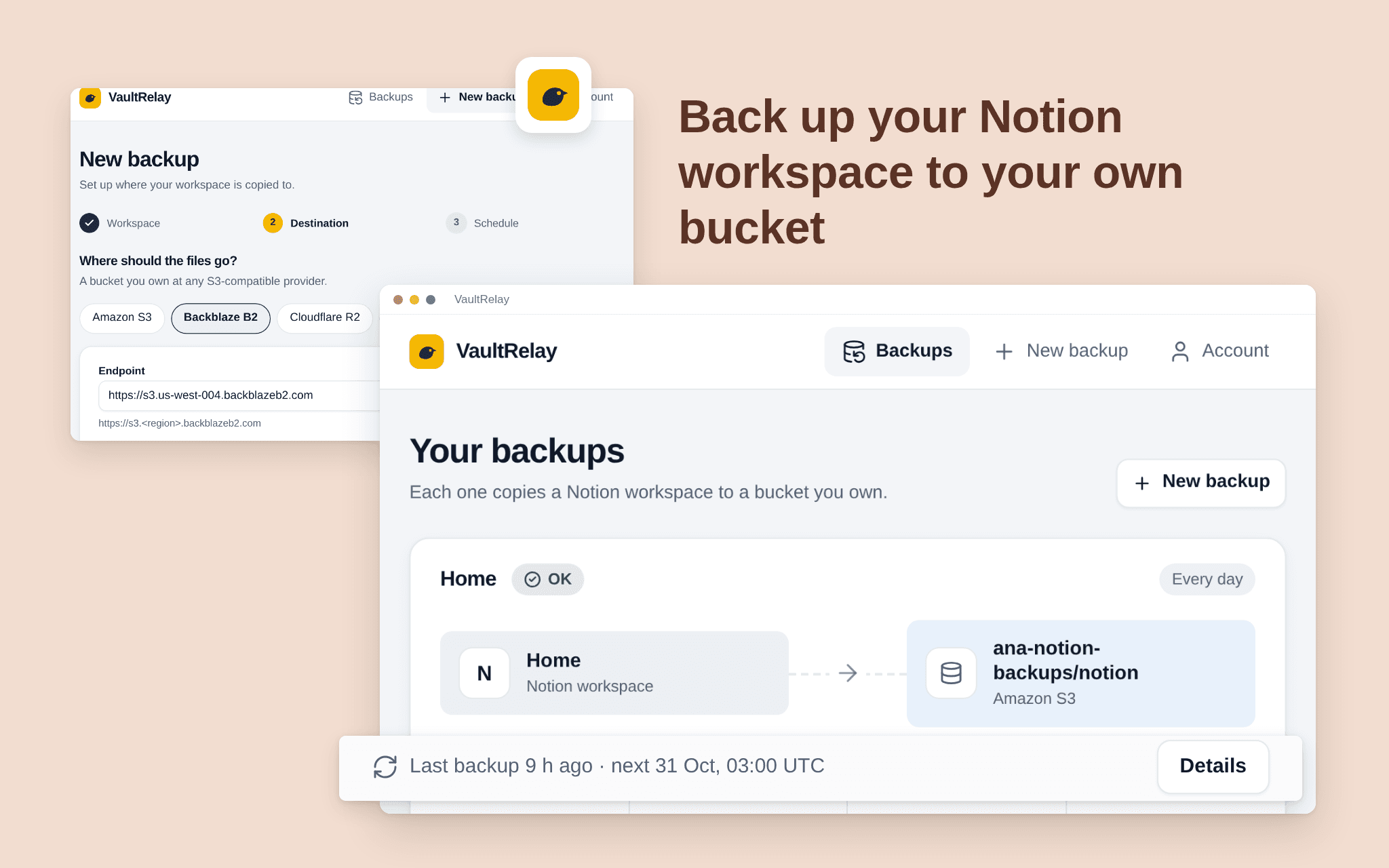
VaultRelay copies your Notion pages and databases to a bucket you own (Amazon S3, Backblaze B2, Cloudflare R2, Wasabi) every day or every week. Files are plain Markdown, CSV and JSON, with the files you uploaded saved next to them, so you can read them without any special tool. Pick the pages to share, add your bucket, choose the schedule. VaultRelay never keeps your content: it goes straight from Notion to your bucket, and nothing in the bucket is ever overwritten or deleted. Free while in beta.
기능
- 콘텐츠 읽기이 연결과 공유된 페이지, 데이터베이스, 블록을 읽기 수 있습니다.
- 워크스페이스 사용자 보기이메일 주소를 포함한 워크스페이스 멤버와 게스트에 대한 기본 프로필 상세정보를 읽습니다.
사용 방법
1. Open the install link and sign in with Notion.
2. Select the pages and databases VaultRelay may copy (it only sees what you share).
3. Add your bucket: provider, bucket name and an access key that can write to it. Test the connection.
4. Choose every day or every week. The first backup starts right away.