
정보
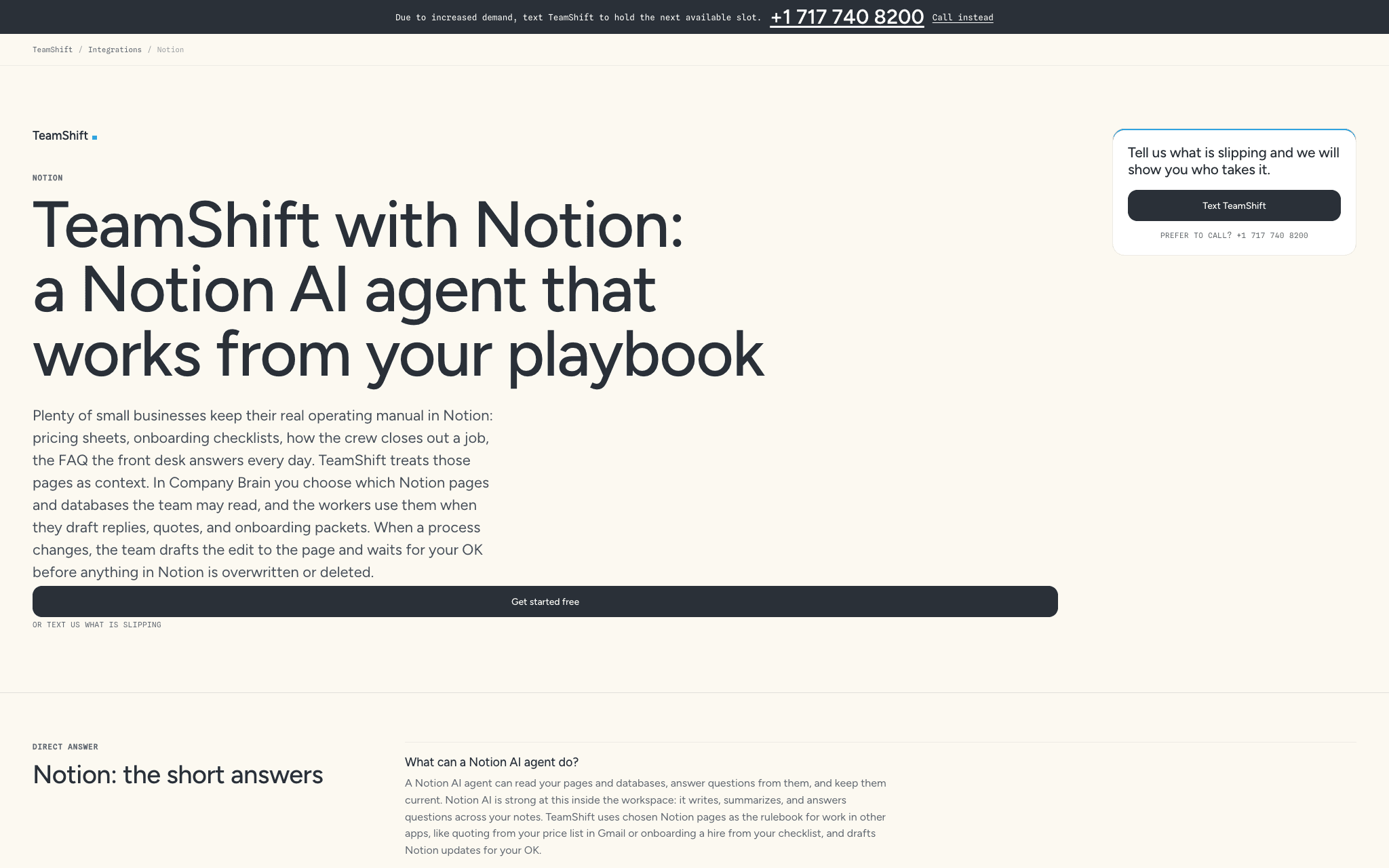
TeamShift is an AI operations team for small businesses. Connect Notion and choose which pages and databases the team may read: your pricing sheets, SOPs, onboarding checklists and FAQs. TeamShift's workers use them as the rulebook for work that happens outside Notion.
Support worker answers routine customer email from the policies and FAQs in your Notion help pages, with each draft held for your OK.
Sales worker pulls package details from your Notion price sheet so quotes match what you actually charge.
People worker follows your Notion onboarding checklist for a new hire and tracks which steps are still open.
Operations lead builds a morning brief from your Notion task database and flags SOP pages that have drifted from how the work is really done.
Research and content workers write drafts into Notion pages you choose.
You stay in control. TeamShift only reads the pages you share with it. Edits that rewrite or delete a page are proposed first and wait for your approval, and every change is recorded. Anything that sends, pays, publishes or deletes waits for your OK.
기능
- 콘텐츠 읽기, 삽입 및 업데이트이 연결과 공유된 페이지, 데이터베이스, 블록을 읽기, 삽입 및 업데이트 수 있습니다.
- 워크스페이스 사용자 보기이메일 주소를 포함한 워크스페이스 멤버와 게스트에 대한 기본 프로필 상세정보를 읽습니다.
사용 방법
Sign in at https://portal.teamshift.io (free to start). Go to Connections and choose Notion. On Notion's screen, pick the pages and databases TeamShift may use, then click Allow access. Your team starts using those pages in its work. Change what it can see any time from Notion (Settings > Connections) or disconnect from TeamShift's Connections page.