
정보
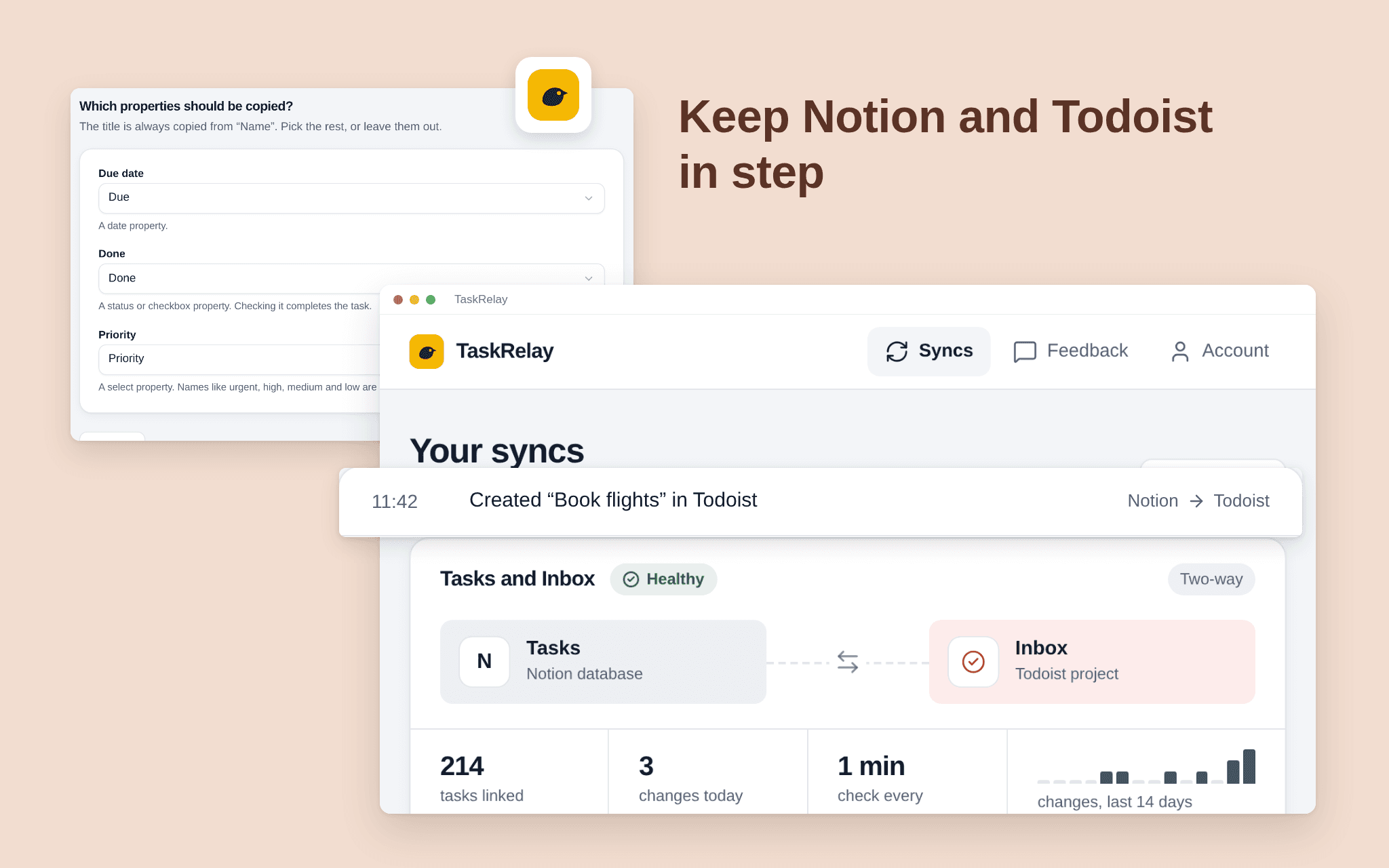
TaskRelay keeps a Notion database and a Todoist project in step. Add or edit a task on either side and it shows up on the other within a couple of minutes. Pick one Notion database and one Todoist project; TaskRelay only touches those two. Choose two-way or Notion first, and which fields travel, such as title and due date. See what the first sync will do before it runs. A dashboard shows every sync's health, the last run and what changed. Free while in beta.
기능
- 콘텐츠 읽기, 삽입 및 업데이트이 연결과 공유된 페이지, 데이터베이스, 블록을 읽기, 삽입 및 업데이트 수 있습니다.
- 워크스페이스 사용자 보기이메일 주소를 포함한 워크스페이스 멤버와 게스트에 대한 기본 프로필 상세정보를 읽습니다.
사용 방법
1. Open the install link and sign in with Notion. 2. Select the pages or databases TaskRelay may use; it only sees what you share. 3. Connect Todoist. 4. Choose the Notion database and the Todoist project, the fields and the direction. 5. Check the preview and start the sync.