정보
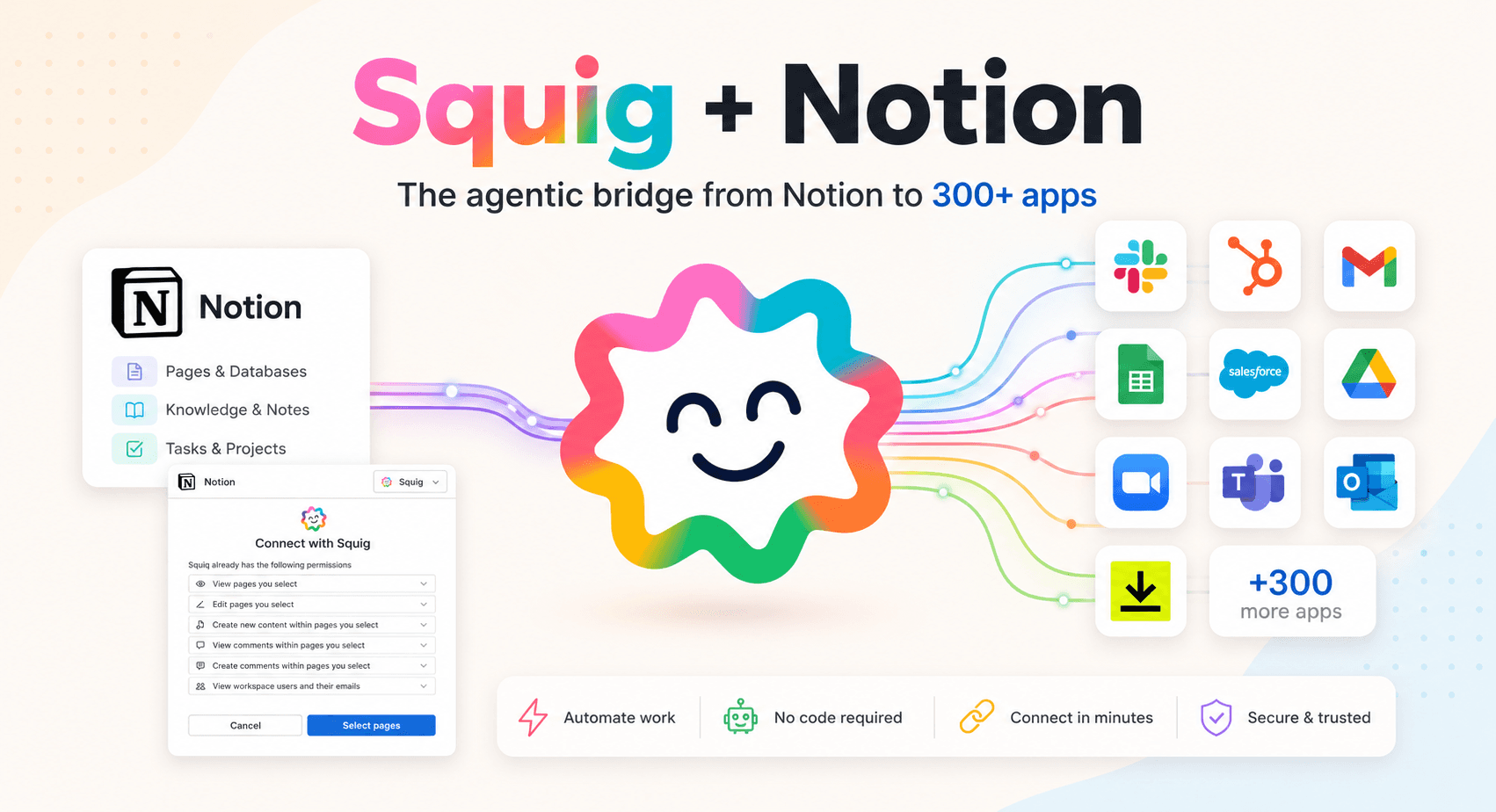
Notion is where teams write, plan, and organize their work, from project docs and meeting notes to product roadmaps and knowledge bases. Connecting Notion to Squig gives your AI agents direct access to your Notion workspace, so they can read and write pages, search databases, create new entries, and update existing content on your behalf, without you having to open Notion at all.
You describe what you want the agent to do in plain language, and Squig figures out the rest. The agent gets full access to your Notion workspace through a secure MCP connection, meaning it can work with any page or database you have, the same way you would, just faster and without the manual steps.
What your agent can do in Notion
Once connected, your Squig agent can read pages and database entries to pull the context it needs for a task, create new pages or records based on incoming data from other apps, update existing entries when something changes, search across your workspace to find the right information, and organize content by adding it to the right database or page structure.
Because Squig connects to over 300 apps, your agent can also bridge Notion with the rest of your stack. Data can flow in from other tools and land in Notion automatically, keeping your workspace current without anyone copying it across manually.
Example use case: Meeting notes to action items
Your team finishes a sales call. Instead of manually writing up notes and creating follow-up tasks, a Squig agent reads the call summary, creates a new page in your Notion CRM database with the contact details and key discussion points, and adds a follow-up task to the relevant project board. By the time the call ends, Notion is already updated and your team knows exactly what to do next.
Built for teams who want AI that actually does the work
Most AI tools tell you what to do. Squig agents do it for you. You set up the agent once by describing your use case in plain language, and it runs on your behalf every time, reading from and writing to Notion exactly the way you would, with full visibility into every action it takes.
기능
- 콘텐츠 읽기, 삽입 및 업데이트이 연결과 공유된 페이지, 데이터베이스, 블록을 읽기, 삽입 및 업데이트 수 있습니다.
- 댓글 읽기 및 추가접근할 수 있는 페이지와 블록에 댓글을 읽기 및 추가 수 있습니다.
- 워크스페이스 사용자 보기이메일 주소를 포함한 워크스페이스 멤버와 게스트에 대한 기본 프로필 상세정보를 읽습니다.
사용 방법
Go to squig.com and log in to your account. Click New Agent and describe what you want your agent to do in plain language. The agent builder will put together a spec for your compiled agent, ask you to connect your Notion account, and set everything up for you. Once it's ready, your agent runs on your behalf every time the conditions you described are met.