
정보
Your customers tell you what to build. Send the best requests to Notion, where your team plans the work.
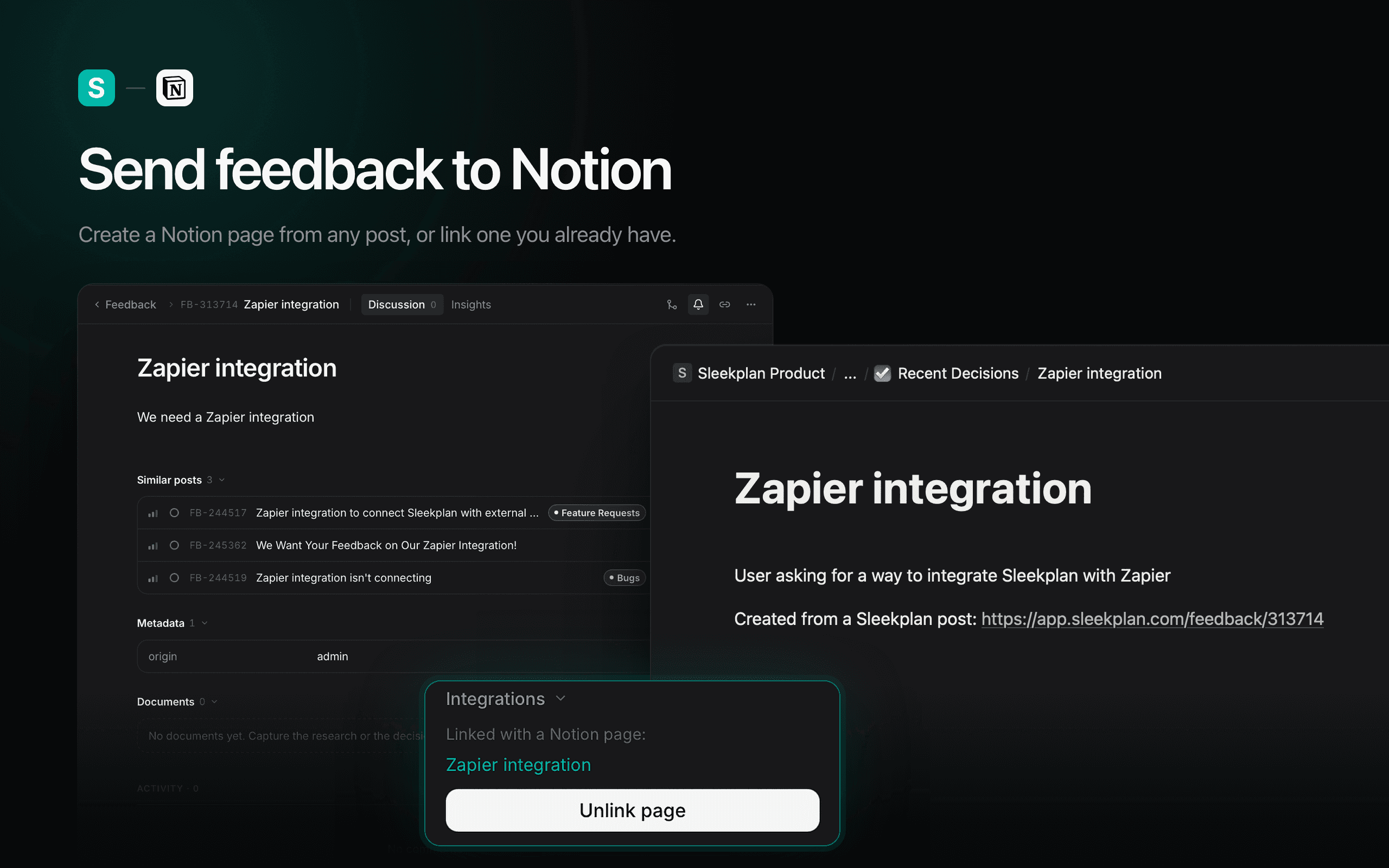
- Turn a feedback post into a page in your Notion database, or link a page you already have. Every page links back to the post, so you always know who asked.
- Change a post's status in Sleekplan and its Notion page follows. You map the statuses once.
You pick which databases Sleekplan can see. It never deletes a page.
기능
- 콘텐츠 읽기, 삽입 및 업데이트이 연결과 공유된 페이지, 데이터베이스, 블록을 읽기, 삽입 및 업데이트 수 있습니다.
- 댓글 추가접근할 수 있는 페이지와 블록에 댓글을 추가 수 있습니다.
사용 방법
1. Sign in to Sleekplan as a workspace owner or admin.
2. Go to Settings → Integrations and click Connect next to Notion.
3. Choose the databases Sleekplan may use and allow access.
4. Click Manage to map your Notion statuses to Sleekplan statuses.
5. Open any feedback post. Under Integrations, link a page or create one.
Full guide: https://sleekplan.com/help/integrations/notion