
정보
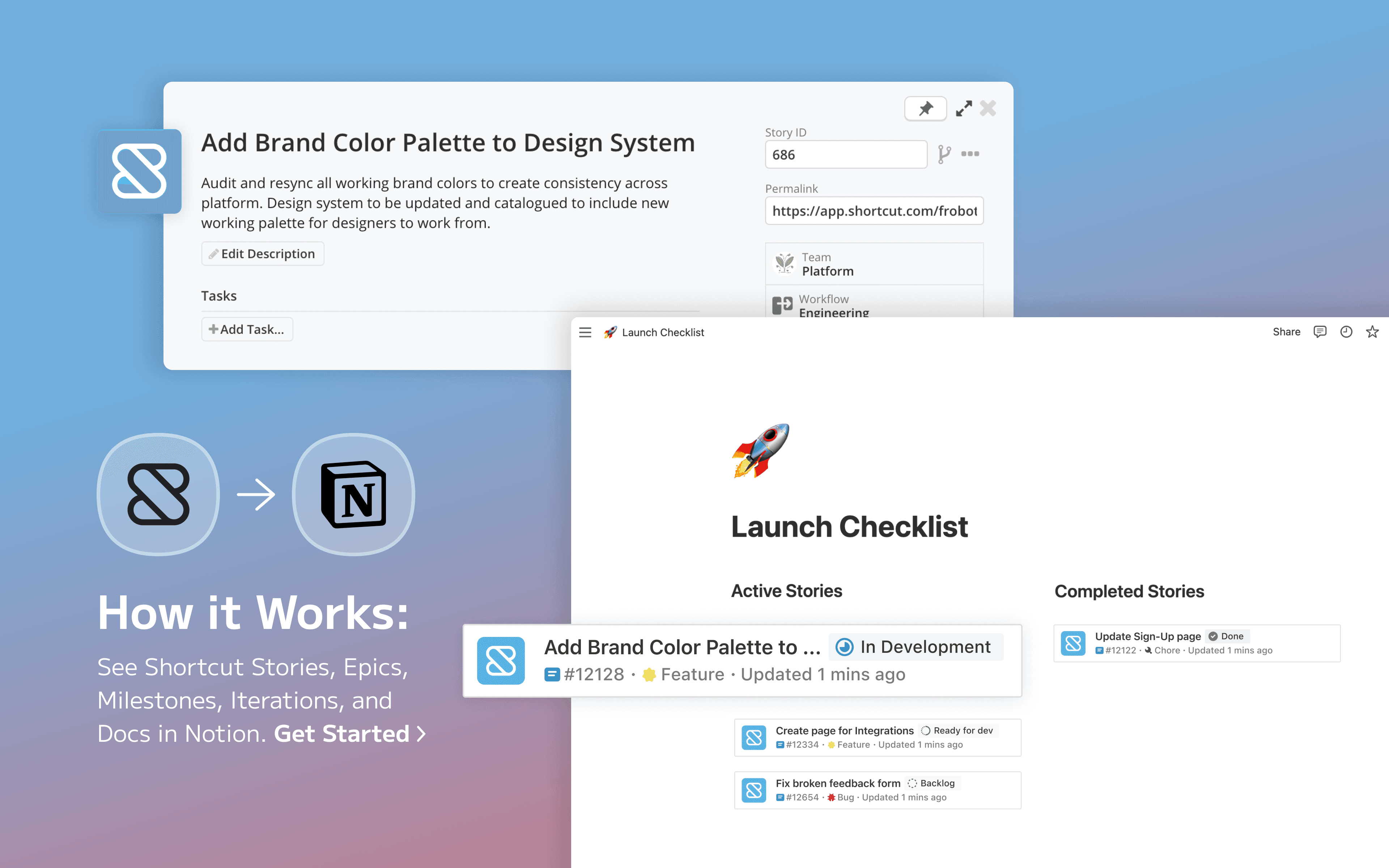
Shortcut unites planning and development into a single experience with tightly integrated docs, issue tracking, and sprint planning features. Bring Shortcut into Notion with this link preview integration. You can paste links from Shortcut to see real-time previews of stories, epics, milestones, iterations, and docs in Notion.
기능
- 미리보기 링크이 제품의 링크를 Notion에 붙여넣을 때 풍부한 실시간 미리보기로 표시합니다.
사용 방법
Paste any Shortcut link into Notion, then select
Paste as preview. You can also type/shortcutin any Notion page and a menu will appear, allowing you to paste links directlyIf it’s your first time using Shortcut with Notion, you will be prompted to authorize the integration. Follow the prompts to complete the authorization process. Once authorized, you will see a detailed preview of the linked content