RabbitSync

RabbitSync
정보
RabbitSync keeps a Notion database and a Google Sheets tab in sync, using AI, in one direction or both.
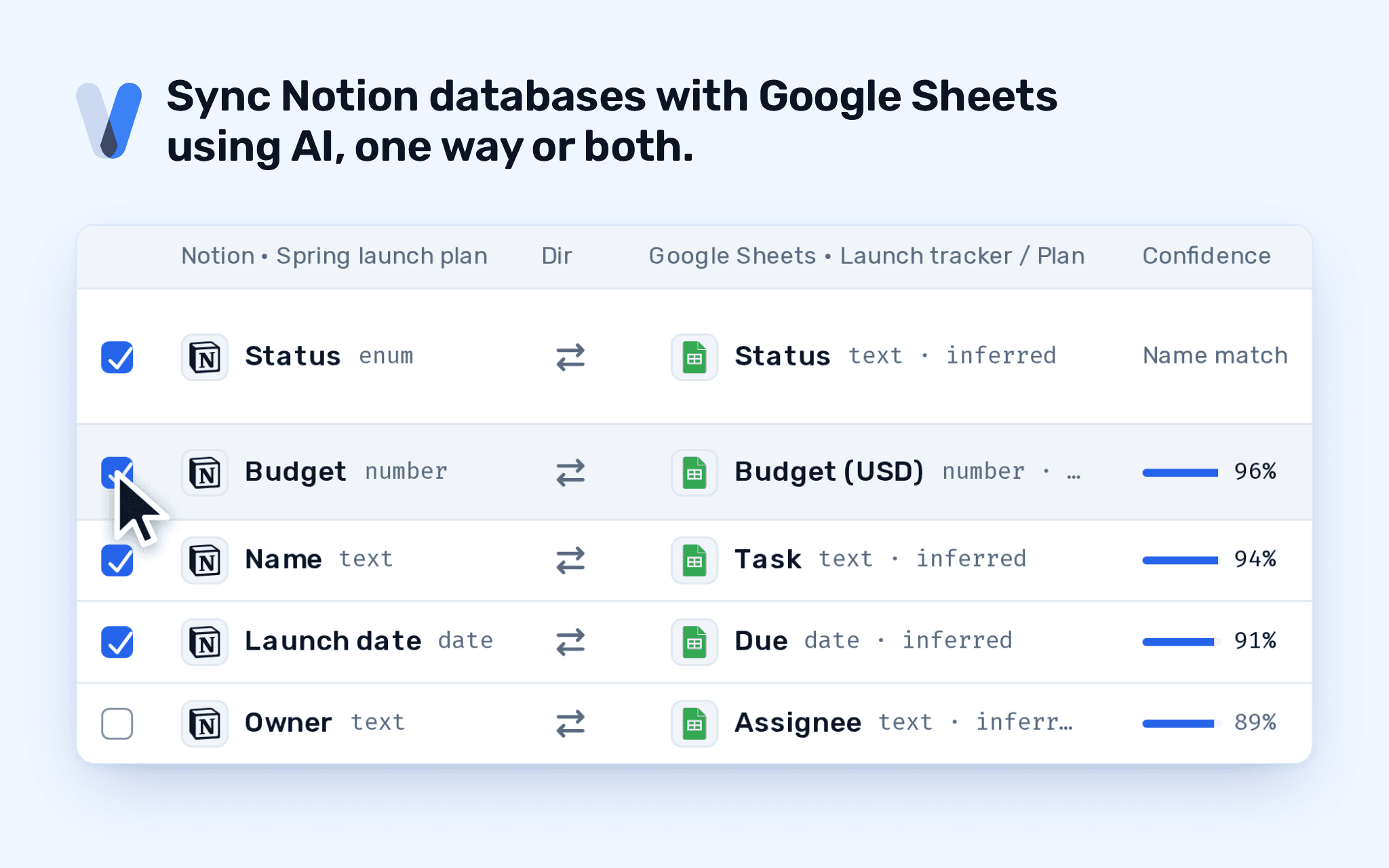
Pick the database and the tab, and RabbitSync's field-mapping AI agent suggests which property pairs with which column. You accept or reject each one. After that, changes sync on the schedule you choose: a fixed interval, a cron expression, or by hand.
What it does:
- Notion to Sheets, Sheets to Notion, or both ways.
- Each page in the database is one record; each row in the tab is one record.
- Keeps records matched across runs, so sorting, moving or inserting rows in the sheet does not break the pairing.
- Shows every run: what it read, what it wrote, what it skipped, and the error code for anything that broke.
- Reaches only the pages and databases you choose on Notion's own screen.
기능
- 콘텐츠 읽기, 삽입 및 업데이트이 연결과 공유된 페이지, 데이터베이스, 블록을 읽기, 삽입 및 업데이트 수 있습니다.
- 워크스페이스 사용자 보기이메일 주소를 포함한 워크스페이스 멤버와 게스트에 대한 기본 프로필 상세정보를 읽습니다.
사용 방법
1. Start the install from this page. Create a RabbitSync account or sign in to yours.
2. On Notion's screen, choose the pages and databases RabbitSync may reach. It reads and writes only those.
3. Back in RabbitSync, a new sync opens with Notion already picked. Connect Google Sheets and choose the spreadsheet and tab.
4. Review the field pairings the AI agent suggests, accept or reject each one, and pick a schedule.
5. Save the sync. It runs on your schedule, and you can run it by hand from the console at any time.
Questions? Email [email protected].