정보
Give Notion superpowers. One click at a time. 🪄
Ever wished Notion could do just a little more?
Automatically add company logos to your CRM. Find contact details. Convert currencies. Give every page the perfect icon. Track packages. Keep your databases up to date.
With Potion, you can do all that... and more!
Potion brings ready-to-use automations directly into your Notion workspace. No coding, no complicated workflows, no juggling multiple tools.
Pick a Potion. Connect Notion. Let the magic happen.
✨ Small automations. Big impact.
Each Potion solves one specific problem, turning repetitive manual work into something that just happens.
🎨 Make your Notion workspace look amazing
- Company Logo:
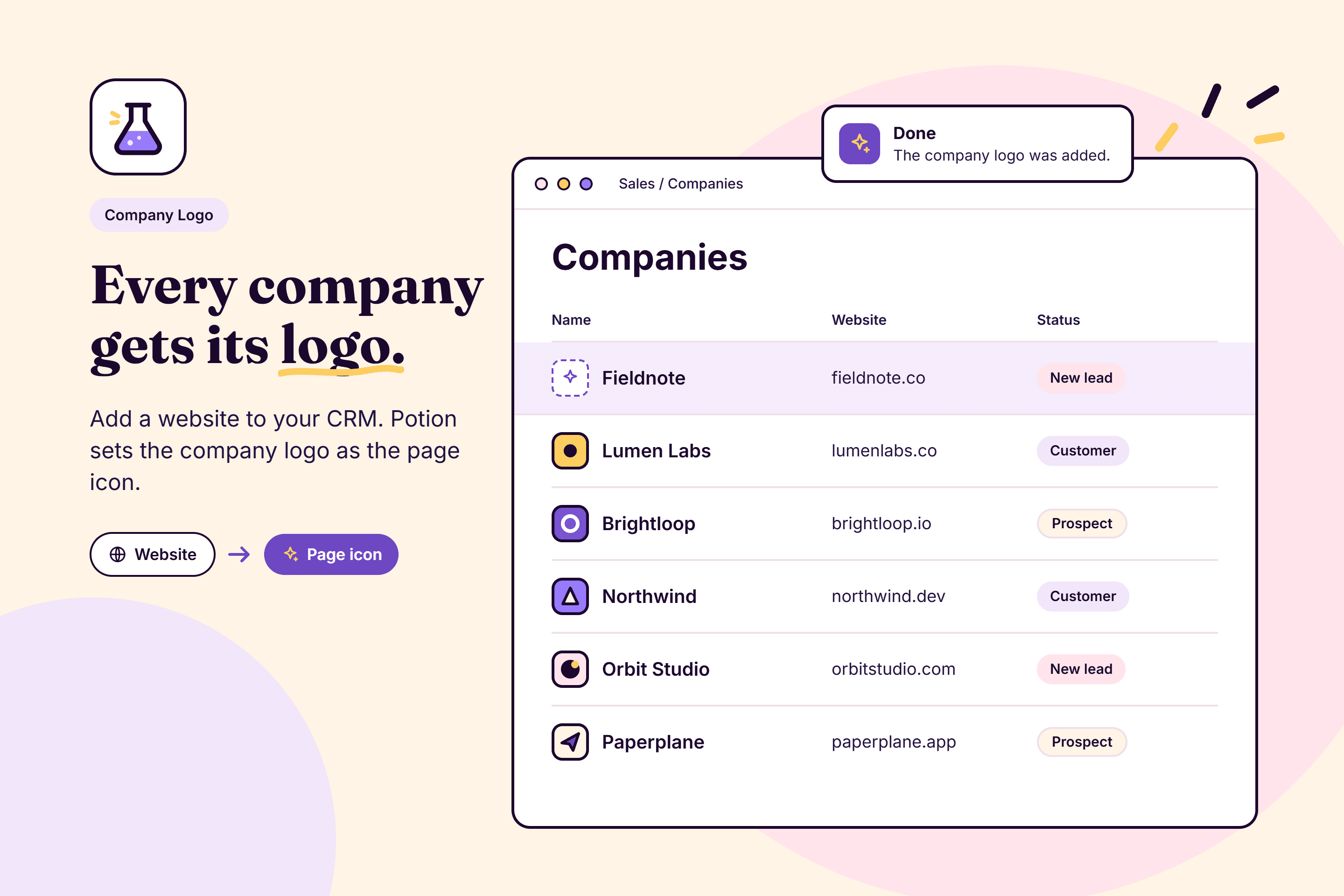
Add a company website to your CRM and automatically set its logo as the page icon. - Page Icon:
Give every Notion page a relevant emoji based on its title. - Pictures Cover:
Automatically find a matching photo for your page cover. - Website Screenshot:
Turn any website URL into a visual page cover. - Social Avatar:
Use social media profile pictures as Notion page icons.
👥 Supercharge your CRM
- Email Finder:
Find professional email addresses using a LinkedIn profile. - Phone Finder:
Find contact phone numbers from available contact information. - Email Avatar:
Automatically add profile pictures to your contacts. - Gender:
Estimate gender from first names and personalize page icons.
⚡ Automate everyday tasks
- Close Parent Tasks:
Automatically mark a parent task or a project complete when all its subtasks are done. - Package Tracking:
Keep delivery statuses updated using tracking numbers. - QR Code:
Generate QR codes directly from URLs in your databases.
🌍 Bring real-world data into Notion
- Currency Conversion:
Automatically convert amounts between currencies using daily exchange rates. - Weather:
Add weather information for any location to your Notion database.
💜 Built for people who love Notion
Whether you're managing a CRM, running a business, organizing projects, or building your personal second brain, Potion helps you spend less time maintaining your workspace and more time actually using it.
Why do manually what Notion could do automatically?
Stop wishing Notion could do more.
Make it happen with Potion.
Explore all Potions at potion.guru/automations.
기능
- 콘텐츠 읽기, 삽입 및 업데이트이 연결과 공유된 페이지, 데이터베이스, 블록을 읽기, 삽입 및 업데이트 수 있습니다.
- 댓글 읽기 및 추가접근할 수 있는 페이지와 블록에 댓글을 읽기 및 추가 수 있습니다.
- 워크스페이스 사용자 보기이메일 주소를 포함한 워크스페이스 멤버와 게스트에 대한 기본 프로필 상세정보를 읽습니다.
사용 방법
🧪 How does Potion work?
1. Pick your Potion. Browse a growing collection of ready-made automations.
2. Connect your workspace. Use the Potion Connection and choose the database you want to enhance.
3. Set it and forget it. Configure a few simple options and let Potion handle the repetitive work.
No APIs to configure. No workflows to build. No technical skills required.
Just useful features that make Notion work harder for you.
💜 Built for people who love Notion
Whether you're managing a CRM, running a business, organizing projects, or building your personal second brain, Potion helps you spend less time maintaining your workspace and more time actually using it.
Why do manually what Notion could do automatically?
🚀 Start free
- 100 free runs
to get started. - No credit card required.
- No code. No complexity.
- New Potions added over time.