

정보
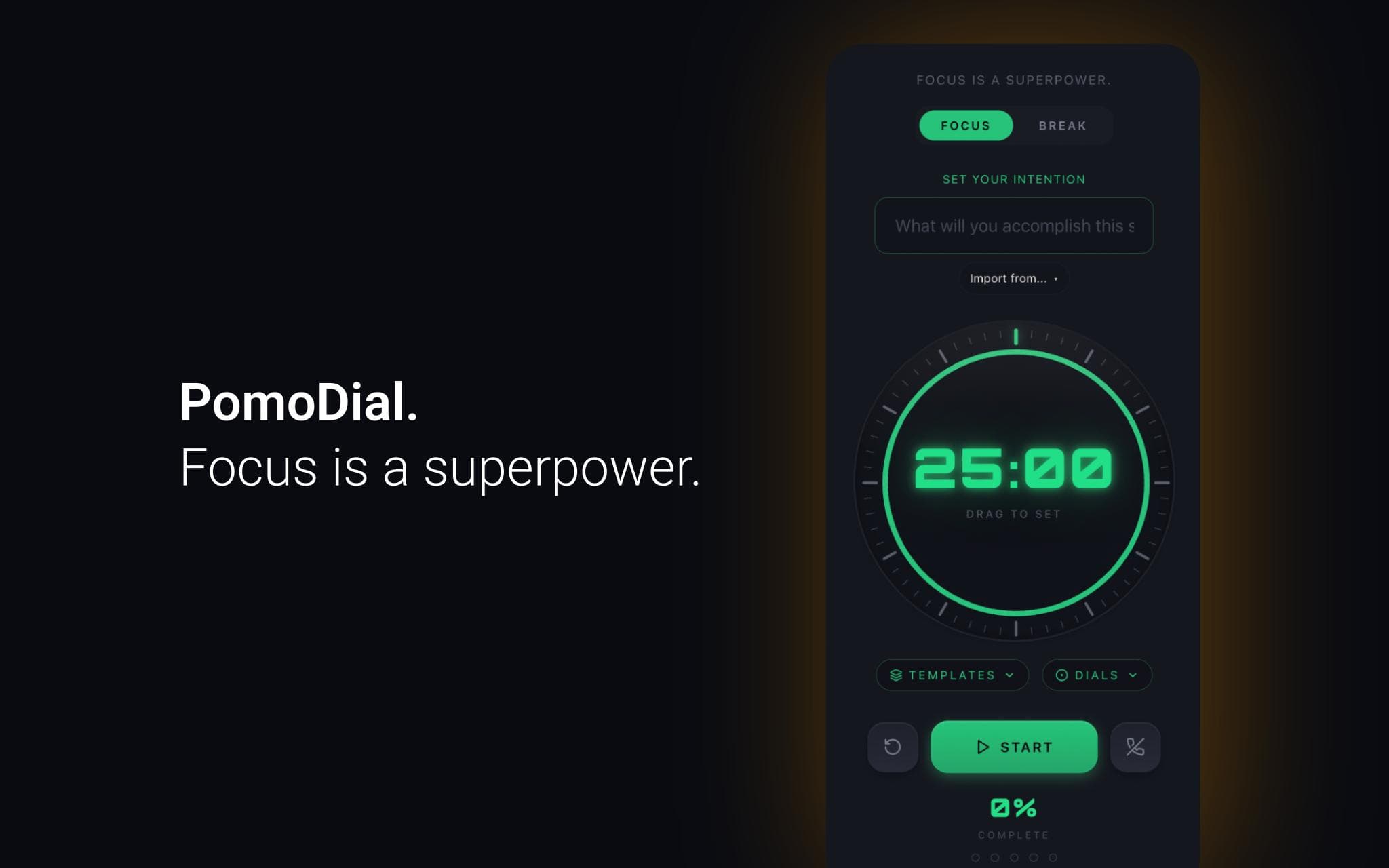
PomoDial is a Pomodoro focus timer that asks what you're working on before the clock starts.
Connect your Notion workspace to import pages and database entries directly as session intentions. Instead of typing what you're working on, just pick it from your Notion workspace — your task, your project, your document.
Every session is saved to your PomoDial history alongside your intention, building a searchable journal of your focused work over time.
Features:
- Import any Notion page or database entry as your session intention
- 25-minute Pomodoro timer with customisable duration
- Full session history and streak tracking
- Also available as a ChatGPT plugin, Claude connector, Todoist integration, and Chrome extension
Requires a free PomoDial account at pomodial.com
기능
- 콘텐츠 읽기, 삽입 및 업데이트이 연결과 공유된 페이지, 데이터베이스, 블록을 읽기, 삽입 및 업데이트 수 있습니다.
- 워크스페이스 사용자 보기이메일 주소를 포함한 워크스페이스 멤버와 게스트에 대한 기본 프로필 상세정보를 읽습니다.
사용 방법
1. Create a free account at pomodial.com
2. Go to your profile and click "Connect to Notion"
3. Authorise PomoDial to access your Notion workspace
4. Start a new session — click "Import from Notion" to browse your pages
5. Select a page or database entry to set as your intention
6. Start your timer and focus
