 Chindogu Labs LLC
Notewell
정보
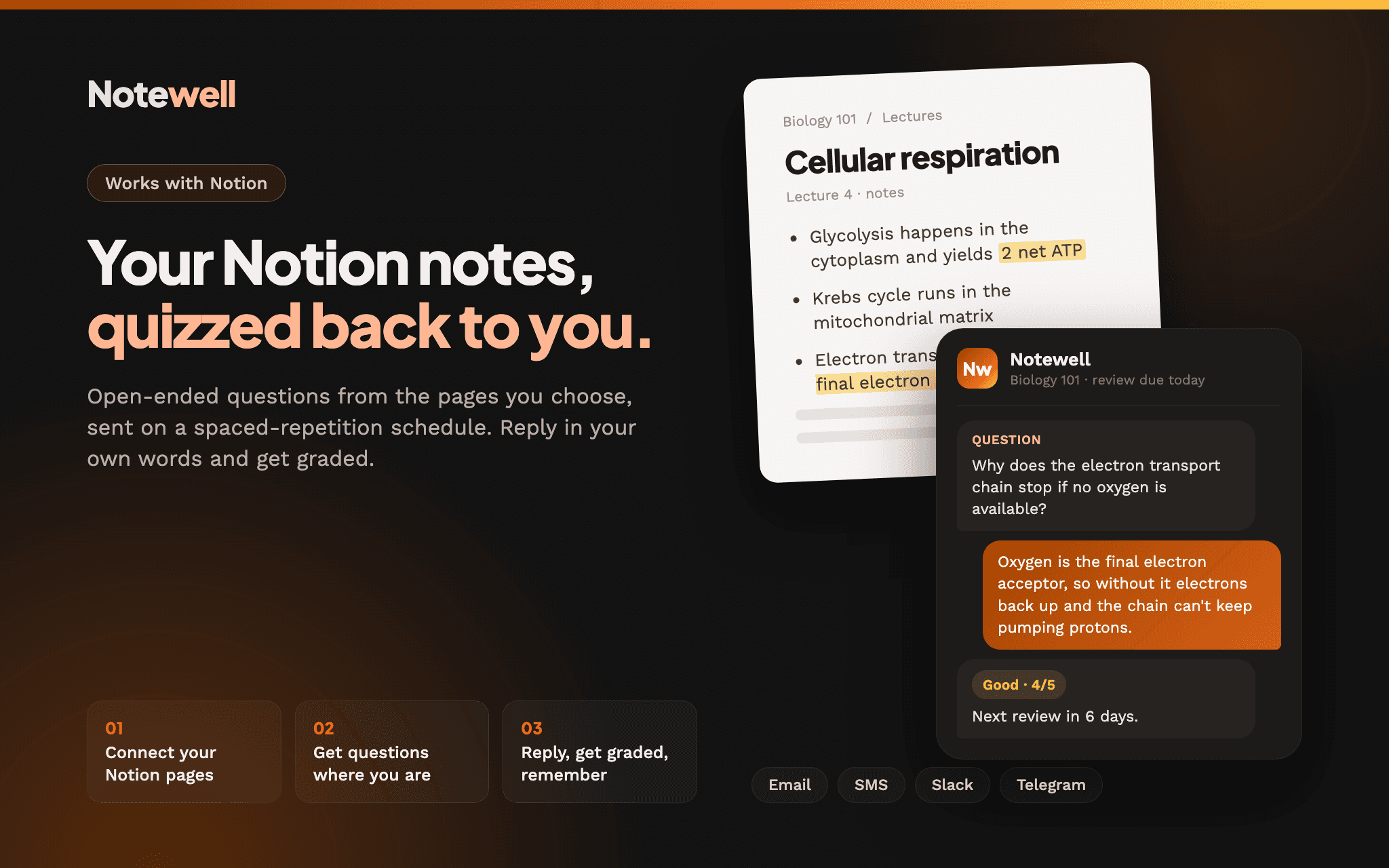
Notewell turns the notes you already keep in Notion into open-ended study questions, then sends them to you by email, SMS, Slack or Telegram on a spaced-repetition (SM-2) schedule. Answer by replying in your own words, right where the question lands, and Notewell grades your answer and works out when to ask again.
Questions come only from the pages you choose to connect, so you're never quizzed on something your notes didn't say. Notewell only reads from Notion. It never edits, moves or deletes your pages.
It's built for students, people studying for certifications, and anyone who writes things down in Notion and wants to actually remember them. You don't need a new app, a streak, or to remember to sit down and study. The questions come to you.
기능
- 콘텐츠 읽기이 연결과 공유된 페이지, 데이터베이스, 블록을 읽기 수 있습니다.
- 워크스페이스 사용자 보기이메일 주소를 포함한 워크스페이스 멤버와 게스트에 대한 기본 프로필 상세정보를 읽습니다.
사용 방법
1. Sign up at notewell.io and create a new collection.
2. Choose Notion as your source and click Connect. In the Notion window, choose the pages you want Notewell to read.
3. Pick the pages or databases to study from. Notewell generates questions from them. Your first collection is free.
4. Choose how you want to get questions (email, SMS, Slack or Telegram) and how often.
5. Reply to each question in your own words. Notewell grades your answer and schedules the next review.
