
정보
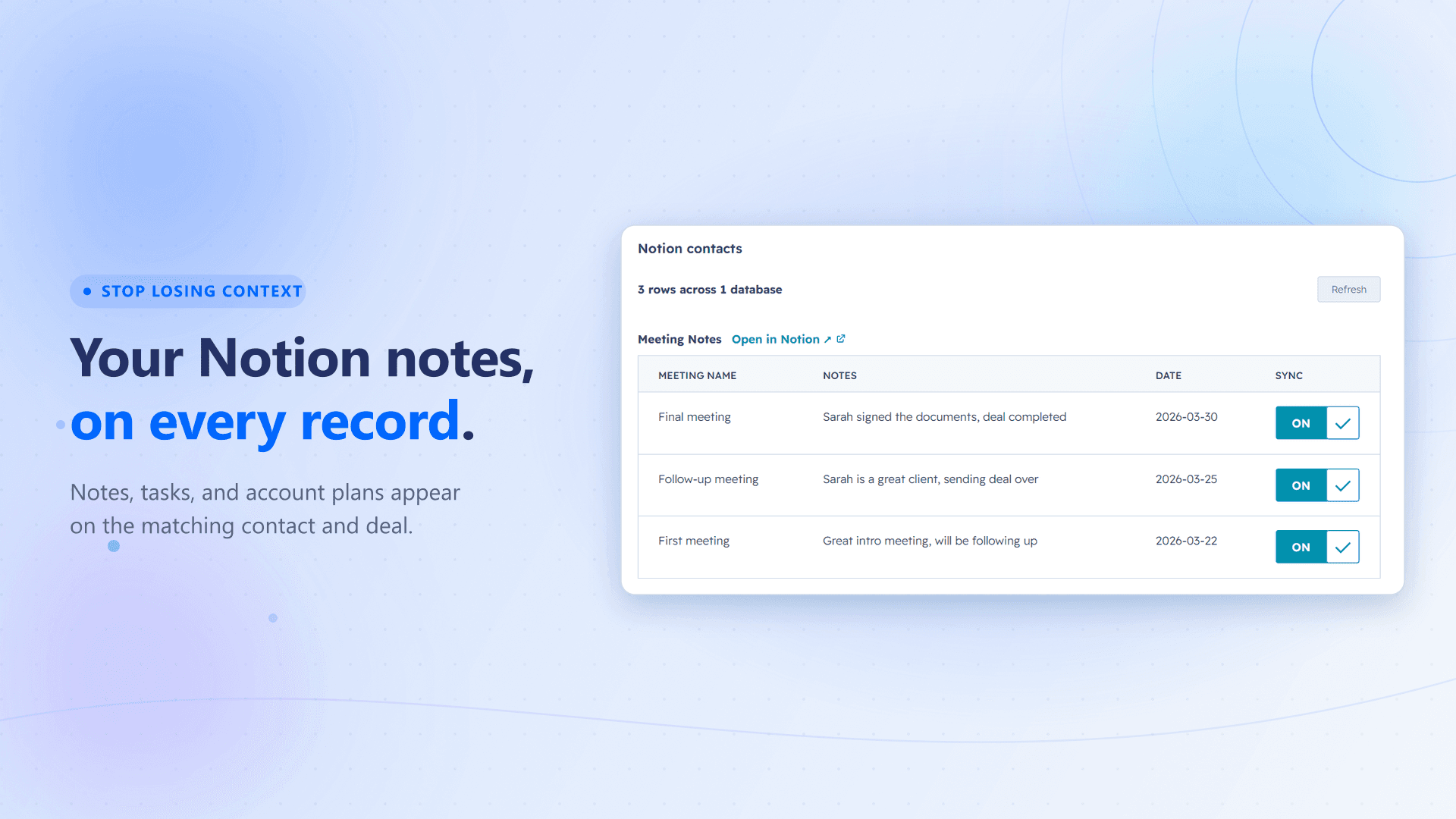
NoteLinker surfaces notes written in Notion right on the matching HubSpot contact or deal record. When someone finishes a call or meeting and writes it up in Notion, that note shows up automatically on an inline NoteLinker card on the matching HubSpot record, read live from Notion, with no manual copy-paste required.
It's built for teams that write in Notion but work in HubSpot. The note shows up where everyone expects to find it, keeping context visible across the team without changing how anyone works.
기능
- 콘텐츠 읽기이 연결과 공유된 페이지, 데이터베이스, 블록을 읽기 수 있습니다.
- 워크스페이스 사용자 보기이메일 주소를 포함한 워크스페이스 멤버와 게스트에 대한 기본 프로필 상세정보를 읽습니다.
사용 방법
- Install NoteLinker from the HubSpot Marketplace. HubSpot walks you through the OAuth connection, then drops you on a setup page.
- On that page, connect your Notion workspace and pick which databases NoteLinker can read.
- Make sure each Notion database has an Email property (to match contacts) or a Deal Name property (to match deals). NoteLinker uses these to match each row to the right HubSpot record.
- Open any HubSpot contact or deal. Every Notion row whose Email or Deal Name matches shows up automatically on the inline NoteLinker card. There's no opt-in checkbox to keep up to date. To keep a row off a record, check a "Hide from HubSpot" checkbox in Notion.
- That's it. Rows stay in sync from that point forward, read live from Notion.