정보
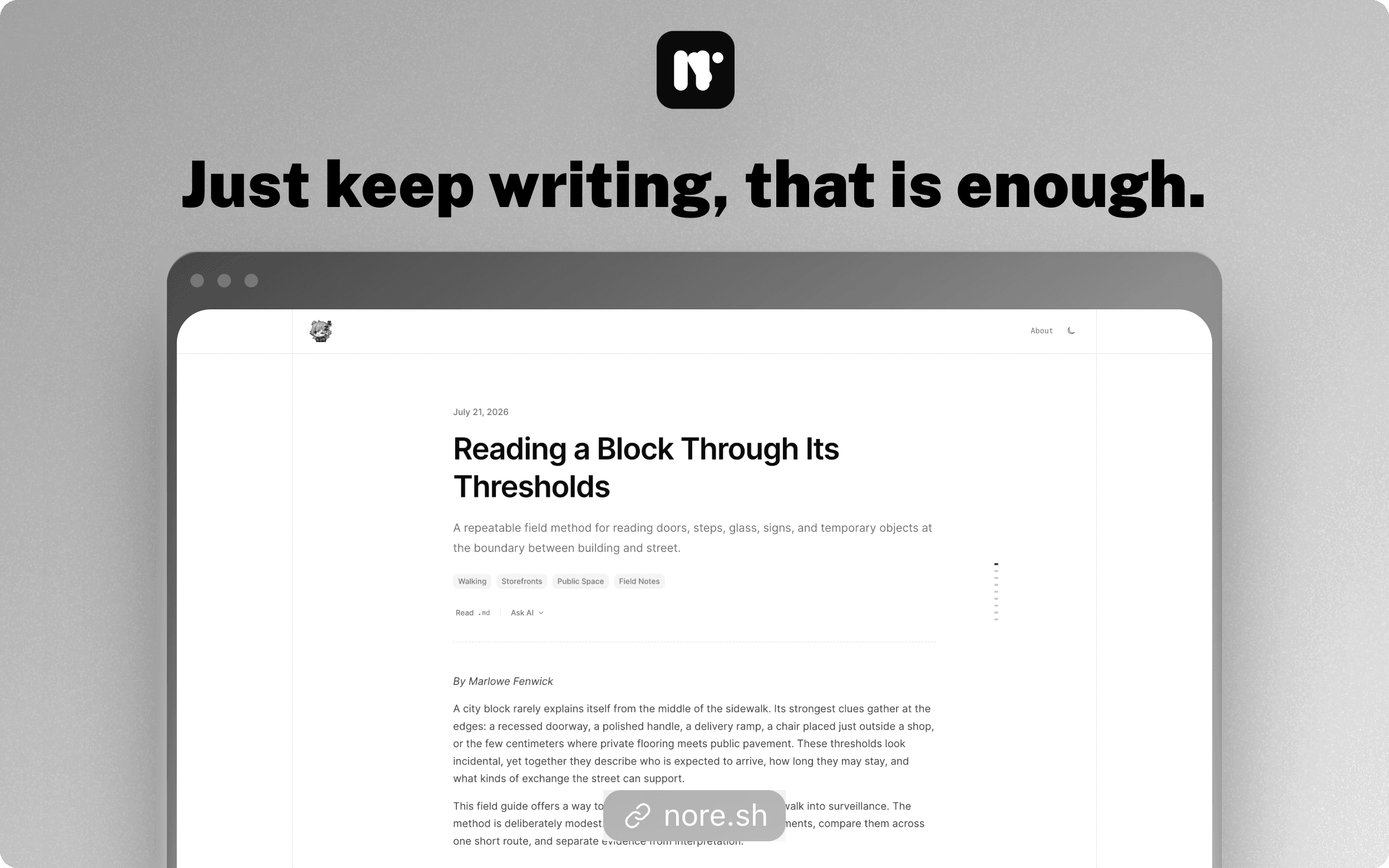
Nore turns Notion into a publishing workspace for polished blogs. Write and organize content in Notion, then use Nore to create releases and publish fast, structured pages.
Nore handles post, tag, and author pages, metadata, images, themes, custom domains, analytics, newsletters, and content controls. Users remain in control of the Notion pages shared with Nore and can revoke access or delete their blog at any time.
기능
- 콘텐츠 읽기, 삽입 및 업데이트이 연결과 공유된 페이지, 데이터베이스, 블록을 읽기, 삽입 및 업데이트 수 있습니다.
- 워크스페이스 사용자 보기이메일 주소를 포함한 워크스페이스 멤버와 게스트에 대한 기본 프로필 상세정보를 읽습니다.
사용 방법
1. Visit https://nore.sh/login and select “Continue with Notion”.
2. Choose your Notion workspace and authorize Nore.
3. Follow the dashboard onboarding to create your blog and posts database.
4. Write or edit posts in Notion.
5. Return to Nore and create a release to publish your changes.
6. Optionally configure your theme, custom domain, analytics, and newsletter.