NEXUPIRA
NEXUPIRA
정보
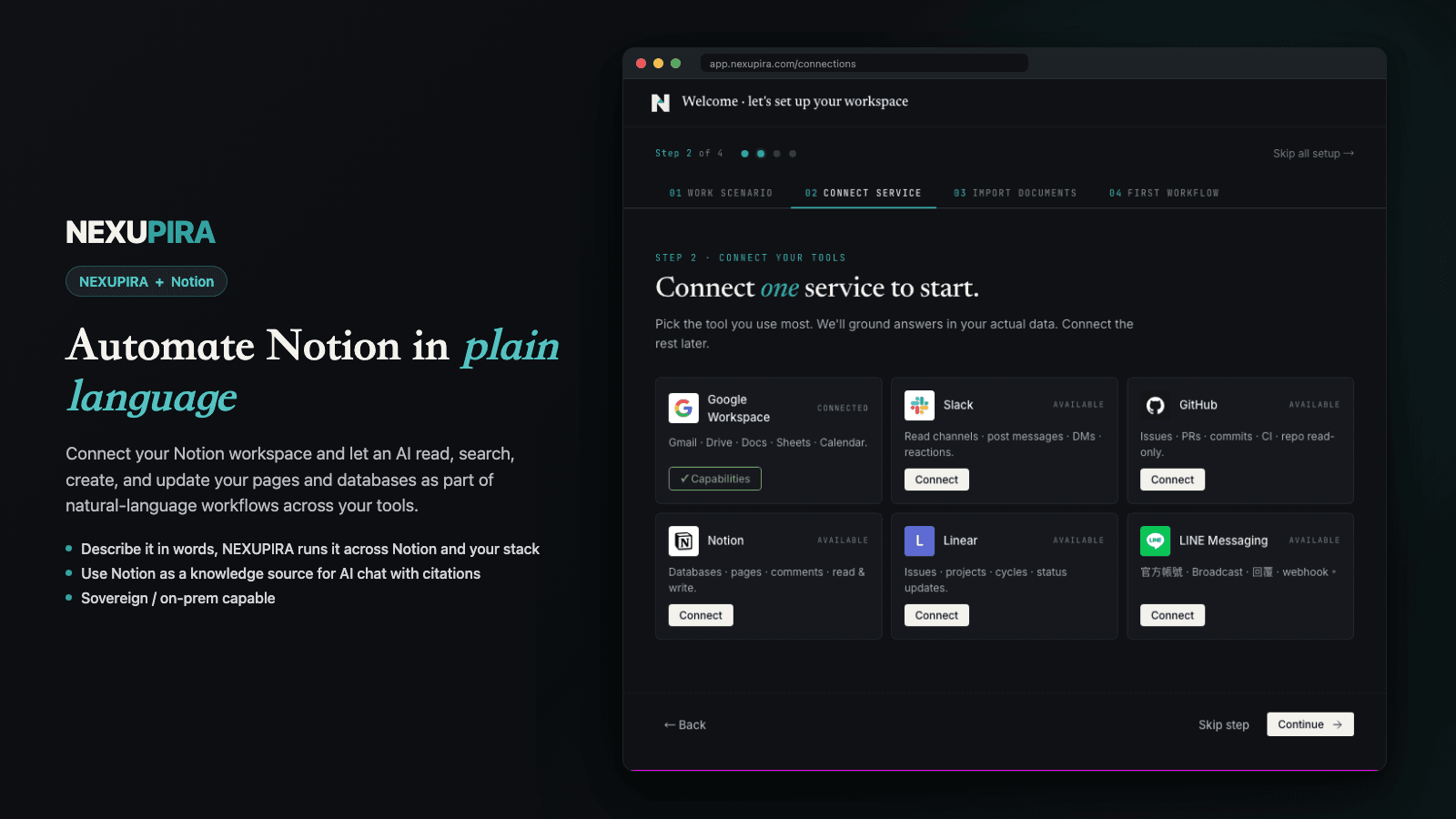
NEXUPIRA is an AI-powered automation platform that connects Notion with your other tools and workflows. Using natural language, your AI assistant can read pages and databases, create new content, and manage your Notion workspace as part of larger cross-service automations.
Core Notion capabilities:
- Read pages and databases to use as context for AI workflows
- Create new pages and documents with AI-generated content
- Append text and structured content to existing pages
- Search your Notion workspace for relevant information
- Connect Notion with Slack, Gmail, Google Calendar, GitHub, and other tools in a single automated workflow
NEXUPIRA acts as a neural spine for your operations — letting the AI assistant work across Notion and your entire tool stack. Connect your Notion workspace once and let NEXUPIRA handle the rest.
Data handling: Notion content is accessed in real-time to fulfill the user's specific request and is not stored beyond the duration of the workflow.
기능
- 콘텐츠 읽기, 삽입 및 업데이트이 연결과 공유된 페이지, 데이터베이스, 블록을 읽기, 삽입 및 업데이트 수 있습니다.
- 댓글 읽기 및 추가접근할 수 있는 페이지와 블록에 댓글을 읽기 및 추가 수 있습니다.
- 워크스페이스 사용자 보기이메일 주소를 포함한 워크스페이스 멤버와 게스트에 대한 기본 프로필 상세정보를 읽습니다.
사용 방법
1. Sign up for a NEXUPIRA account at https://nexupira.com
2. Go to the Connections page and click "Connect Notion"
3. Authorize NEXUPIRA to access your Notion workspace via OAuth
4. In the NEXUPIRA chat interface, you can now use natural language to interact with your Notion workspace — read pages, create documents, and automate workflows
5. To get started, try: "Show me my recent Notion pages" or "Create a new page titled Meeting Notes"