정보
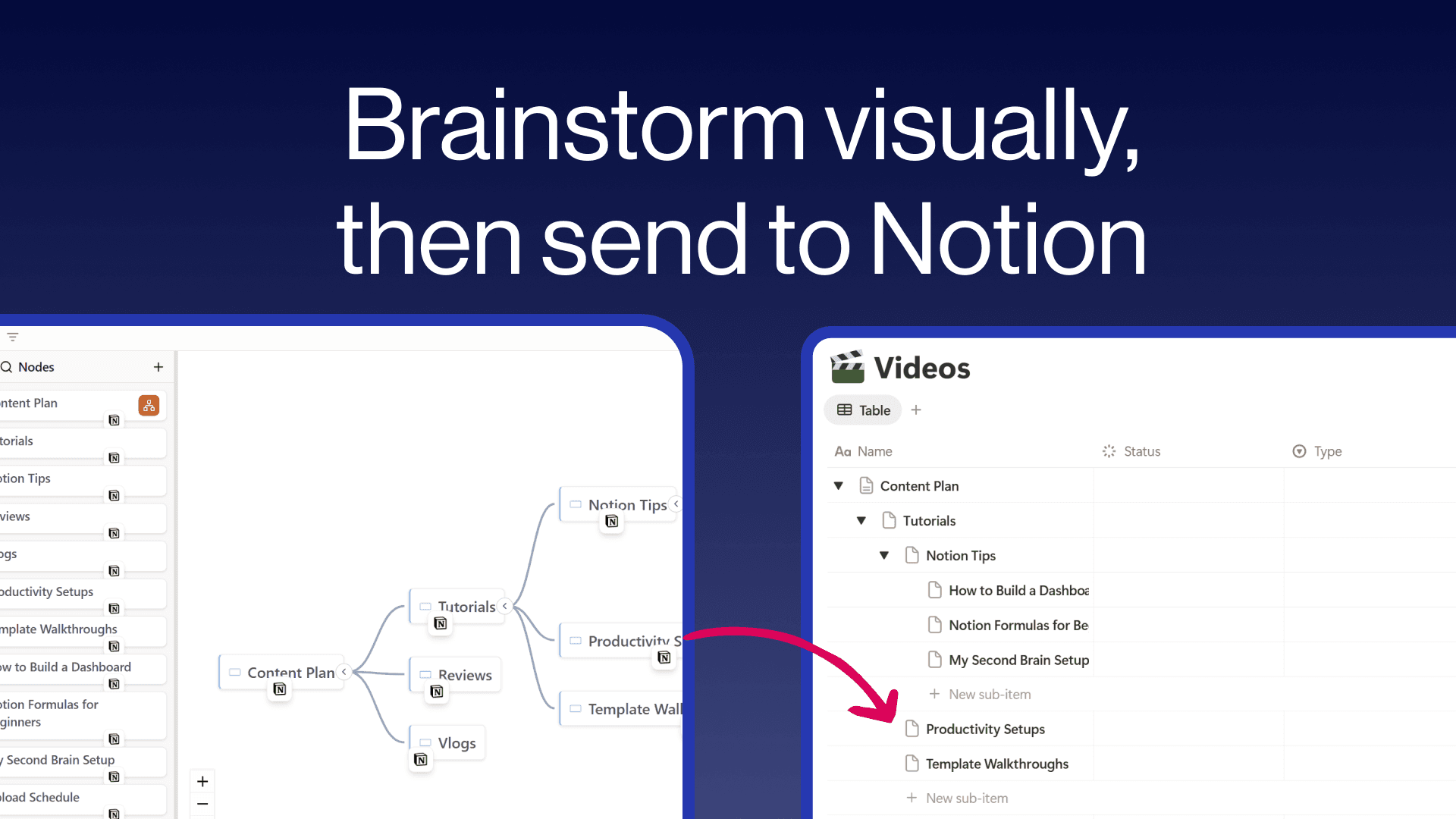
Create freeform mind maps and send them directly to your Notion databases. Build your ideas visually with an intuitive tree editor, then push individual nodes or your entire map to Notion with hierarchy preserved as sub-items. Embed interactive mind maps inside any Notion page so your team can explore them without leaving their workspace. Free to use with unlimited maps and nodes.
기능
- 콘텐츠 읽기, 삽입 및 업데이트이 연결과 공유된 페이지, 데이터베이스, 블록을 읽기, 삽입 및 업데이트 수 있습니다.
- 워크스페이스 사용자 보기이메일 주소를 포함한 워크스페이스 멤버와 게스트에 대한 기본 프로필 상세정보를 읽습니다.
사용 방법
- Visit notionmindmap.com and click "Login with Notion"
- Select your workspace and the databases you want to connect
- Click "Create new Mindmap" to start brainstorming
- Add nodes using the + buttons that appear on hover
- Click the "..." menu on any node and choose "Send to" to push it to a Notion database
- Click "Share" to get an embed URL you can paste into any Notion page using /embed