

정보
Meerlume builds chat assistants that take bookings, leads and orders for small businesses on WhatsApp, Telegram, Messenger, Instagram and your website.
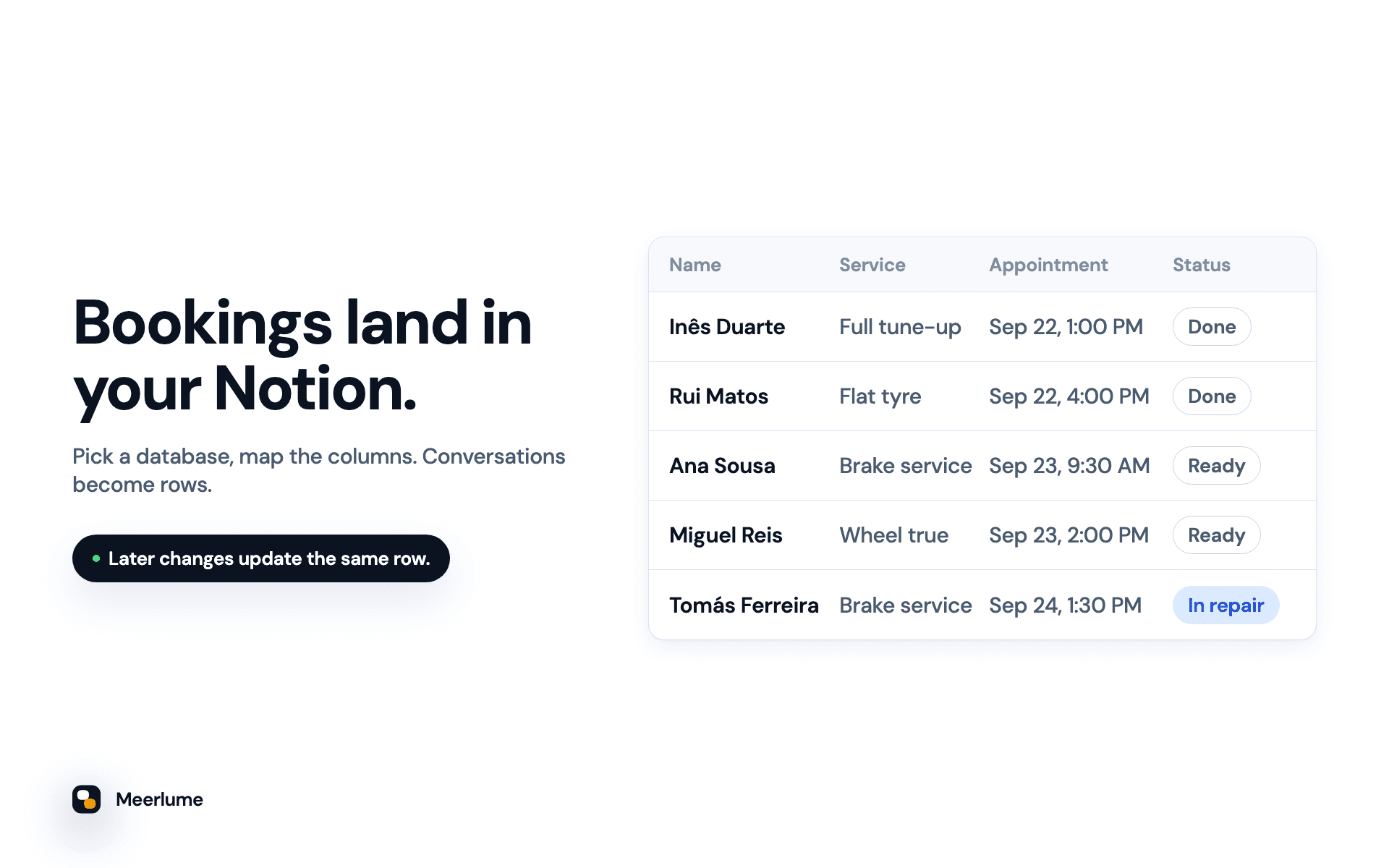
Connect Notion and every conversation that finishes becomes a page in a database you choose. The customer's answers go into your columns: name, phone, service, appointment time, and anything else your assistant asks.
The same page stays up to date. When you change a submission's status, or a customer reschedules or cancels their booking, Meerlume updates that page instead of adding a new one. Your database shows where each customer stands now, not a log of events.
• Use a database you already have, or let Meerlume build one with a column for every question
• Columns are matched by name, and you check the mapping before the first lead arrives
• Appointment times are written in your business time zone
• Renaming columns in Notion is safe
• Meerlume only sees the pages you share with it
Requires a Meerlume Growth plan or higher.
기능
- 콘텐츠 읽기, 삽입 및 업데이트이 연결과 공유된 페이지, 데이터베이스, 블록을 읽기, 삽입 및 업데이트 수 있습니다.
사용 방법
1. In Meerlume, open Integrations → Notion and choose Connect Notion.
2. In the Notion window, pick your workspace and select the database you want rows in, or a page where Meerlume should build a new database. Then allow access.
3. Back in Meerlume, choose Add a database, pick your assistant, and choose "A database I have" or "Build one for me".
4. Check the column mapping, then choose Add a test row. It writes a real row titled "Test from Meerlume" so you can see the result. Delete it when you're done.
From then on, every finished conversation lands in Notion. Full guide: https://meerlume.com/guides/connect-notion/
