 Media List
Media List
정보
Media List helps agencies, publicists and founders find the right journalists, editors and producers to pitch. This connection copies any saved Media List list into Notion, one row per contact.
Each row has the contact's name, title, outlet, outlet website, location, topics and Media List ID. Emails you already unlocked in Media List are included. Locked emails stay locked and are marked, so you know which ones to unlock.
Use it to plan pitches, track who you contacted and share lists with your team in Notion.
Media List only sees the pages you choose when you connect. Each list you send becomes a new database inside the page you shared. If you share a database instead of a page, Media List adds one page called Media List exports to it and puts your lists there. It never changes your other content.
You need a Media List account with an active plan or free trial.
기능
- 콘텐츠 읽기, 삽입 및 업데이트이 연결과 공유된 페이지, 데이터베이스, 블록을 읽기, 삽입 및 업데이트 수 있습니다.
사용 방법
Step 1. Sign in at medialist.com and save a list of contacts from the dashboard.
Step 2. Go to medialist.com/notion and click Connect Notion.
Step 3. When Notion asks, pick a page to share with Media List, then click Allow access.
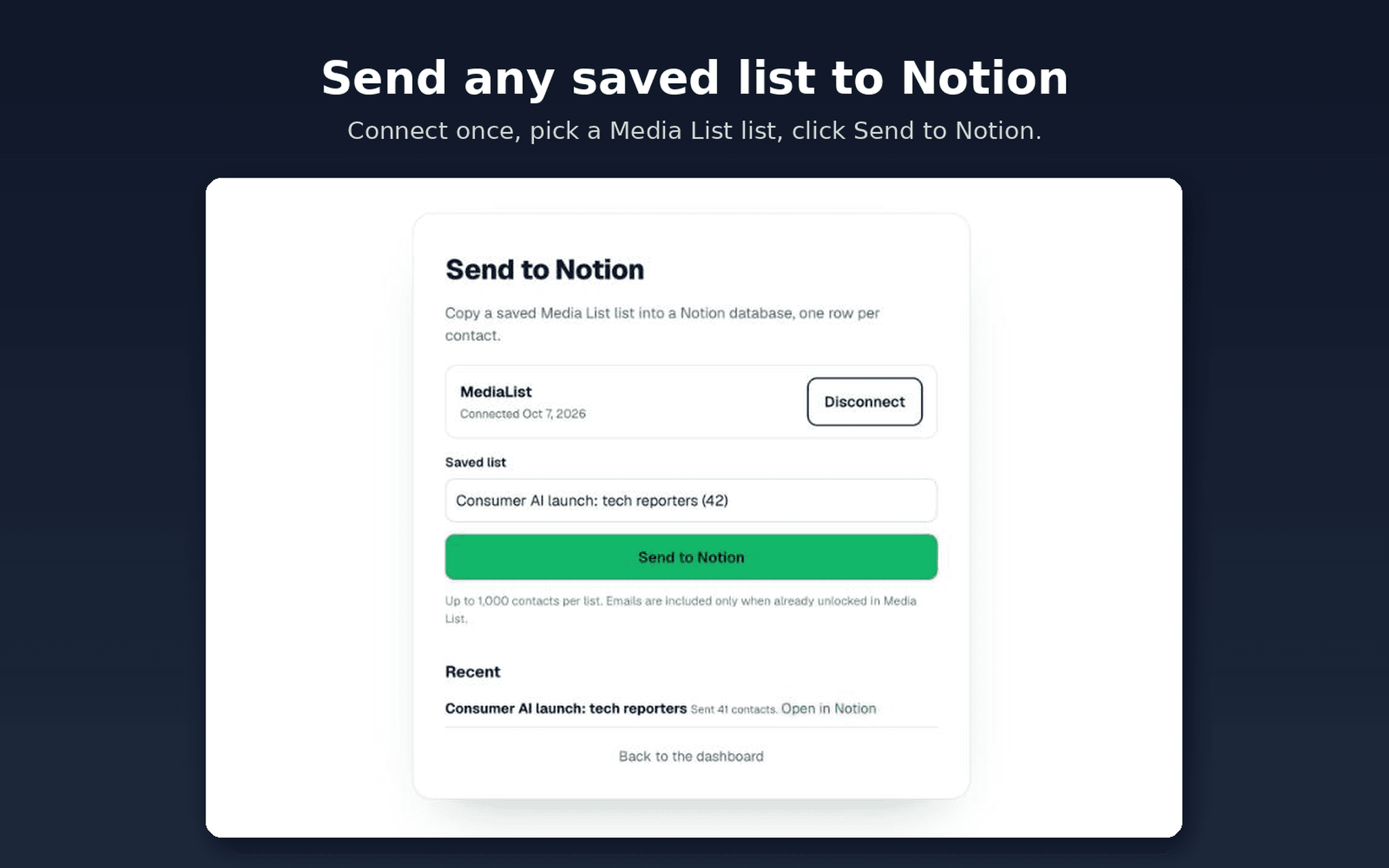
Step 4. Back on medialist.com/notion, pick a saved list and click Send to Notion.
Step 5. In about a minute a new database with your list appears inside that page. Click Open in Notion to see it.
To disconnect, click Disconnect on medialist.com/notion, then remove Media List under Settings, Connections in Notion.
Need help? Email [email protected].
