
Marcomm AI
정보
Marcomm AI is where corporate communications teams write, review and publish press releases, blog posts and newsroom content.
This connection lets you send a press release or blog draft to your own Notion workspace as a new page with one click. Each person connects with their own Notion login (OAuth).
What the connection does:
- Creates a new page for the press release or draft you choose, with headings, paragraphs, lists, quotes and links preserved.
- Needs only permission to insert content and to read basic user information to show which account is connected.
- Never edits or deletes existing pages, and never reads your other Notion content.
You can disconnect at any time from Settings > Integrations > Notion in Marcomm AI.
기능
- 콘텐츠 읽기 및 삽입이 연결과 공유된 페이지, 데이터베이스, 블록을 읽기 및 삽입 수 있습니다.
- 워크스페이스 사용자 보기이메일 주소를 포함한 워크스페이스 멤버와 게스트에 대한 기본 프로필 상세정보를 읽습니다.
사용 방법
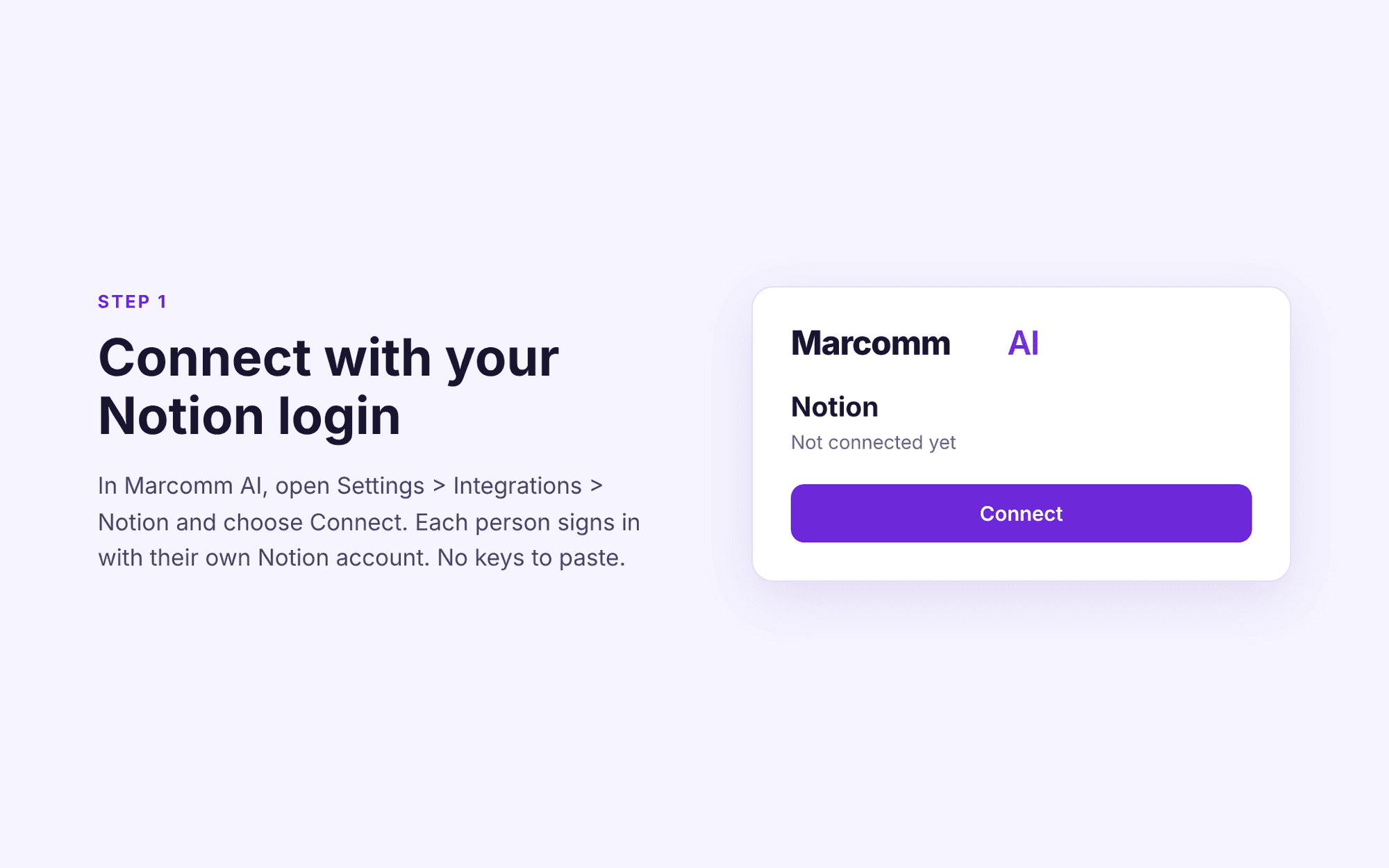
1. Sign in to Marcomm AI (https://marcomm.works) and open Settings > Integrations > Notion.
2. Click Connect, sign in to Notion and choose the pages you want to share with the connection.
3. Open any press release or blog post and choose "Send to Notion". A new Notion page is created in the location you selected.
To stop sharing, disconnect the connection in Marcomm AI or remove it in Notion under Settings > Connections.