
정보
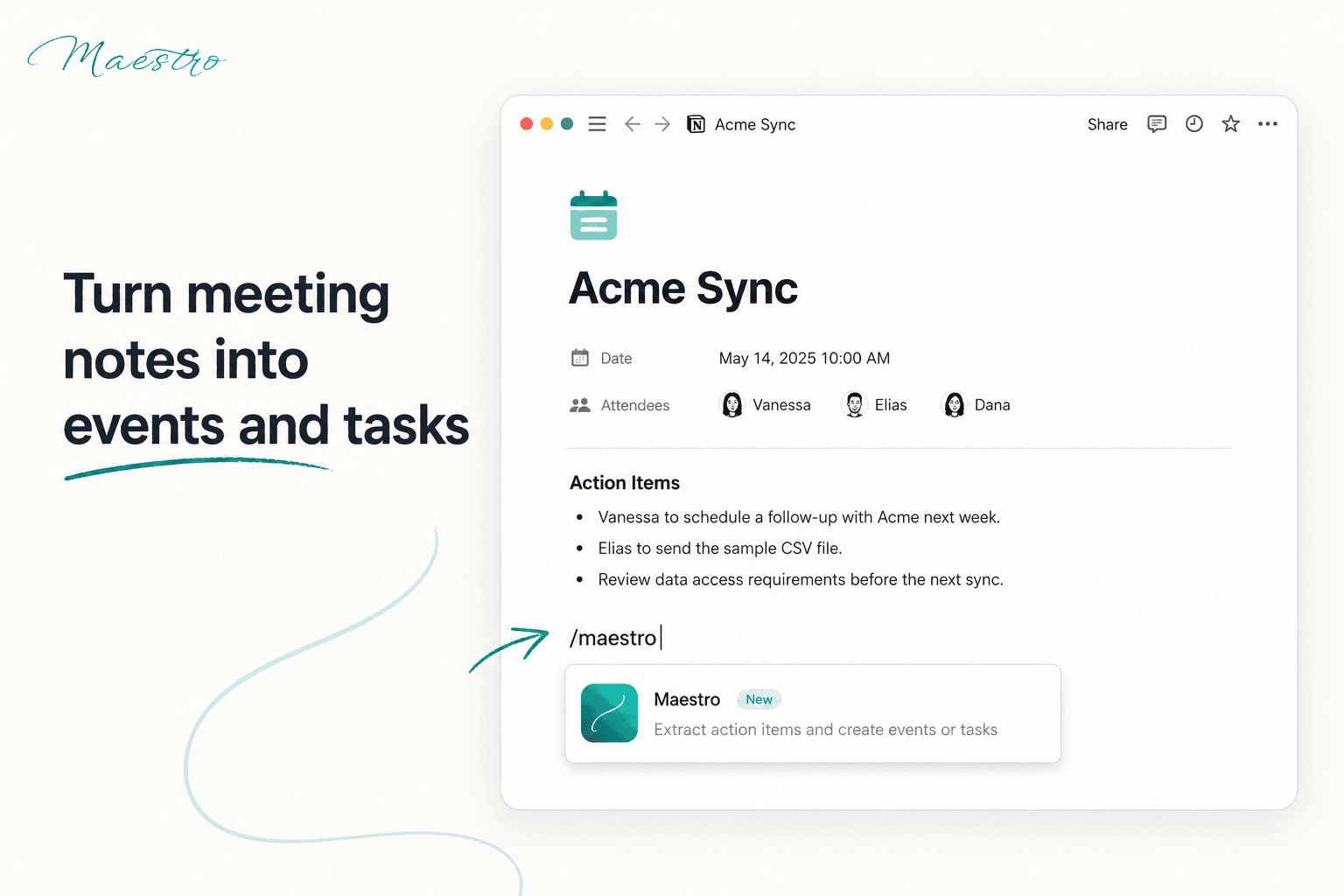
Maestro brings your calendars, tasks, and schedules together in one unified view. Sync multiple calendars, automatically block time to protect your availability, and reduce the mental overhead of managing a busy schedule — perfect for consultants, fractional executives, and anyone juggling multiple clients, roles, or commitments.
기능
- 콘텐츠 읽기, 삽입 및 업데이트이 연결과 공유된 페이지, 데이터베이스, 블록을 읽기, 삽입 및 업데이트 수 있습니다.
- 댓글 읽기 및 추가접근할 수 있는 페이지와 블록에 댓글을 읽기 및 추가 수 있습니다.
- 워크스페이스 사용자 보기이메일 주소를 포함한 워크스페이스 멤버와 게스트에 대한 기본 프로필 상세정보를 읽습니다.
사용 방법
- Sign up for free at
maestroyourlife.com
. - Connect your calendars to Maestro and sync with your Notion workspace.
- Start managing your schedule immediately with a free account, or activate your 30-day free trial to unlock advanced features — including syncing up to 3 calendars, smart time-blocking, and a shareable public booking link.
- Review your unified calendar and let Maestro's smart blocking protect your free time automatically.