정보
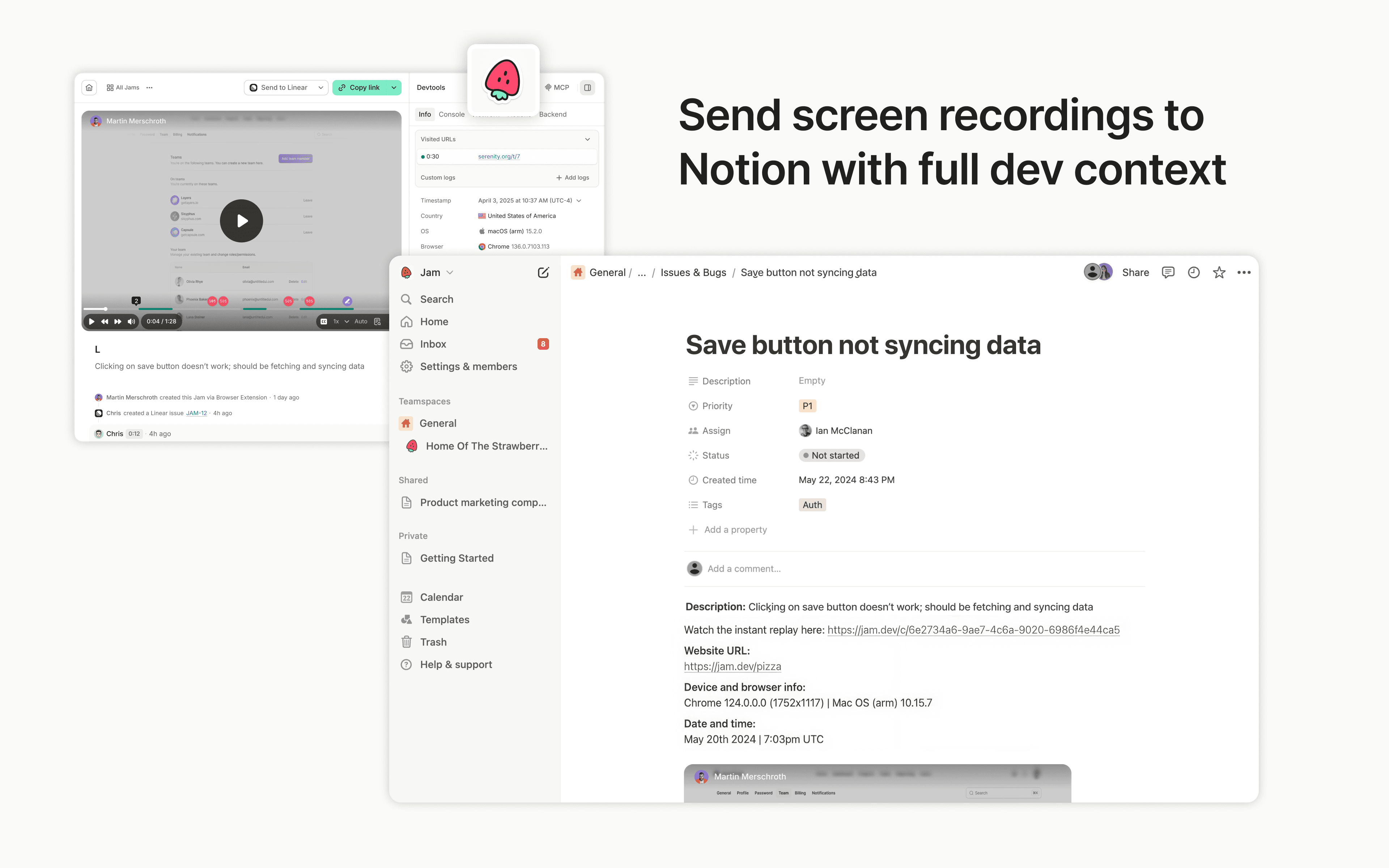
Jam is the smart screen recorder for software teams. Capture bugs, feedback, feature ideas, QA notes, or customer issues in one click from your browser or iOS app, then send them to Notion as tasks, docs, or product notes.
Every recording is automatically enriched with the technical context teammates, engineers, and AI agents need to understand what happened and move work forward, including repro steps, console and network logs, user actions, device info, and more.
기능
- 콘텐츠 읽기 및 삽입이 연결과 공유된 페이지, 데이터베이스, 블록을 읽기 및 삽입 수 있습니다.
- 워크스페이스 사용자 보기이메일 주소를 포함한 워크스페이스 멤버와 게스트에 대한 기본 프로필 상세정보를 읽습니다.
사용 방법
Sending Jams to Notion is simple:
- Capture a bug, feedback, or QA note with the Jam browser extension or iOS app
- Click the Notion button in your Jam
- Choose the Notion page or database where the Jam should go
- Create a Notion page with the Jam and full technical context attached