IFTTT

IFTTT
정보
Automate, save time, and get more done with Notion and IFTTT.ai. Connect Notion to 1,000+ apps, devices, and AI tools, and build automations in minutes, just by describing what you want. No code required, and nearly every feature is free to start.
How IFTTT works
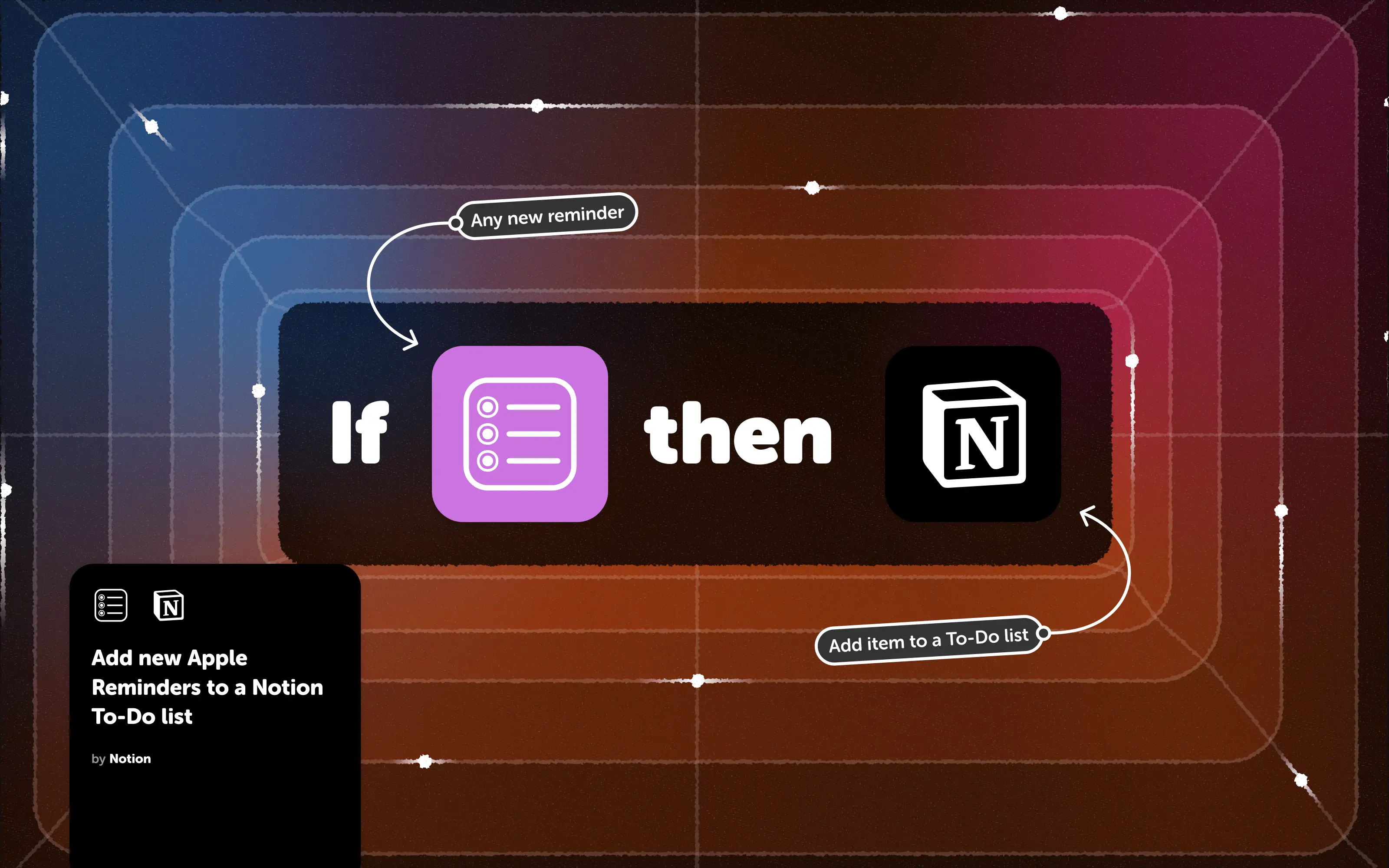
IFTTT.ai connects apps with automations called Applets. Each Applet follows one simple idea, if this, then that: choose a trigger, pick an action, and customize it to your needs. Turn on one of hundreds of thousands of ready-made Applets, build your own in minutes, or describe what you want in plain words and IFTTT’s AI chat will build it for you.
Key features
-
Connect Notion to 1,000+ apps, services, and devices:
Integrate with everything from Google Workspace, Microsoft 365, task management, calendar, and communication apps using Notion triggers and actions.
-
Unlimited Applets, free to start:
Build as many Applets as you want on every plan, including Free. Nearly every feature is available to you, including multiple actions, filters, and queries.
-
Put AI to work with Notion:
AI Agent can watch a web page and run a Notion Applet when something new appears or a number changes. It can also handle multi-step jobs across your connected services from a single plain-language prompt. AI Action assist writes your Applet’s messages fresh each time, based on what triggered it.
-
Build with AI, your way:
Describe the automation you want in IFTTT’s AI chat, or create and run Applets right from AI assistants like Claude and ChatGPT through IFTTT MCP.
-
Use IFTTT.ai on the go:
Our mobile apps for iOS and Android let you connect Notion to widgets, custom phone notifications, and location-based triggers.
Example workflows:
- Use AI or voice assistants to add items to your Notion to-do lists or create new pages
- Turn RSS Feed items into Notion to-do task
- Sync your calendars with Notion so every event becomes a to-do, keeping you organized and prepared for your most important meetings.
기능
- 콘텐츠 읽기, 삽입 및 업데이트이 연결과 공유된 페이지, 데이터베이스, 블록을 읽기, 삽입 및 업데이트 수 있습니다.
- 워크스페이스 사용자 보기이메일 주소를 포함한 워크스페이스 멤버와 게스트에 대한 기본 프로필 상세정보를 읽습니다.
사용 방법
Get started:
-
Visit
-
Click
Connect Notionto connect your account to IFTTT. If you're new to IFTTT, you'll be prompted to create a free account.
-
Click and enable any of the published Applets available or click
Create
to easily build your own