 Huddlekit
Huddlekit
정보
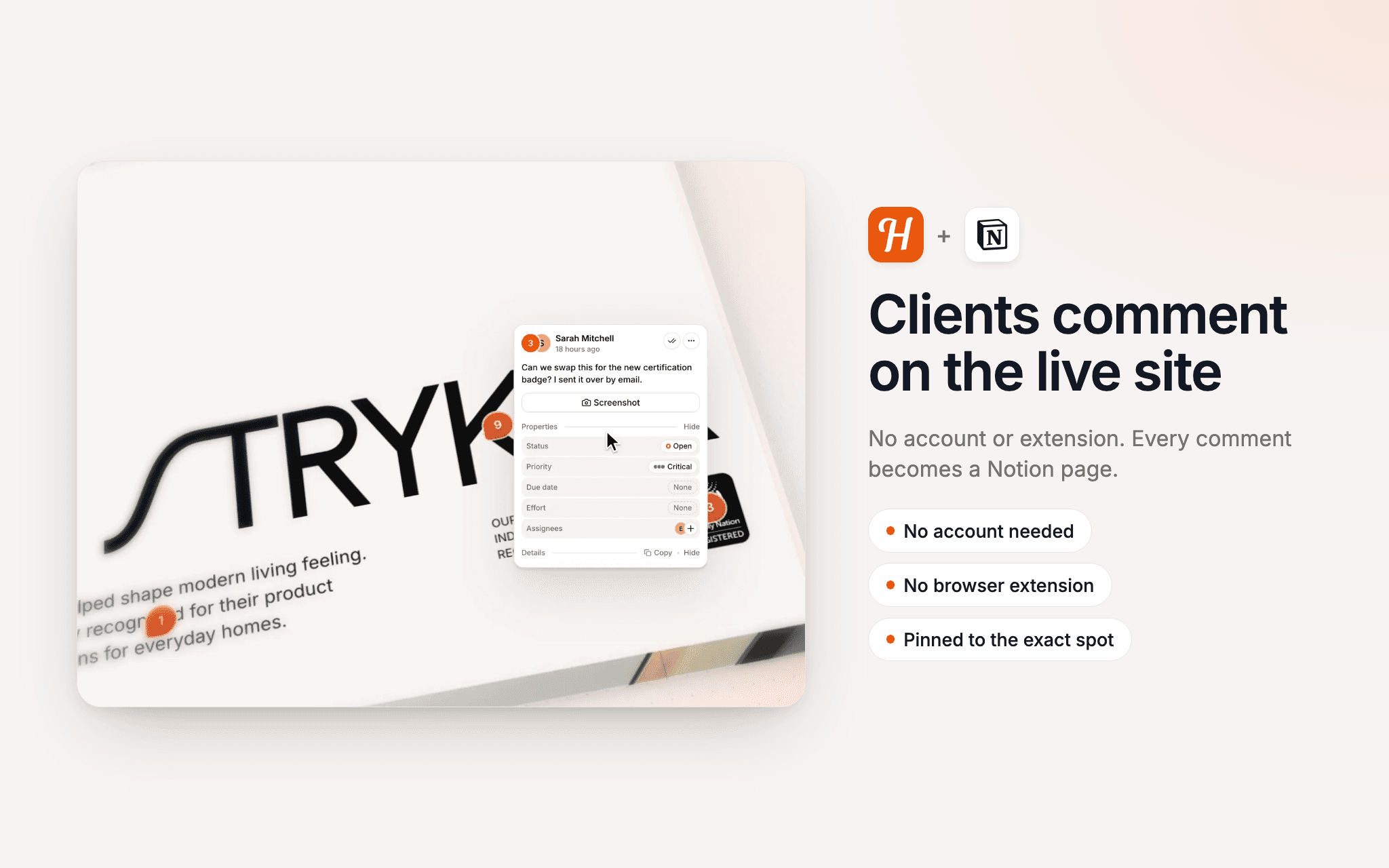
Huddlekit lets clients leave feedback directly on a live website or web app, with no account or browser extension. With the Notion connection, every new comment becomes a page in a Notion database you choose, so feedback lands where your team already plans its work.
Each page is titled with the comment number and its first line. It holds the full comment, who left it and on which page, the screenshot, and the OS, browser, viewport and pixel ratio it was left in, with the environment details tucked into a toggle, plus a link back to the comment in Huddlekit.
Status syncs both ways through a Status or Select property on your database. Change it in Notion and the client's comment follows, and change it in Huddlekit and the page catches up. You can send each project to its own database, keep a project out, or turn status sync off and still get the pages. Huddlekit never creates databases and only reads back the status property, so notes you write on a page stay yours.
기능
- 콘텐츠 읽기, 삽입 및 업데이트이 연결과 공유된 페이지, 데이터베이스, 블록을 읽기, 삽입 및 업데이트 수 있습니다.
사용 방법
The Notion connection is on Huddlekit's Team plan, and a workspace owner or admin connects it.
- In Notion, pick the database the pages should go to. Give it a Status or Select property if you want status to sync.
- 2. In Huddlekit, open Integrations in your workspace sidebar and click Connect next to Notion.
- 3. On Notion's screen, share that database with Huddlekit and allow access.
- 4. Back in Huddlekit, click the menu on the Notion row, choose Configure, and pick a default database or a database for each project. Open Status mapping to check how the statuses match.
The full setup guide is at https://huddlekit.com/support/connecting-notion
