정보
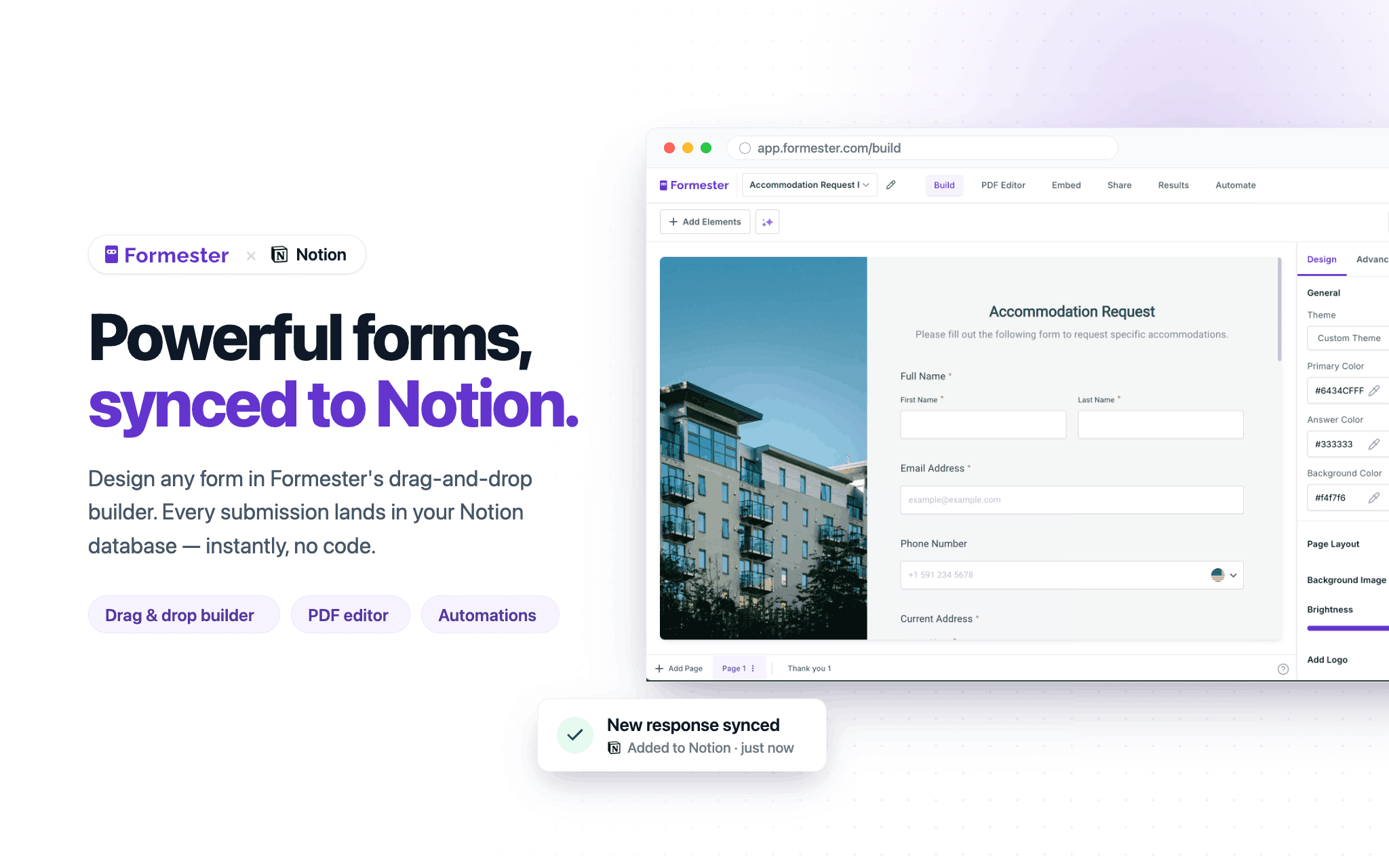
Formester is a powerful online form builder that lets you create customizable forms, surveys, and applications that seamlessly connect with your Notion databases. Collect new entries or update existing records, automatically sync responses to Notion, and keep your data organized in one place.
기능
- 콘텐츠 읽기, 삽입 및 업데이트이 연결과 공유된 페이지, 데이터베이스, 블록을 읽기, 삽입 및 업데이트 수 있습니다.
- 워크스페이스 사용자 보기이메일 주소를 포함한 워크스페이스 멤버와 게스트에 대한 기본 프로필 상세정보를 읽습니다.
사용 방법
1. Sign up or log in to your Formester account.
2. Create a new form or open an existing form you want to connect to Notion.
3. In Formester, connect your Notion account and select the database you want to sync submissions to.
4. Map your form fields to the corresponding properties in your Notion database.
5. Publish your form and share it or embed it where you collect responses.
6. Submit a test response to confirm new pages are created or updated in your Notion database.
7. Manage all responses, automations, and integrations from your Formester dashboard.