
정보
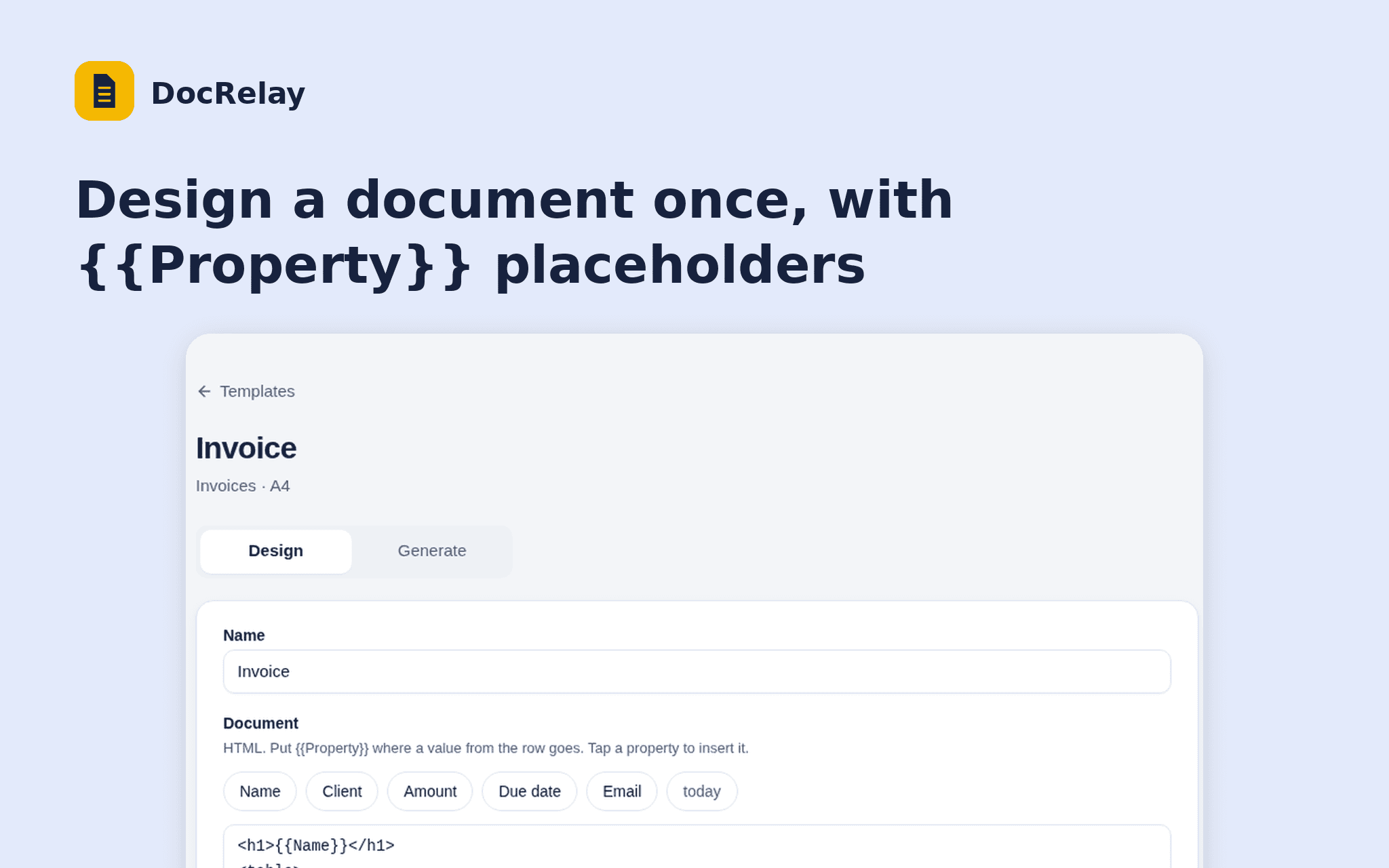
DocRelay turns the rows of a Notion database into PDFs. Design a document once with {{Property}} placeholders, pick the rows and download a PDF for each.
Start from an invoice or certificate layout, see a live preview of any row, and choose the page size and file name.
DocRelay only reads the databases you share and never writes to your workspace. Free while in beta.
기능
- 콘텐츠 읽기이 연결과 공유된 페이지, 데이터베이스, 블록을 읽기 수 있습니다.
- 워크스페이스 사용자 보기이메일 주소를 포함한 워크스페이스 멤버와 게스트에 대한 기본 프로필 상세정보를 읽습니다.
사용 방법
1. Open the install link and sign in with Notion.
2. Select the database DocRelay may read.
3. Create a template and choose the database.
4. Design the document and check the preview.
5. Open Generate, tick the rows and download the PDFs.