
정보
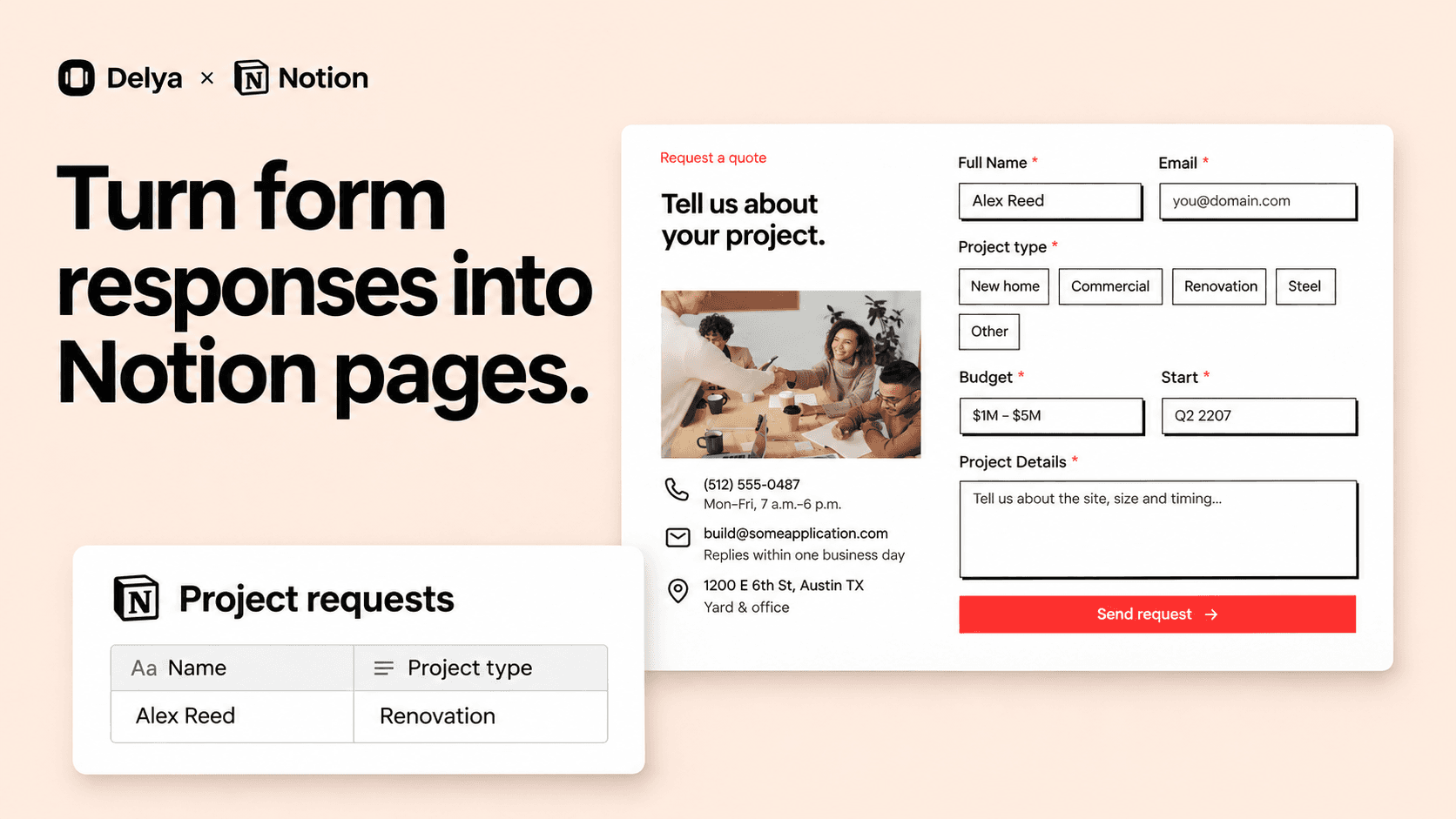
Delya helps you collect leads, feedback, registrations, and more through customizable forms. Connect Delya to Notion to automatically create a new database entry for each completed response.
Choose your database, map form fields to Notion properties, and customize each entry’s page content with answers from your form. Keep responses organized where your team works, without copying data by hand.
기능
- 콘텐츠 읽기, 삽입 및 업데이트이 연결과 공유된 페이지, 데이터베이스, 블록을 읽기, 삽입 및 업데이트 수 있습니다.
- 워크스페이스 사용자 보기이메일 주소를 포함한 워크스페이스 멤버와 게스트에 대한 기본 프로필 상세정보를 읽습니다.
사용 방법
How to get started
1. Sign in to Delya and open the form you want to connect.
2. Go to Integrations and select Notion.
3. Connect your Notion account and grant access to the pages containing your destination database.
4. Choose your database and map your form fields to the corresponding Notion properties. Optionally, customize the page content to include additional response details.
5. Click Create integration and make sure the integration is enabled.