
정보
Crustdata (YC F24) is a real-time data platform for companies and people: 800M+ professional profiles and 200M+ companies.
Connect Crustdata to your Notion Agent and ask it things like:
• "Who did Stripe hire from Google in the last 6 months?"
• "Find Series A fintech companies in Berlin growing headcount fastest"
• "Pull the leadership team of acme.com with their past companies"
• "Which companies in my pipeline database just raised or are hiring sales?"
The agent can then write the answers straight into your pages and databases, enriching a CRM, an investor pipeline or a recruiting tracker with live data instead of copy-pasting from LinkedIn.
What's available:
• Company data: headcount over time, growth, funding, investors, tech stack, web traffic, job postings
• People data: current role, work history, education, skills, location
• Changes: who joined or left a company, job changes, new funding rounds
• Search: filter and rank companies and people across any of the above
기능
- 콘텐츠 읽기, 삽입 및 업데이트이 연결과 공유된 페이지, 데이터베이스, 블록을 읽기, 삽입 및 업데이트 수 있습니다.
- 워크스페이스 사용자 보기이메일 주소를 포함한 워크스페이스 멤버와 게스트에 대한 기본 프로필 상세정보를 읽습니다.
사용 방법
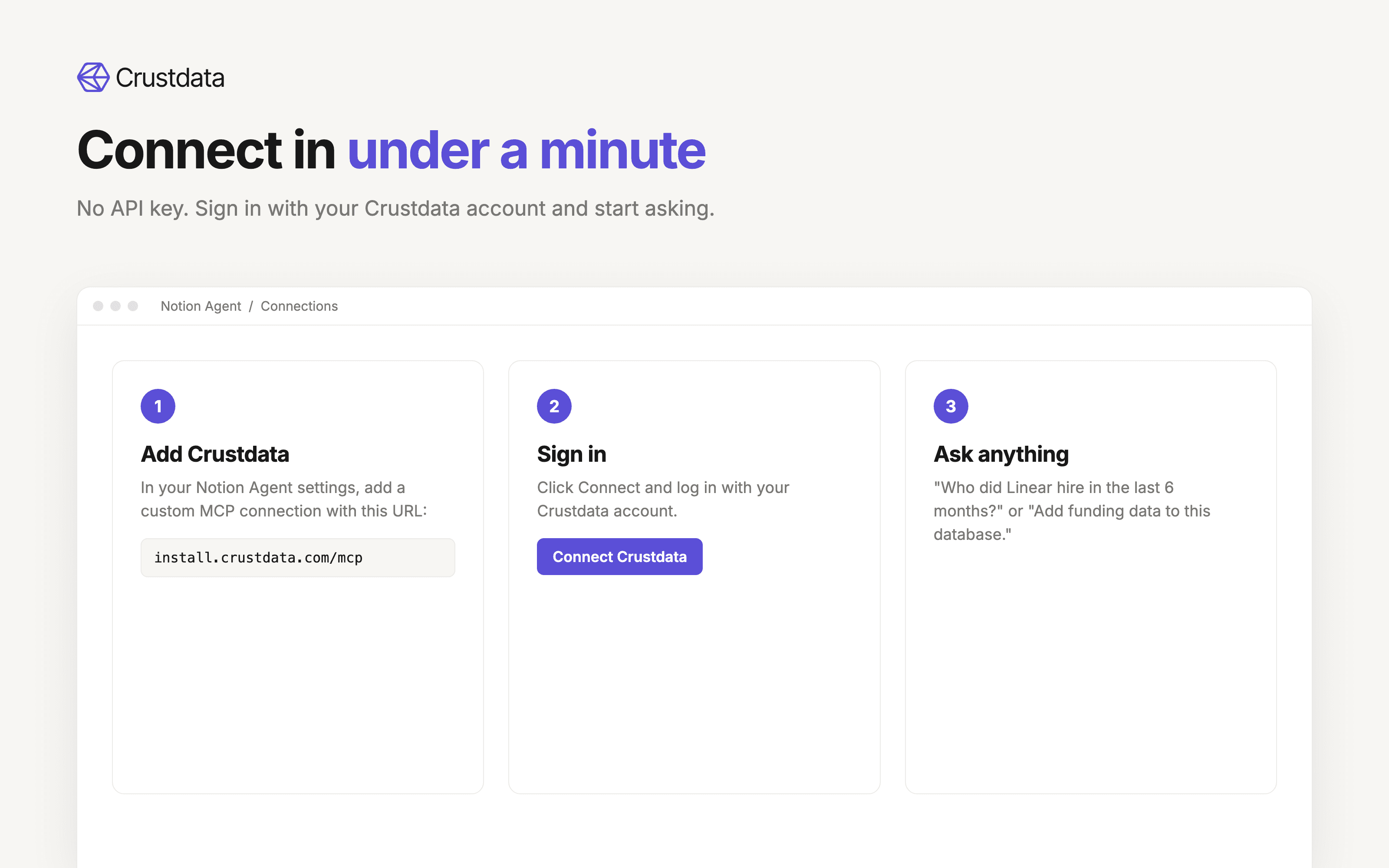
1. Sign up for a Crustdata account at crustdata.com (or use your existing one).
2. In Notion, open your Notion Agent settings and add a custom MCP connection.
3. Name it "Crustdata" and paste this URL: https://install.crustdata.com/mcp
4. Click Connect and sign in with your Crustdata account. No API key needed.
5. Ask your Notion Agent a question like "Find the 10 fastest-growing AI startups in New York and add them to this database."
Full setup guide: https://docs.crustdata.com/for-agents/mcp