 CraftNote
CraftNote
정보
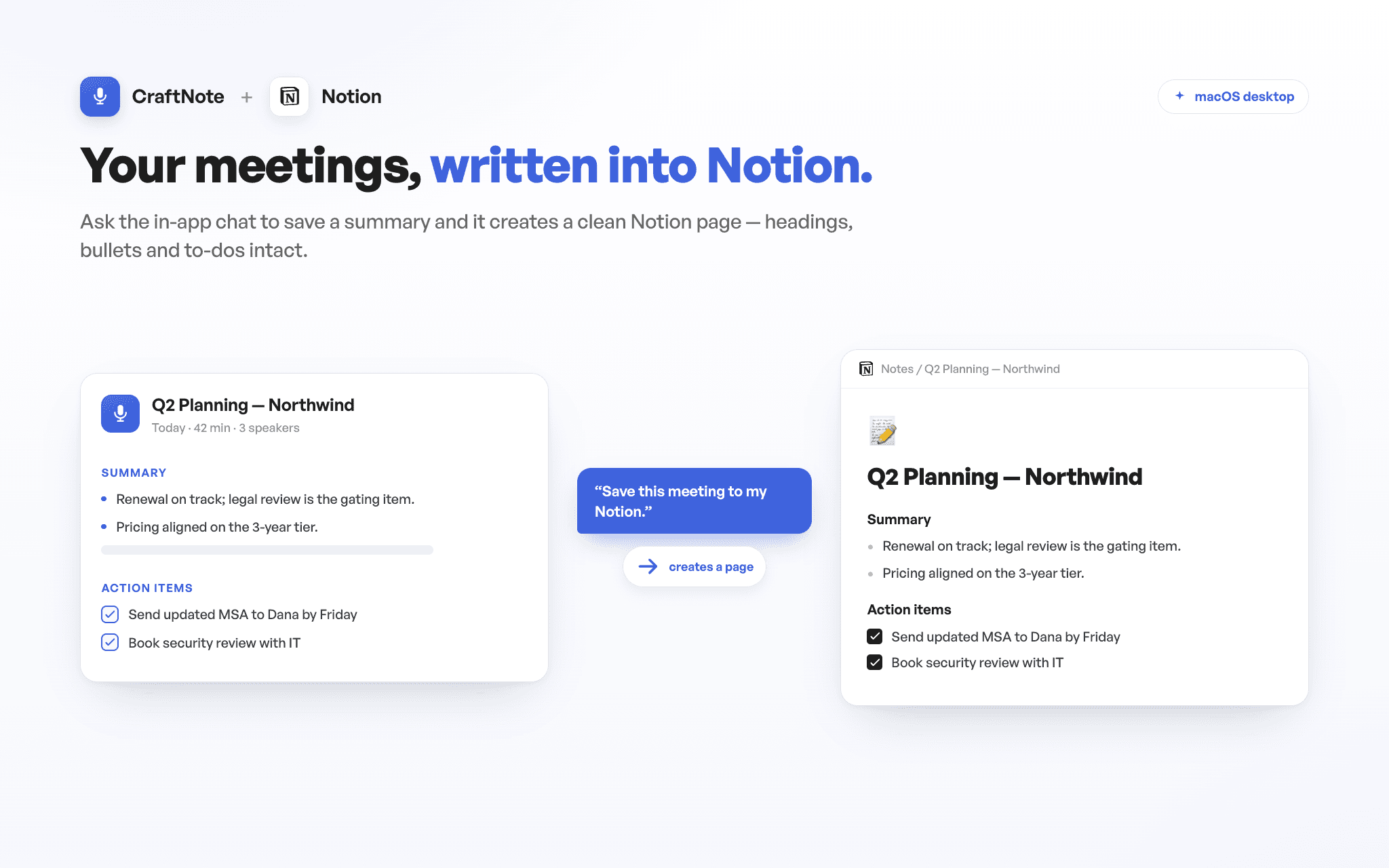
CraftNote turns your meetings into transcripts and AI-generated summaries. With the Notion connection, the in-app chat saves your meeting summaries and notes straight to your Notion workspace, and reads your Notion pages back to answer questions while you work. Connect once, choose exactly which pages CraftNote can access, and keep your meeting knowledge where your team already works — CraftNote only ever sees the pages you explicitly share with it.
기능
- 콘텐츠 읽기, 삽입 및 업데이트이 연결과 공유된 페이지, 데이터베이스, 블록을 읽기, 삽입 및 업데이트 수 있습니다.
- 워크스페이스 사용자 보기워크스페이스 멤버와 게스트에 대한 기본 프로필 상세정보를 읽습니다.
사용 방법
1) In the CraftNote desktop app for Mac, open Settings → Connectors → Notion and tap Connect. 2) On Notion's consent screen, choose the pages or databases CraftNote may access — that's the only content it can ever see — and approve. 3) Back in the CraftNote chat, ask it to save a meeting summary to Notion (a formatted page appears under the destination you picked), or ask a question and it answers from the pages you shared. Get CraftNote at craftnoteapp.com/integrations/notion.
