

정보
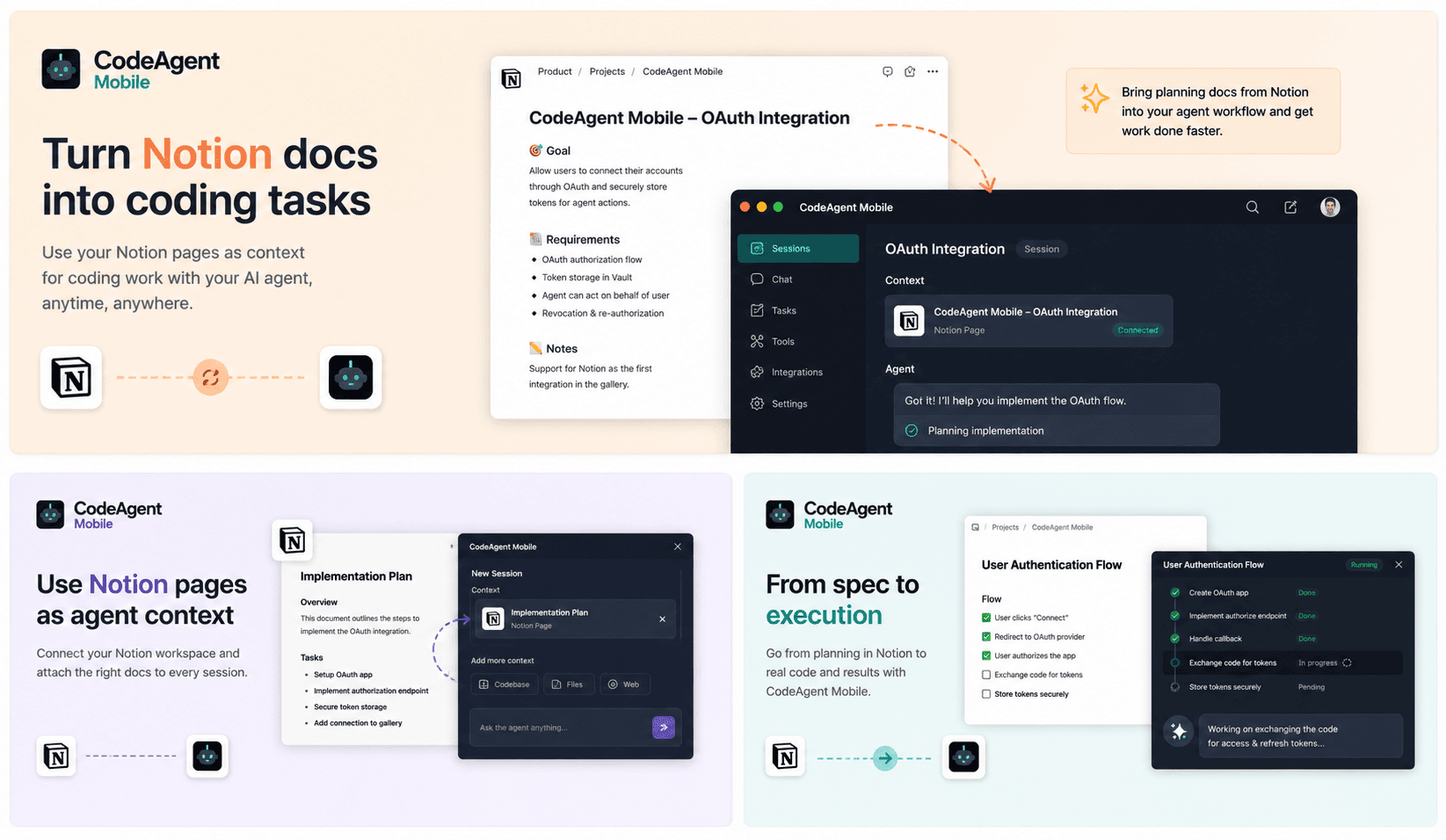
CodeAgent Mobile connects Notion to your AI coding workflows so agents can access product specs, technical notes, tasks, and project documentation during active development sessions.
Use Notion pages and databases as context when launching Codespaces, self-hosted environments, or agent sessions from CodeAgent Mobile. Your agent can understand requirements, summarize documentation, reference project decisions, and help turn Notion context into actionable engineering work.
기능
- 콘텐츠 읽기, 삽입 및 업데이트이 연결과 공유된 페이지, 데이터베이스, 블록을 읽기, 삽입 및 업데이트 수 있습니다.
- 댓글 읽기 및 추가접근할 수 있는 페이지와 블록에 댓글을 읽기 및 추가 수 있습니다.
- 워크스페이스 사용자 보기이메일 주소를 포함한 워크스페이스 멤버와 게스트에 대한 기본 프로필 상세정보를 읽습니다.
사용 방법
Get started in three steps:
1. Create a free CodeAgent Mobile account — download the iOS/Android app or open the web dashboard at https://www.codeagent-mobile.com.
2. In CodeAgent Mobile, go to Profile → Integrations → Notion and tap Connect. Authorize CodeAgent Mobile to access your Notion workspace and pick the pages and databases you want to share.
3. That's it — from any agent session, your AI coding agent can now read and act on your Notion workspace on your behalf: search pages and databases, read content, create and update pages, and append blocks, all at your request.
CodeAgent Mobile does not run its own LLM — it invokes the AI coding agent (e.g. Claude) you've connected, using your own credentials, and never stores your Notion content.
